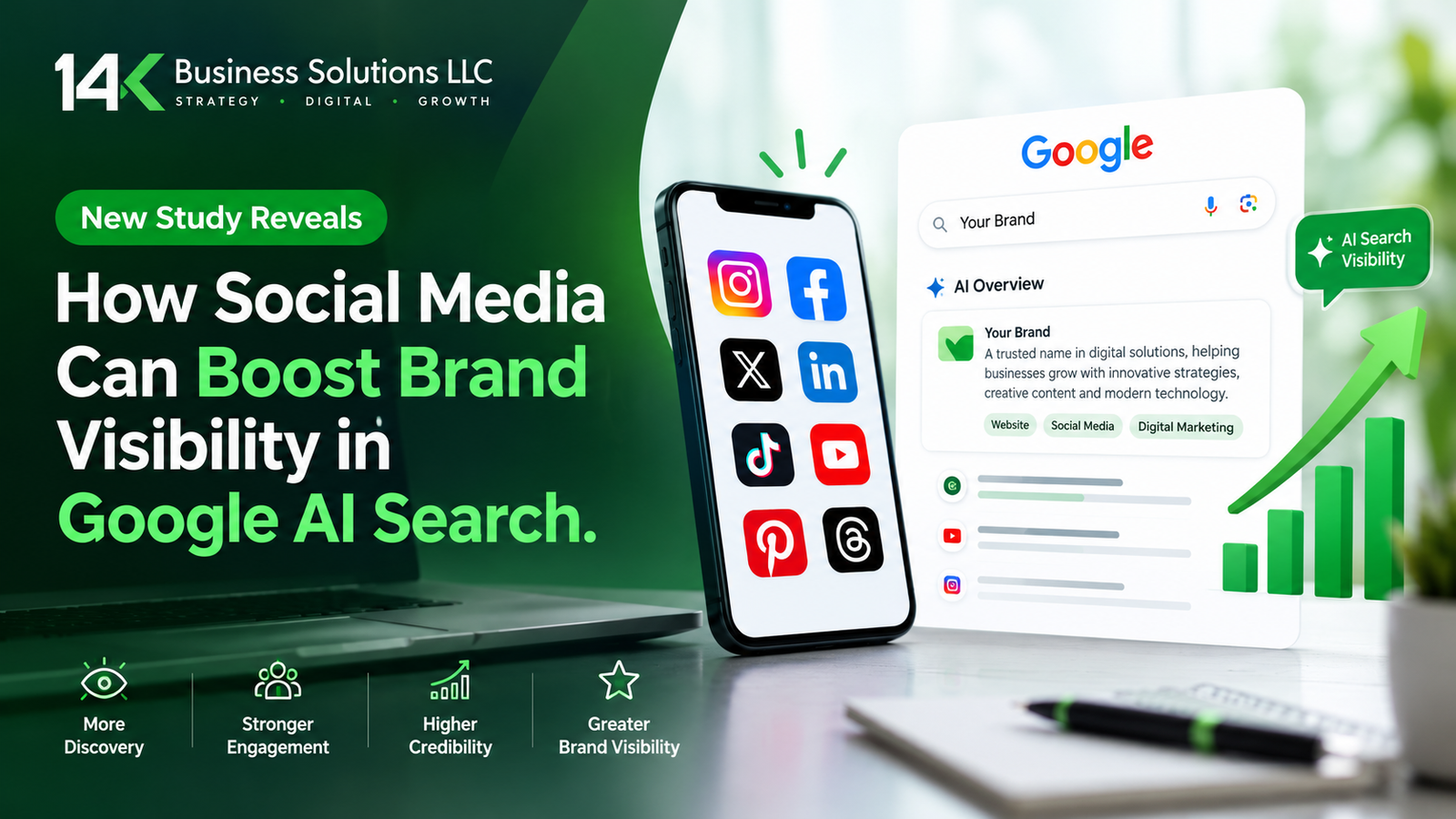
New Study Reveals How Social Media Can Boost Brand Visibility in Google AI Search
Google’s AI answers links to social media far more often than most brands expect. A new SE Ranking study found…










Google’s AI answers links to social media far more often than most brands expect. A new SE Ranking study found…
A call you never answer can now show up on your bill. That is the key change in Google Local…
When someone is in need of a plumber on a rainy Tuesday or wants to schedule a haircut during lunch…
Google’s AI answers links to social media far more often than most brands expect. A new SE Ranking study found social links in more than two-thirds of Google AI Overviews. Therefore, your social profiles may now shape how customers find you in search. The guide explains the study, the platform differences, and the steps you can take today. Moreover, it shows where Social Media Marketing Services fit into your plan. What the SE Ranking Study Found SE Ranking analyzed 100,000 keywords across 20 niches. Social platform links appeared in 67.66% of Google AI Overview responses. They also showed up in 32.39% of Google AI Mode replies. In contrast, ChatGPT included social links in only 8.4% of its answers. Regular search matters too. Social or community sites appeared in the top 10 results for 76.73% of searches. So, social content already earns space in classic results. Now it earns space in AI answers as well. Brand names change the picture. In AI Mode, social sources appeared in 48.58% of answers to searches without a brand name. For searches that included a brand name, the figure was 39.34%. Consequently, social posts can help people discover you before they know who you are. However, keep one point in mind. The study shows that social links appear often in AI answers. It does not prove that more posting causes more citations. Therefore, treat social media as one part of a wider visibility plan. Which Platforms Matter Most Each AI tool pulls from different places. YouTube leads in Google AI Overviews and makes up 16.2% of all citations there. Google owns YouTube, so that result makes sense. In AI Mode, Facebook, YouTube, and Reddit draw the most references. ChatGPT follows another pattern. Reddit and LinkedIn rank as its top social sources. Meanwhile, Google keeps a data-sharing deal with Reddit. That deal has helped keep Reddit citations steady in Google results. Yet visibility can shift fast. The report notes that Reddit’s share of ChatGPT citations dropped 86.4% in four days. As a result, a platform that works well this month may fade next month. The study authors reached a clear conclusion. Each AI tool weighs sources in its own way. So, brands cannot rely on one social channel for steady visibility. A mix of platforms gives you a safer base. Not sure which platforms fit your business? Ask a team that offers Social Media Marketing Services to review your current presence. How to Build Social Visibility for AI Search The study does not give a step-by-step plan, so these steps come from standard practice. They fit the platform patterns above. Besides these steps, focus on quality. Helpful posts earn trust from people, and people shape what the web says about you. Furthermore, a clear and consistent presence makes your brand easier to understand. Do not spread yourself too thin. Start with two or three platforms and do them well. Then add more as your team grows. In addition, check which platforms your customers use most. That choice should guide your effort. What This Means for Your Marketing Plan Social media now plays a bigger role in search than many marketers planned for. Google AI Overviews and AI Mode both cite social platforms often. ChatGPT cites them less, but it still draws from Reddit and LinkedIn. Therefore, a narrow plan leaves gaps. Social media does not replace SEO. Your website still matters, and your content still needs to help real readers. However, strong social activity now supports that work. It gives AI tools more places to find and mention your brand. Because platform patterns change, review your plan every quarter. Watch which sites AI tools cite for your topics. Then adjust your effort. This steady habit keeps your brand visible as AI search keeps changing. In short, the study gives businesses a clear signal. An active, consistent presence across several platforms can help your brand show up in AI answers. Start small, stay consistent, and measure the results. Ready to grow your brand across the platforms AI search cites the most? The team at 14 K Business Solutions offers Social Media Marketing Services built for local and growing businesses. Visit https://14kbsol.com/social-media/ and book your free consultation today.
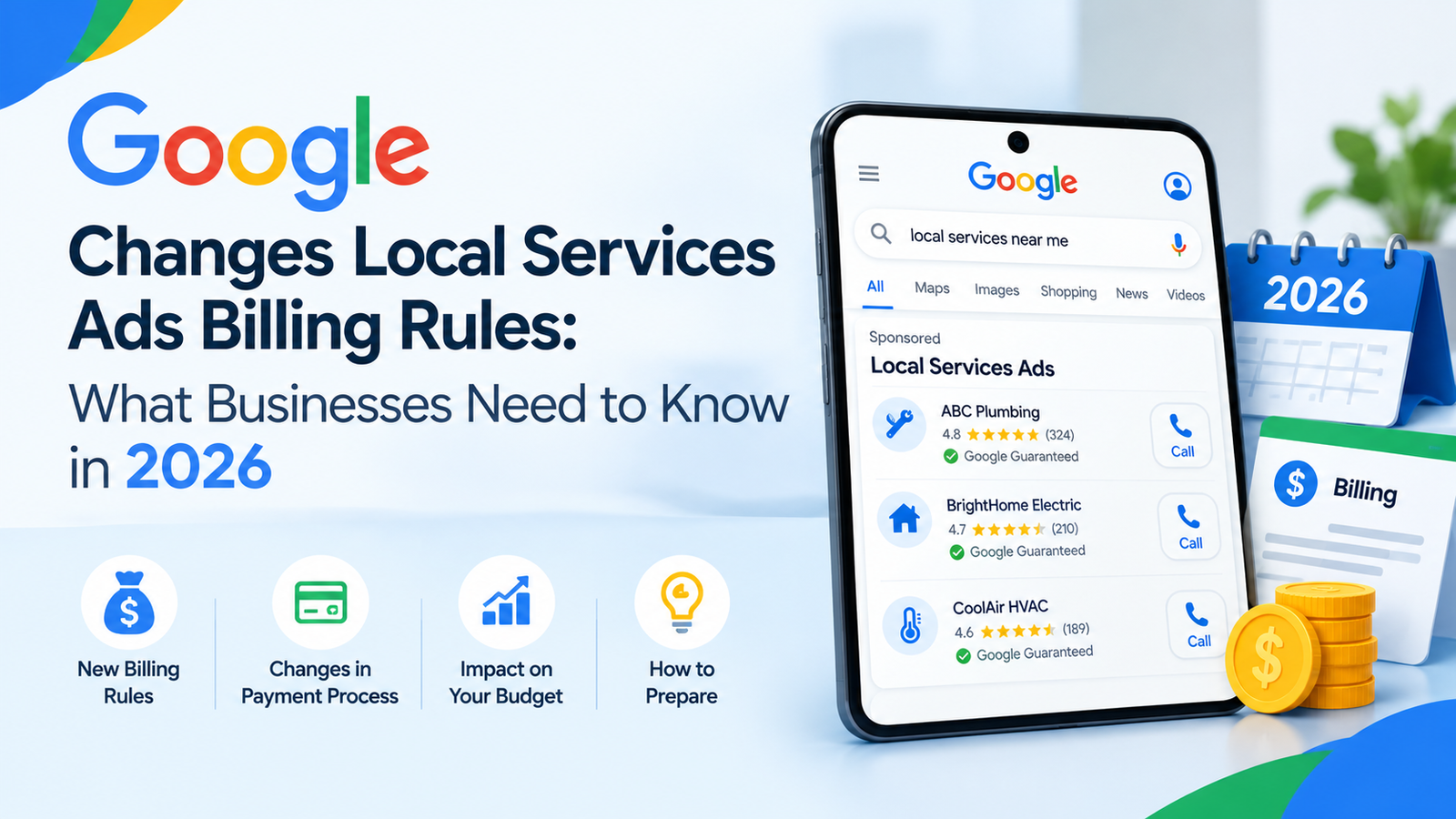
A call you never answer can now show up on your bill. That is the key change in Google Local Service Ads billing for 2026. Google told advertisers that it would update how it charges for call leads from October 2026. Therefore, business owners should review their phones and their call habits now. Many of these changes are coming from the changing dynamics of Meta Ads, TikTok Ads, and now, recently, Reddit. The push in the market for competitors has made Google shuffle and make some significant changes towards results and accuracy. This guide explains what Google announced and how you can prepare. What Google Changed in October 2026 Google sent advertisers a notice about how and when it charges for call leads. The update covers calls that come from Local Services Ads. In addition, it changes how Google treats missed calls and follow-up calls. First, look at missed calls. Google said missed calls during business hours will now count as valid leads. The caller must stay on the line for more than 20 seconds. Google also noted a few exceptions. As a result, a call that rings without an answer can still cost you money. Next, look at follow-up calls. If the first call does not qualify as a charged lead, later calls can still qualify. Those calls must meet Google’s valid lead criteria. So, a second attempt from the same customer can lead to a charge. Business hours matter under this rule. Google ties the missed call charge to calls that happen during your business hours. Therefore, check how your hours look in your account. Not sure how this affects your account? Talk to a team that manages Google Local Service Ads every day. How the Phone Menu Timer Works Many businesses use a phone menu to route callers. Google addressed this setup in its notice. If your system asks callers to press a key, the 20-second timer starts when they press it. Moreover, Google does not charge you when a caller never presses a key. This detail helps businesses with menu systems. However, a menu can also frustrate callers. Some people hang up before they reach a person. So, weigh the billing benefit against the risk of losing jobs. Google also said it wants to protect the quality of your leads. For that reason, it plans new safeguards to limit robocalls and address spam call abuse. Keep an eye on your account for updates, because these safeguards affect how your leads look. What Still Counts as a Valid Lead The basic model has not changed. With Local Services Ads, you pay for valid leads. Google first assesses each lead when the customer makes initial contact. Furthermore, it does not charge for leads it finds invalid or low quality. Answered calls remain a clear example. When you answer a call and speak with the customer, that call can count as a valid lead. In contrast, the new rule adds missed calls to the list when the caller waits past 20 seconds. You can also push back on poor leads. Google offers a survey where you can report them. In addition, Google may occasionally credit leads you report as poor quality. Do not expect a credit every time, though. Google also gives you tools to track spending. The Billing menu in your leads inbox shows what you paid for your leads. Meanwhile, the reporting dashboard shows total spending and the number of leads by channel. Those channels include message, call, and book. Booking leads are only available in the United States and Canada. After careful collection of data and rectifications if needed, the update will slowly roll out in other regions. How to Prepare Your Business There aren’t big steps involved. Many of these are already part of your practice. But the checklist helps you sort out and work with a plan. Small habits can protect your budget. Start with these steps. Besides these steps, track your own calls. Your phone system can show you how many calls ring out each week. Consequently, you can spot problems before they grow. In short, the October 2026 change rewards businesses that answer fast. The 20-second rule, the follow-up call rule, and the menu timer all affect what you pay. Act early, and you will keep better control of your spend. Want expert help with your Google Local Service Ads setup and billing? The team at 14 K Business Solutions llc manages these campaigns for local businesses. Book a free review today at https://14kbsol.com/google-local-service-ads/ and turn more of your calls into paying customers.
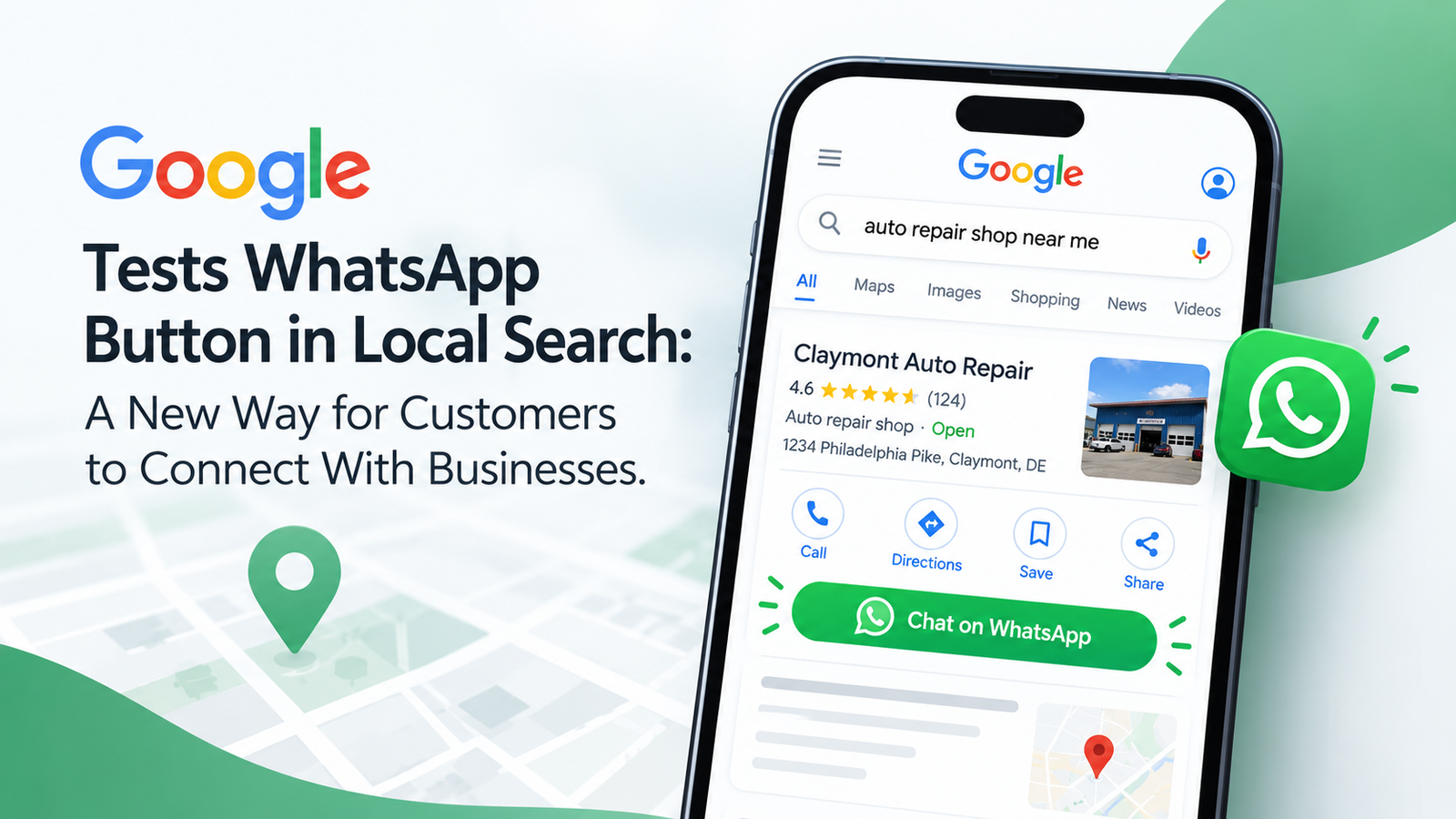
When someone is in need of a plumber on a rainy Tuesday or wants to schedule a haircut during lunch break, they’re looking for an answer immediately. The old way of doing things was straightforward for years: Go to Google, click the call button, and wait for someone to answer. Otherwise, you had to wait and listen to some elevator music or leave a voicemail and go to a competitor. Google is quietly testing a WhatsApp button right inside local Search and Maps listings, placing a green messaging icon right next to “Call,” “Directions,” and “Website.” For local business owners, this isn’t just another shiny feature. It gives you a direct, instant line to customers at the exact moment they are ready to buy. But having that button won’t do much if your profile stays buried on page three. That’s where solid, practical local SEO services come in to keep your business front and center. How a Simple Messaging Button Changes the Game If you’re young, under 40, a lot of people would prefer to send a text rather than pick up the phone. For people over 40, it would be increasingly preferred to send a text rather than pick up the phone. It’s quiet, simple, and can be done within a busy day. Access to WhatsApp means that there’s no need to go through the process of filling out online forms or waiting to be contacted back on the phone. While you are in a meeting or sitting on the train, you can message a customer. They will be able to ask a simple question such as, “Do you carry a 3” pipe fitting?” or “Can I submit a picture of my front porch for a quick estimate on painting?” If you respond to them within a few minutes, you’re likely to be the first choice that they make before they even consider looking at another business. Optimizing a profile with a professional local SEO services means that the business will appear at the top of the search results of those who are in the vicinity of it and all communication channels will be at their disposal. Why Texting Beats Phone Calls for Busy Teams Ringing phones interrupt your workflow, create noise in your shop, and force your staff to drop whatever they’re doing. Texting through WhatsApp changes the pace completely: Ranking High Comes First Having a WhatsApp button is great, but it’s completely useless if nobody sees your listing. Most local clicks go to the top three businesses featured in Google’s “Local Pack” map unit. There are three main factors that Google considers for ranking those top three: proximity to the searcher, relevance of your listing to the search query, and the credibility of your business online. In real local SEO services, you are making your categories correct, developing accurate local citations, collecting reviews, and keeping your website in good health, all of which will make Google sufficiently trust the business to position your website in that top spot. Getting Your Business Ready for Chat Inquiries Google tests new features across different cities and industries constantly, but you don’t have to wait around to get your operations ready for direct messaging. 1. Set Up a Dedicated WhatsApp Business Account With the free WhatsApp Business application, you have the option of setting up the official business account featuring your business hours, address, website URL, as well as automated greetings in response to queries coming in after you are closed. 2. Connect It to Your Google Business Profile In the Google Business Profile dashboard, you can directly insert the WhatsApp link in the contact information section. Choose the clean click-to-chat link so that users can proceed with messaging in one click. 3. Train Your Team on Response Expectations Speed is everything with messaging. If a lead texts you and waits four hours for a reply, they’ve already hired someone else. During working hours, have a member of staff monitor incoming chats and have an automated “We’ll be right with you” response in place to let prospective clients know that their chat has been received. Common Questions About the WhatsApp Feature Is the WhatsApp button available on every Google local listing? Not all of the time, not everywhere. Google is continually running direct WhatsApp buttons in specific areas and business types. Any verified business, however, can insert a WhatsApp chat link into their contact area on their profile, so that mobile searchers can text you straight from the search results. Will adding a WhatsApp link improve my Google ranking? The connection is indirect. When using a chat link, customers will engage, but it does not play a role in the ranking algorithm by default. But if many people click more, talk, and leave positive reviews because of your timely responses, this will positively affect your local visibility in the future. Is WhatsApp worth it for my specific business? When people always ask you about your availability, service areas, prices, or quotes before hiring you, especially if it’s a no-brainer, then it’s definitely a no-brainer. Ideal for contractors, repair shops, salons, medical clinics, boutiques, and local service pros. Can I just use my personal WhatsApp number? You can, but it isn’t a good idea. A WhatsApp Business account gives you essential tools. It also lets multiple staff members manage the inbox from a computer. Plus, it keeps your personal texts separate from your work life. How 14K Business Solutions Helps You Win Local Search New Google features come out all the time, but staying ahead of the competition takes consistent, hands-on effort. You’re busy managing day-to-day client work. You’re also keeping your crew busy. That probably leaves you little time for analyzing algorithm tweaks or optimizing profile code. That’s where 14 K Business Solutions steps in. We take the stress out of digital marketing. We build simple, effective strategies. These bring real local customers through your doors. Ready to Turn Local Searches Into Real Clients? How people discover and engage with
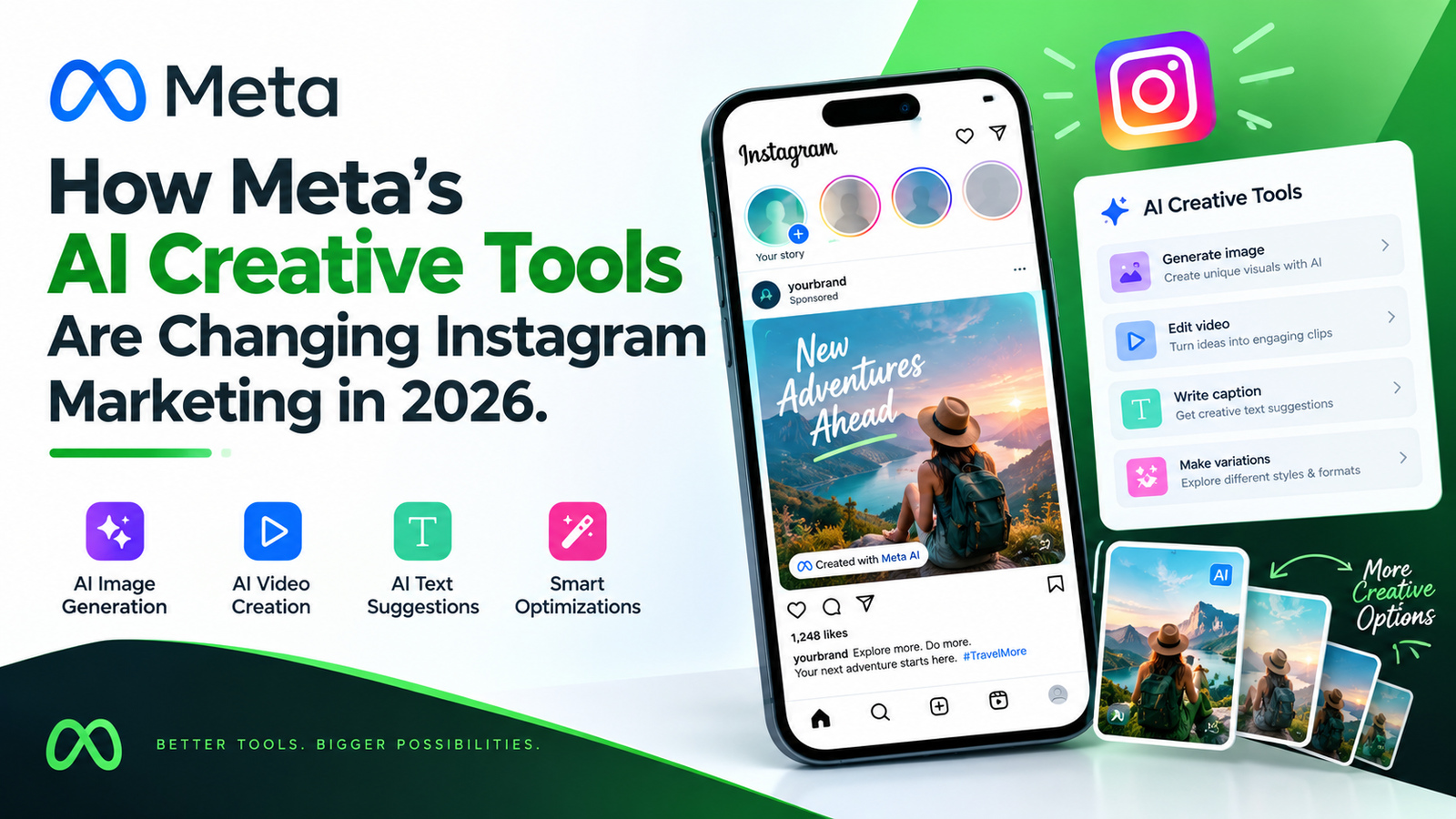
Digital creators and business owners once did everything by hand. Caption writing, video editing, and post scheduling all fell on their shoulders. AI tools are now making some of that work easier. Meta has introduced AI-powered creative tools across its platforms, including features that support content creation on Instagram. These developments are changing how brands approach social media content. They also create new opportunities for professional Social Media Marketing Services across different industries. How Instagram AI Redefines Social Media Marketing Services in 2026 Comment responses need to be rapid. Visual storytelling must be highly tailored to the audience. Meeting these demands is no small task. Leveraging advanced Social Media Marketing Services gives growing brands a powerful edge. It allows them to combine AI-powered creative tools with human campaign strategy. Instagram’s AI-powered tools are not designed to replace human creativity. Instead, they can make everyday content creation faster. Business owners can then concentrate on what really counts. That includes strategy, brand positioning, and building genuine customer relationships. What Are Instagram’s AI Creative Tools? Meta offers AI-powered creative features across its platforms, including image generation and editing capabilities that can support Instagram content creation. Meta has also introduced and previewed additional creator tools, including AI-assisted features for its Edits app. These tools can help creators experiment with visual content and explore different creative approaches. However, not every AI feature is available directly within Instagram’s professional dashboard, and availability can vary. Balancing AI Automation with Human Strategy An AI tool might generate a visually stunning post. But it still needs the right business context to support quarterly revenue goals, product launches, or local community events. Seasoned strategists view this as the moment when human management becomes crucial. Experienced marketers use performance data to understand what works and what needs to change. They ensure all their images are consistent with the authenticity and value of the brand. They also review captions and creative assets to make sure they follow advertising standards and reflect the brand’s voice. Most importantly, they focus on business results rather than vanity metrics alone. The Real Impact of AI Tools on Brand Growth and Engagement AI creative tools are changing how businesses produce content and experiment with marketing ideas. Activities that previously necessitated a lengthy manual process have become easier and quicker, allowing businesses to now experiment with creative ideas on a broader level. Faster Content Iteration and Creative A/B Testing Marketers needed to individually take multiple shots of the video. They additionally needed to create individual banners and headlines. They could only know what appealed to potential buyers once they had experienced it. AI creative tools can make it easier to develop multiple versions of a promotion, whether that means testing different visuals, headlines, or creative approaches. For paid campaigns, advertisers can use Google Ads or Meta Ads Manager reporting and testing features to compare performance. Depending on the campaign setup, Meta’s advertising systems can also optimize ad delivery. These capabilities should not be confused with an Instagram creative assistant automatically managing every part of a campaign. Predictive Audience Analytics and Creative Personalization The key to getting the message out to the right audience at the right time is delivering the right message at the right time. Instagram Insights and other analytics tools help businesses understand how their audiences interact with content. Marketers can review engagement patterns, audience activity, and the performance of different post formats to guide their decisions. For example, a business might test educational carousels at one time of day and Reels at another, then compare the results to see what works better for its audience. Posting at the right time may help content reach active followers, but it does not guarantee higher feed placement, engagement, or organic reach. Content quality and audience response still matter. Partnering with 14K Business Solutions for Strategic Success Managing AI tools alongside everyday marketing responsibilities can become overwhelming, especially when a business is trying to maintain a consistent online presence. At 14K Business Solutions, we help businesses use these tools without losing sight of their marketing goals. Our team brings together technology and human creativity. We use digital marketing tools and market research to understand what businesses need and how to reach their audiences. Together, we create marketing strategies and campaigns tailored to your market. We support different aspects of your online presence, including content creation, social media management, and targeted paid advertising. Our focus is on connecting your marketing activities with your business objectives and using performance insights to improve campaigns over time. Embrace the Future of Digital Marketing Today The web is evolving at a rapid pace. As AI-powered creative tools become more common, businesses have new ways to experiment with content and improve their workflows. Exploring the tools available through Meta can be a useful part of a broader social media strategy. AI can support your content workflow, but building customer relationships still takes relevant content and genuine interaction. Get in contact with 14 K Business Solutions today. Let’s enhance your online presence!


