
Design System

google local service ads

Our Blog

inspiring, insightful & accurate

Lorem ipsum dolor sit amet, consectetur adipiscing elit. Ut elit tellus, luctus nec ullamcorper mattis, pulvinar dapibus leo.

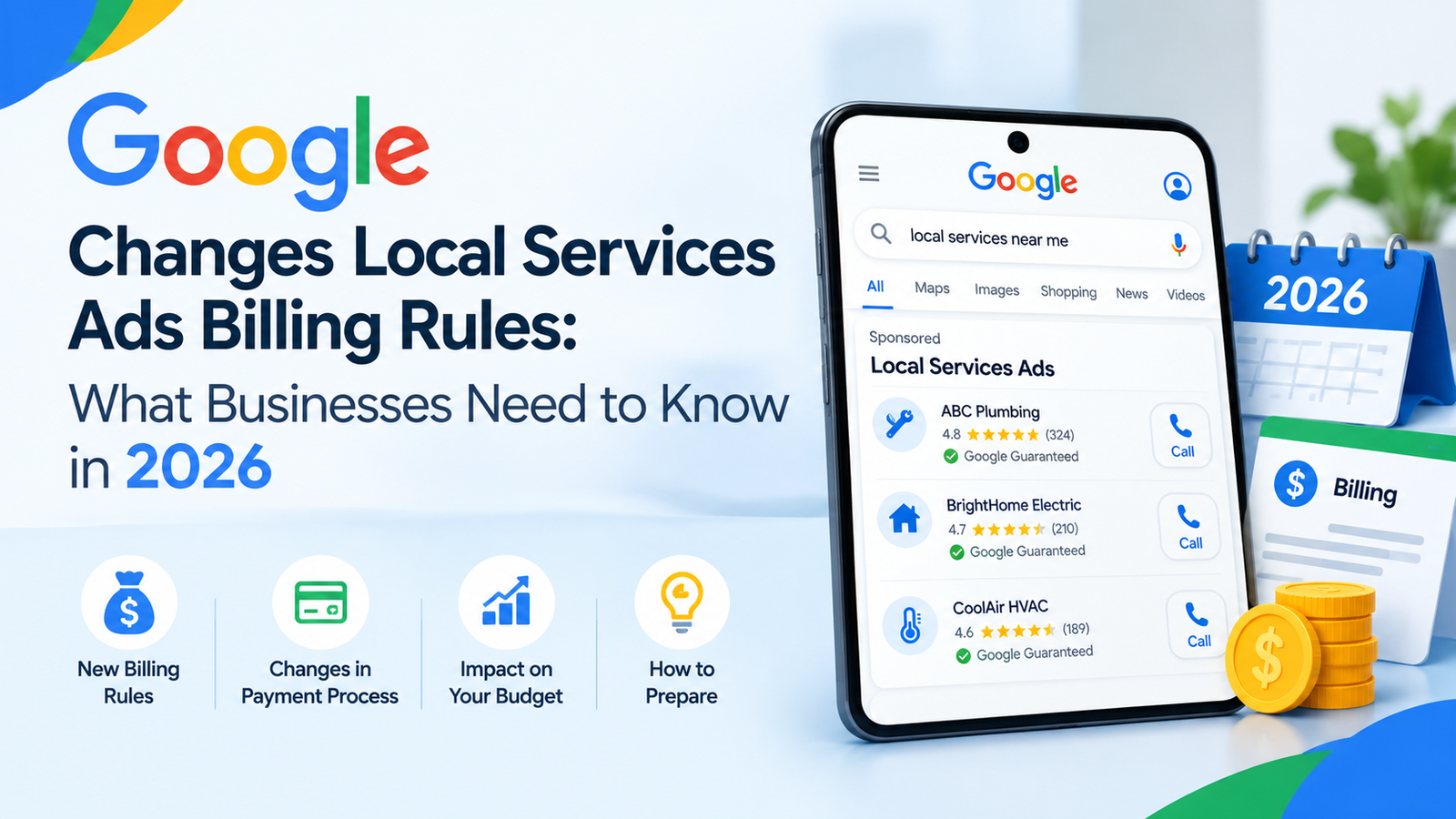
Google Local Services Ads billing rules for 2026, featuring local search results, payment changes, budget impact, and billing updates.

Google Changes Local Services Ads Billing Rules: What Businesses Need to Know in 2026

A call you never answer can now show up on your bill. That is the key change in Google Local Service Ads billing for 2026. Google told advertisers that it would update how it charges for call leads from October 2026. Therefore, business owners should review their phones and their call habits now. Many of these changes are coming from the changing dynamics of Meta Ads, TikTok Ads, and now, recently, Reddit. The push in the market for competitors has made Google shuffle and make some significant changes towards results and accuracy.  This guide explains what Google announced and how you can prepare. What Google Changed in October 2026 Google sent advertisers a notice about how and when it charges for call leads. The update covers calls that come from Local Services Ads. In addition, it changes how Google treats missed calls and follow-up calls. First, look at missed calls. Google said missed calls during business hours will now count as valid leads. The caller must stay on the line for more than 20 seconds. Google also noted a few exceptions. As a result, a call that rings without an answer can still cost you money. Next, look at follow-up calls. If the first call does not qualify as a charged lead, later calls can still qualify. Those calls must meet Google’s valid lead criteria. So, a second attempt from the same customer can lead to a charge. Business hours matter under this rule. Google ties the missed call charge to calls that happen during your business hours. Therefore, check how your hours look in your account. Not sure how this affects your account? Talk to a team that manages Google Local Service Ads every day. How the Phone Menu Timer Works Many businesses use a phone menu to route callers. Google addressed this setup in its notice. If your system asks callers to press a key, the 20-second timer starts when they press it. Moreover, Google does not charge you when a caller never presses a key. This detail helps businesses with menu systems. However, a menu can also frustrate callers. Some people hang up before they reach a person. So, weigh the billing benefit against the risk of losing jobs. Google also said it wants to protect the quality of your leads. For that reason, it plans new safeguards to limit robocalls and address spam call abuse. Keep an eye on your account for updates, because these safeguards affect how your leads look. What Still Counts as a Valid Lead The basic model has not changed. With Local Services Ads, you pay for valid leads. Google first assesses each lead when the customer makes initial contact. Furthermore, it does not charge for leads it finds invalid or low quality. Answered calls remain a clear example. When you answer a call and speak with the customer, that call can count as a valid lead. In contrast, the new rule adds missed calls to the list when the caller waits past 20 seconds. You can also push back on poor leads. Google offers a survey where you can report them. In addition, Google may occasionally credit leads you report as poor quality. Do not expect a credit every time, though. Google also gives you tools to track spending. The Billing menu in your leads inbox shows what you paid for your leads. Meanwhile, the reporting dashboard shows total spending and the number of leads by channel. Those channels include message, call, and book. Booking leads are only available in the United States and Canada. After careful collection of data and rectifications if needed, the update will slowly roll out in other regions. How to Prepare Your Business There aren’t big steps involved. Many of these are already part of your practice. But the checklist helps you sort out and work with a plan. Small habits can protect your budget. Start with these steps. Besides these steps, track your own calls. Your phone system can show you how many calls ring out each week. Consequently, you can spot problems before they grow. In short, the October 2026 change rewards businesses that answer fast. The 20-second rule, the follow-up call rule, and the menu timer all affect what you pay. Act early, and you will keep better control of your spend. Want expert help with your Google Local Service Ads setup and billing? The team at 14 K Business Solutions llc manages these campaigns for local businesses. Book a free review today at https://14kbsol.com/google-local-service-ads/ and turn more of your calls into paying customers.
Read More »
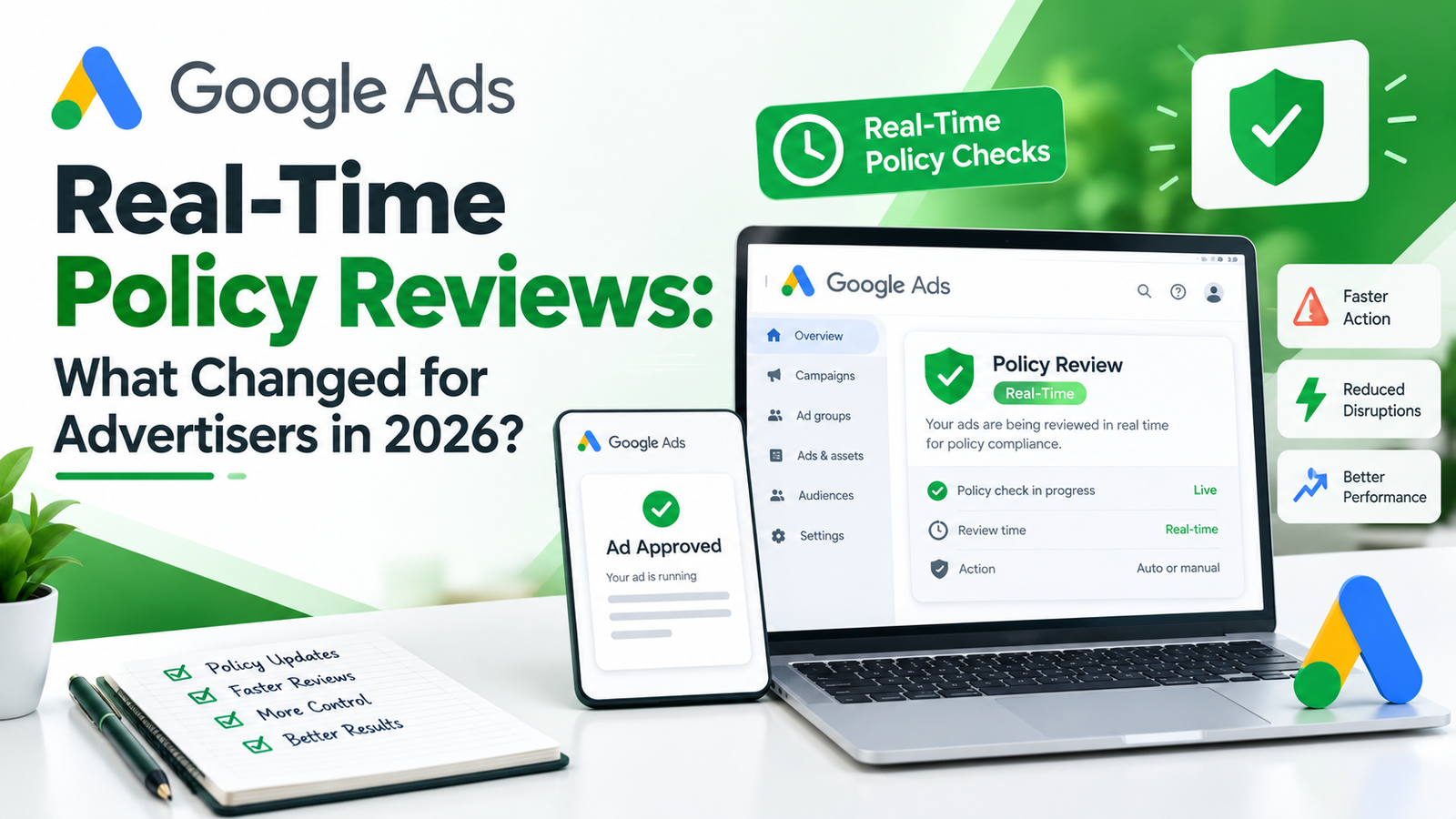
Google Ads real-time policy reviews in 2026 showing an ad approval dashboard, compliance shield, review status, and advertiser checklist.

Google Ads Real-Time Policy Reviews: What Changed for Advertisers in 2026?

If you have ever written a Google ad and then waited a long time to see if it was approved, you know how annoying that can be. In 2026, Google changed this experience with a feature called Real-Time Policy Reviews. Instead of making you submit an ad and wait, Google now checks your work while you type and gives you an answer the moment you save. For small businesses that need to launch fast, this is a turning point. How Ad Reviews Used to Work In the past, you would write your ad, save it, and send it into a review queue. Sometimes approval came within minutes. Other times it took an hour or longer, and you had no clear idea where your ad stood. If something was wrong, you only found out after the wait was over. Then you fixed it, submitted it again, and waited once more. For businesses running time sensitive offers, such as a weekend sale or an emergency repair service, those delays could mean lost customers. What Real-Time Policy Reviews Actually Do Real-Time Policy Reviews move the check into the ad creation process itself. As you type your headlines and descriptions, Google looks at each field and points out simple editorial problems, like typing errors, capitalization, or too many exclamation marks. You can fix these before you ever press save. Once you save, Google gives you a policy decision right away. If nothing is wrong, your ad is approved and can start showing almost immediately. If there is an issue, you are taken to a new policy page that explains the problem and your options. Google says that review times that used to run longer than an hour now typically happen in real time. Where This Feature Works Today It helps to know the limits. Right now, the feature supports text assets in Responsive Search Ads, and it works in both the Google Ads interface and Google Ads Editor. Google has said that coverage should expand to Performance Max and Demand Gen campaigns in the second half of 2026, so it is worth checking your own account to see whether those campaign types have received it yet. Ads that need human judgment, such as ones that require a certification, can still take longer. Does This Affect Local Service Businesses? Many local businesses ask whether this change reaches Google Local Service Ads. The honest answer is that it is not part of this rollout. Real-Time Policy Reviews are built for text ads inside standard Google Ads campaigns. Google Local Service Ads work differently, because they depend on business verification, background checks, and badges like Google Guaranteed before your listing goes live. Those steps still follow their own timeline. Many local businesses run both service listings and search campaigns, so faster approvals on search ads can help you stay visible while your service listing finishes verification. A Tighter Deadline for Appeals Another 2026 change deserves your attention. Starting July 21, 2026, advertisers can no longer appeal a policy decision from inside their account if that decision is more than six months old. Other routes, like contacting support, still exist, but they tend to be slower and less predictable. So if an old disapproval is sitting in your account, do not ignore it. Checking your policy status once a week is a simple habit that keeps you inside that window. Tips for Getting Approved on the First Save Because the system reacts instantly, clean inputs matter more than ever. Write headlines in normal sentence case instead of all capital letters, and skip stacked exclamation marks. Avoid vague or exaggerated claims, and be specific about what you offer. Double check that your landing page link works and does not redirect to a broken page, since problems with the final URL can now be caught while you build the ad. If your industry needs a certification, apply for it before you launch. It also helps to keep your business name, phone number, and service details consistent between your ads and your website, so nothing looks out of place to reviewers. Final Thoughts Real-Time Policy Reviews make Google Ads feel faster and more honest. You find problems while you are still writing, and good ads can go live without a long wait. The expansion to more campaign types later in 2026 should make this even more useful, while the new appeal limit reminds everyone to stay on top of account health. If you run Google Local Service Ads alongside search campaigns, treat each one as its own process and keep both up to date. If you want help setting up, fixing, or growing your Google advertising, 14 K Business Solutions is here to support you every step of the way.

Read More »