
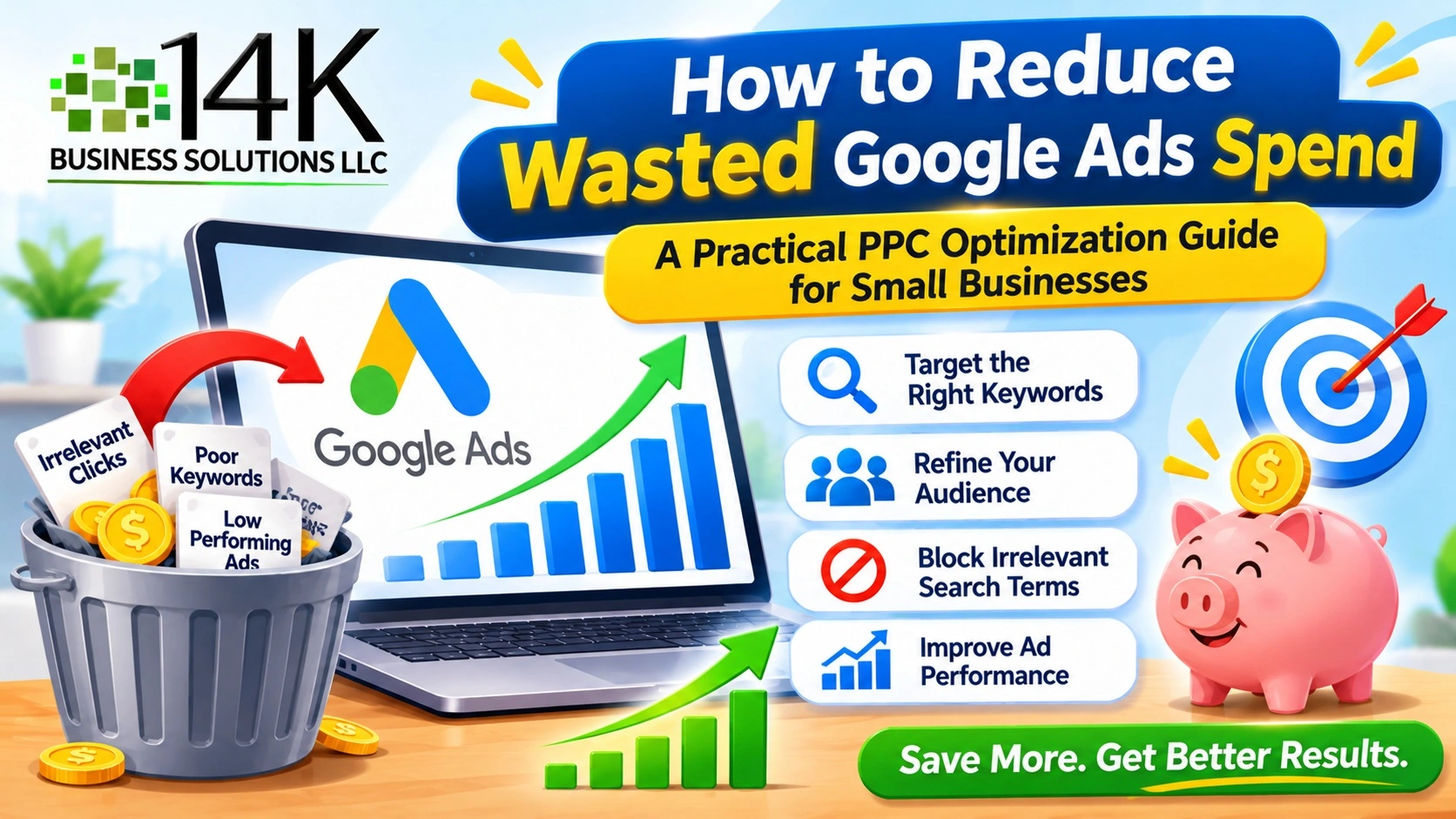
A lot of small business owners say the same thing: they put money into Google Ads, get plenty of clicks, and then wonder where the budget went. It’s frustrating. You’re paying for traffic, but not all of it is worth having. If you want to learn how to reduce Google Ads spending, the good news is that you don’t have to shut your ads down. You just need to stop paying for clicks that were never going to turn into customers.
Look at What You’re Actually Paying For
Start with your search terms report. It shows many of the actual searches that triggered your ads, although Google doesn’t display every search term. You might find searches that have nothing to do with your business, or people looking for something you don’t offer at all. Every one of those clicks costs you money.
Then look at your keywords. Some will bring in calls and orders. Others will collect clicks month after month and never produce a single lead. Once you can tell the two groups apart, you know exactly where to cut.
Add Negative Keywords
Negative keywords help prevent your ads from appearing for searches you don’t want to target. A business that sells paid services might block words like free, jobs, or tutorial, since those searchers rarely become customers.
Make it a habit to check your search terms every week or two. Whenever you spot a phrase that doesn’t fit, add it to your negative list. It takes a few minutes, but it can make a real difference. Reviewing negative keywords regularly is one practical way to reduce wasted Google Ads spending without unnecessarily limiting relevant traffic.
Be Careful With Match Types
Match types decide how closely a search has to match your keyword. Broad match can reach a wider range of relevant searches, including searches that don’t contain your exact keyword. That wider reach can also bring in searches that aren’t a good fit for your business.
Phrase match and exact match offer more control over which searches can trigger your ads, although they don’t automatically guarantee better leads. When your budget is small, that trade is often worth making. You can always loosen things up later once you know what works.
Improve Your Ads and Landing Pages
Google’s Quality Score is a diagnostic measure based on expected click-through rate, ad relevance, and landing page experience. Improving these areas can support better ad performance, but a higher Quality Score doesn’t guarantee a lower cost per click.
The idea is simple. Write ads that answer what the person searched for, and send them to a page that carries on the same message. If the page is slow, cluttered, or has nothing to do with the ad, people leave right away. You’ve paid for the click and got nothing back. Check that your page loads quickly, looks fine on a phone, and makes it easy to call, book, or buy.
Fix Your Targeting
Targeting settings hide more waste than most people expect. If you only serve a few areas, review your location targeting settings. Consider targeting people in or regularly in your service area rather than also reaching people who have shown interest in it. There’s no benefit in paying for clicks from people you can’t help.
Timing matters too. If your office is closed at night, review whether those hours generate valuable leads or sales. You may want to adjust your ad schedule based on actual conversion performance rather than business hours alone. Your reports will show which days and times work best. Device settings are worth a look as well. If people on mobile click a lot but rarely contact you, review mobile performance and make adjustments supported by your bidding strategy.
Use Budgets and Bids Wisely
Splitting a small budget across lots of campaigns usually means none of them get enough to work properly. It’s smarter to put more money behind the campaigns that perform and pause the ones that don’t.
Bidding deserves attention too. Automated strategies such as Maximize Conversions use Google’s signals to optimize bids for conversions. Their effectiveness depends on your conversion tracking, campaign settings, and available data. Manual bidding offers more direct control in eligible campaigns, but it isn’t necessarily the best choice for every new account. Whichever you choose, keep an eye on it.
Track What Matters
It’s hard to cut waste when you can’t tell what’s working. Set up conversion tracking for the things that matter to your business, like phone calls, form submissions, and purchases.
With that in place, you can compare the cost of each lead or sale across campaigns. Sometimes a keyword with an expensive click brings in the best customers, so it deserves to stay. Judge your keywords by the leads, sales, or other valuable actions they generate, not only by what each click costs.
Final Thoughts
Wasted ad spend is rarely caused by one big mistake. It usually builds up from small things that go unnoticed. When you block the wrong searches, tighten your settings, improve your pages, and track real results, you get a clear picture of how to reduce Google Ads spending and still bring in quality leads. If you’d rather have someone else handle the work, 14K Business Solutions is here to help you get more out of every ad dollar.