
If you’ve ever pointed your phone at a pair of shoes to find out where to buy them, you’ve done a multimodal search. Lots of people do this every day now. The problem is that website owners never had a clear way to see it in their reports. Google just fixed that. Search Console now has a filter for searches that start with an image, and it’s worth a look if you care about your traffic.
What Google Announced
On September 24, 2026, Google announced new reporting for web multimodal search. Before this update, Search Console showed all web searches in one combined view. Now it separates them into text based searches and multimodal searches.
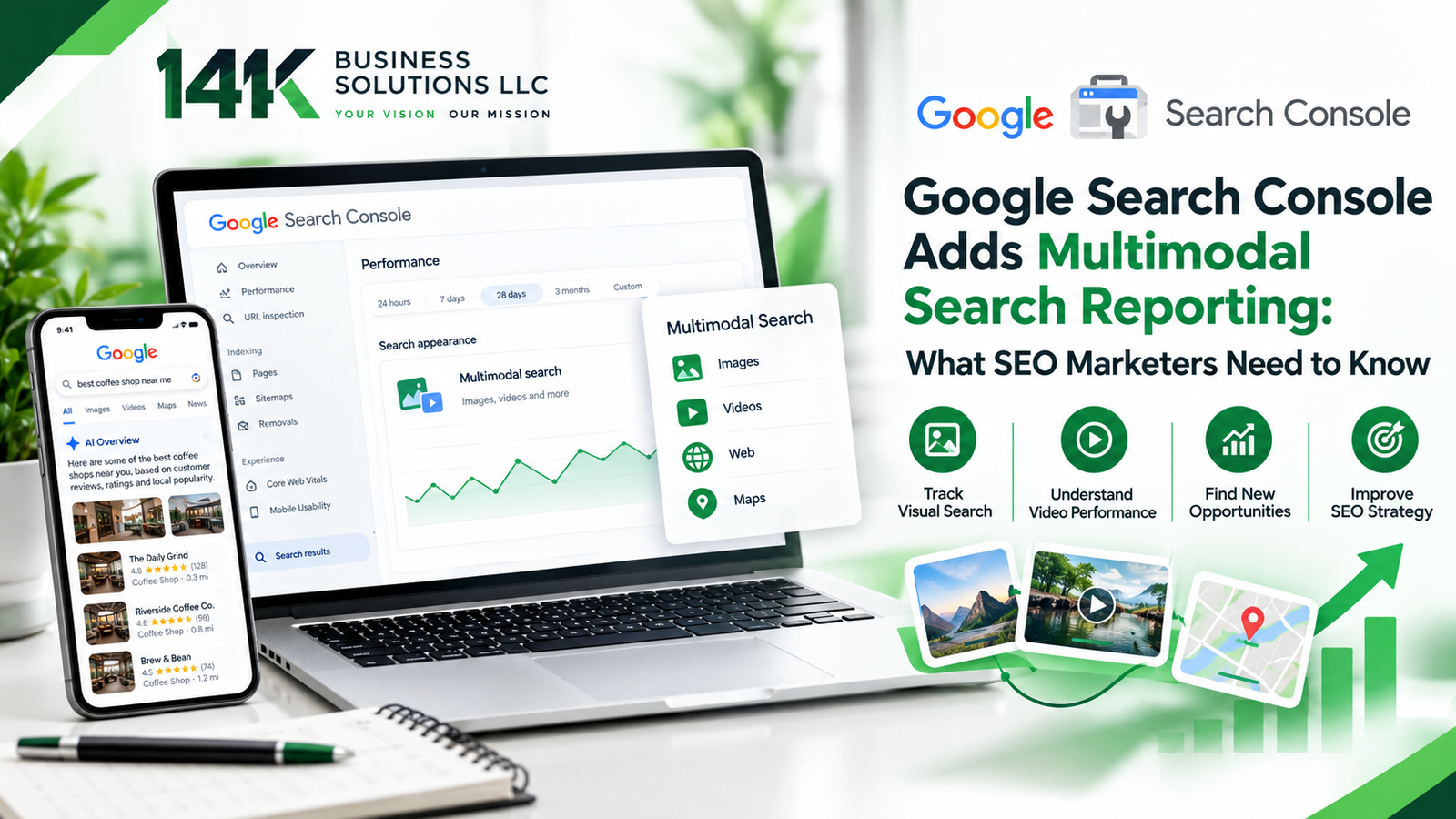
In this report, multimodal search refers to web searches that use an image as part of the query. The new data includes searches made with Google Lens, Circle to Search on Android, images uploaded to Google Search, and Chrome’s right-click option that lets people search an image. Google says the update is rolling out worldwide, so it may take a few days to appear in your account.
Where to Find the Data
You do not need any special setup. Sign in to Search Console, open Performance, and go to the Search results report. Click the Search type filter at the top and choose Web: multimodal. You will then see clicks and impressions from image based searches. You can also view the numbers by page, country, device, and date. The same filter is available in the Generative AI features report, giving you another way to understand how your content appears in supported Google AI features. The rollout began globally on September 24, so it may take some time for data to appear, especially if your site receives little multimodal search traffic.
Why This Update Matters
Image searches can come from people trying to identify, find, buy, or learn more about something they see. Someone who takes a photo of a chair or a broken appliance part usually wants to find it, buy it, or fix it soon. If your page appears for that search, you reach a person with real interest.
The new report helps you see which pages are getting that attention. You might find that one product page or a set of photos brings in more visits than you expected. It also shows that search is becoming more visual, so the images on your website now play a bigger role in how people find you.
How Local Businesses Can Use It
For shops, restaurants, clinics, and service companies, this can be very useful. Multimodal search can also be relevant to local businesses, especially when people use tools such as Google Lens or Circle to Search to identify products, places, or things they see around them. Businesses that use Local SEO Services can look at this data next to their Google Business Profile, reviews, and location pages to see how customers really find them. For example, a bakery may learn that photos of its wedding cakes bring in more image based visits than its regular menu page. The owner can then add more cake photos, write better descriptions, and make ordering easier.
Ways to Get Your Website Ready
The best place to start is your images. Use clear, useful photos that accurately show your products, services, team, or location rather than relying entirely on generic stock imagery. Give each image file a simple name that describes it, and write short alt text that explains what is in the picture. Place important images near relevant text that explains what the image shows and gives users useful context.
Mobile performance still matters, particularly for searches involving smartphone cameras and Circle to Search. It also helps to keep your business name, address, and phone number the same everywhere online. This is a basic part of good local SEO services, and it makes it easier for nearby customers to find you. Once a month, check the multimodal report and see which pages are getting impressions. Improve those pages first, since they already have some visibility.
Limits You Should Know About
Multimodal data is a good start, but it won’t answer every question. Google puts Lens, Circle to Search, image uploads, and Chrome image searches into one bucket, so you can’t tell which one sent the visit. You also can’t always see which photo started the search, which makes it hard to know exactly what caught someone’s eye. Google hasn’t added the multimodal split to the Search Console API yet, so any dashboards you’ve built with API data won’t show it for now. Keep it separate from your old Google Images numbers too, since the two measure different things. Use these clicks and impressions as a rough guide for your SEO planning, then check your website analytics to see whether those visitors actually call, buy, or book.
Final Thoughts
Multimodal search reporting gives SEO marketers a clearer view of a growing part of search. Take a little time to check the new filter, review your images, and make small improvements where you can. If you would like expert help turning this data into more customers, 14K Business Solutions is here to support you with Local SEO Services that fit your business goals.