Design System

Uncategorized

Our Blog

inspiring, insightful & accurate

Lorem ipsum dolor sit amet, consectetur adipiscing elit. Ut elit tellus, luctus nec ullamcorper mattis, pulvinar dapibus leo.

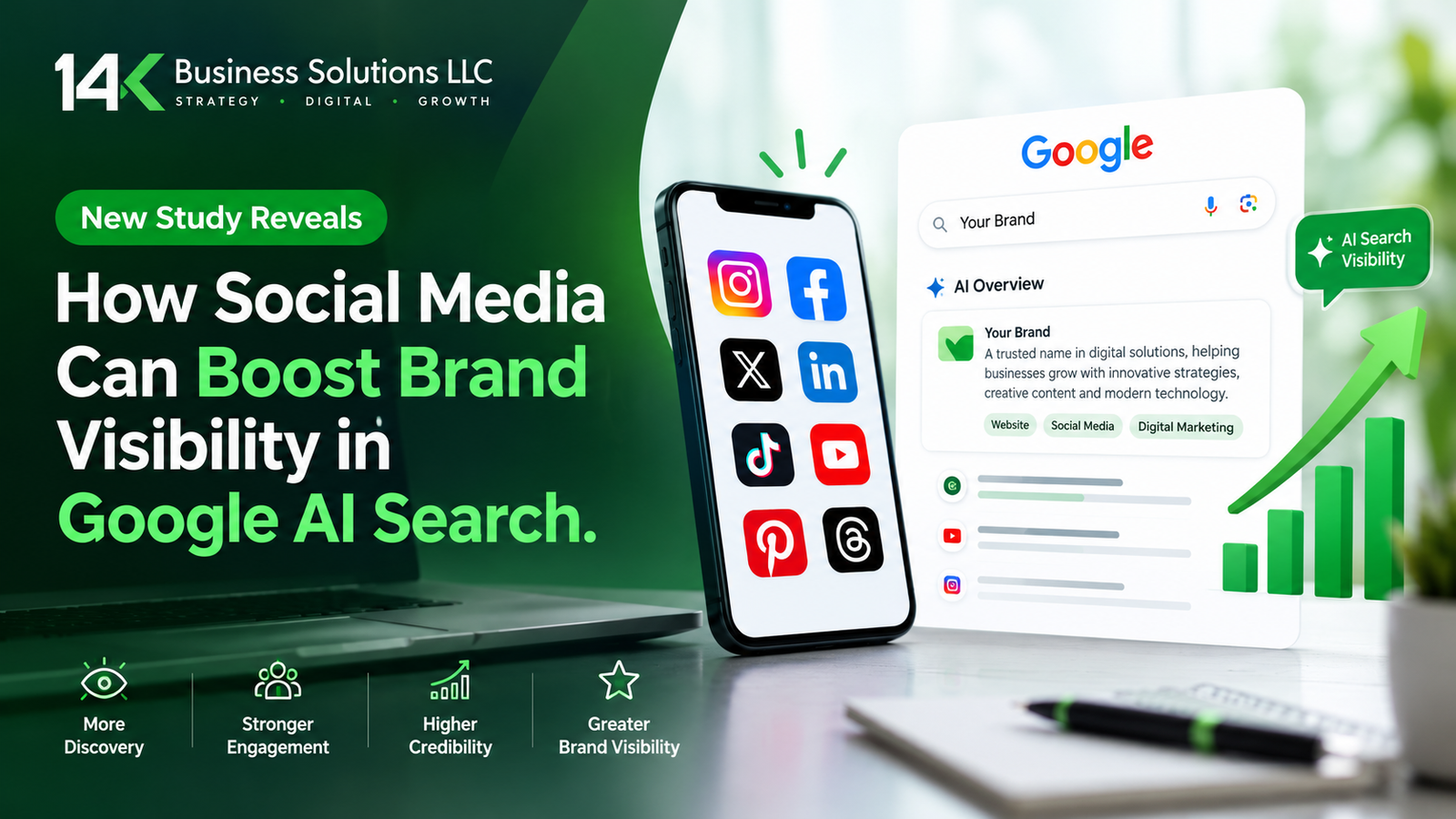
14K Business Solutions graphic showing how social media platforms boost brand visibility in Google AI Search through engagement and growth.

New Study Reveals How Social Media Can Boost Brand Visibility in Google AI Search

Google’s AI answers links to social media far more often than most brands expect. A new SE Ranking study found social links in more than two-thirds of Google AI Overviews. Therefore, your social profiles may now shape how customers find you in search. The guide explains the study, the platform differences, and the steps you can take today. Moreover, it shows where Social Media Marketing Services fit into your plan. What the SE Ranking Study Found SE Ranking analyzed 100,000 keywords across 20 niches. Social platform links appeared in 67.66% of Google AI Overview responses. They also showed up in 32.39% of Google AI Mode replies. In contrast, ChatGPT included social links in only 8.4% of its answers. Regular search matters too. Social or community sites appeared in the top 10 results for 76.73% of searches. So, social content already earns space in classic results. Now it earns space in AI answers as well. Brand names change the picture. In AI Mode, social sources appeared in 48.58% of answers to searches without a brand name. For searches that included a brand name, the figure was 39.34%. Consequently, social posts can help people discover you before they know who you are. However, keep one point in mind. The study shows that social links appear often in AI answers. It does not prove that more posting causes more citations. Therefore, treat social media as one part of a wider visibility plan. Which Platforms Matter Most Each AI tool pulls from different places. YouTube leads in Google AI Overviews and makes up 16.2% of all citations there. Google owns YouTube, so that result makes sense. In AI Mode, Facebook, YouTube, and Reddit draw the most references. ChatGPT follows another pattern. Reddit and LinkedIn rank as its top social sources. Meanwhile, Google keeps a data-sharing deal with Reddit. That deal has helped keep Reddit citations steady in Google results. Yet visibility can shift fast. The report notes that Reddit’s share of ChatGPT citations dropped 86.4% in four days. As a result, a platform that works well this month may fade next month. The study authors reached a clear conclusion. Each AI tool weighs sources in its own way. So, brands cannot rely on one social channel for steady visibility. A mix of platforms gives you a safer base. Not sure which platforms fit your business? Ask a team that offers Social Media Marketing Services to review your current presence. How to Build Social Visibility for AI Search The study does not give a step-by-step plan, so these steps come from standard practice. They fit the platform patterns above. Besides these steps, focus on quality. Helpful posts earn trust from people, and people shape what the web says about you. Furthermore, a clear and consistent presence makes your brand easier to understand. Do not spread yourself too thin. Start with two or three platforms and do them well. Then add more as your team grows. In addition, check which platforms your customers use most. That choice should guide your effort. What This Means for Your Marketing Plan Social media now plays a bigger role in search than many marketers planned for. Google AI Overviews and AI Mode both cite social platforms often. ChatGPT cites them less, but it still draws from Reddit and LinkedIn. Therefore, a narrow plan leaves gaps. Social media does not replace SEO. Your website still matters, and your content still needs to help real readers. However, strong social activity now supports that work. It gives AI tools more places to find and mention your brand. Because platform patterns change, review your plan every quarter. Watch which sites AI tools cite for your topics. Then adjust your effort. This steady habit keeps your brand visible as AI search keeps changing. In short, the study gives businesses a clear signal. An active, consistent presence across several platforms can help your brand show up in AI answers. Start small, stay consistent, and measure the results. Ready to grow your brand across the platforms AI search cites the most? The team at 14 K Business Solutions offers Social Media Marketing Services built for local and growing businesses. Visit https://14kbsol.com/social-media/ and book your free consultation today.
Read More »
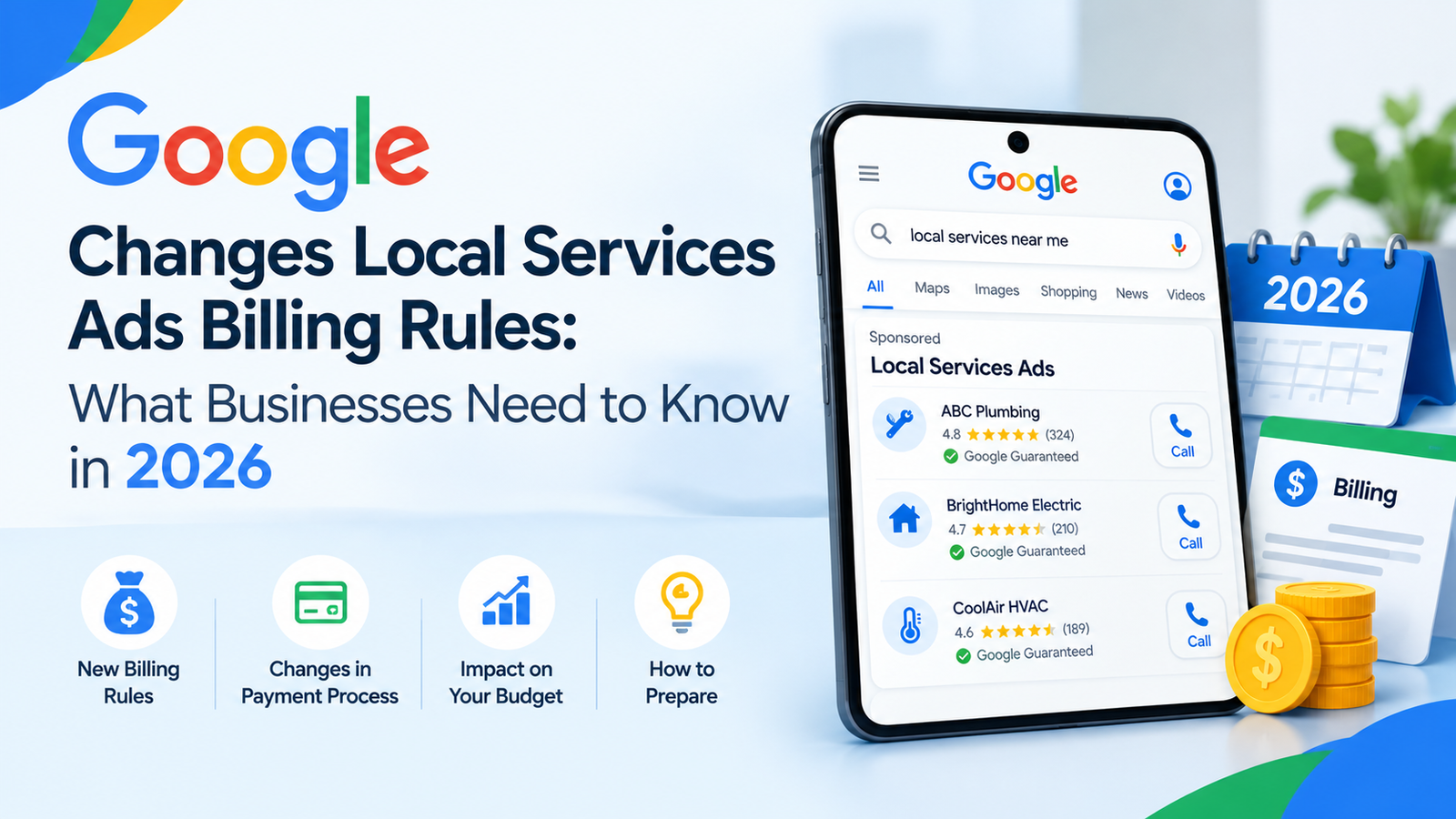
Google Local Services Ads billing rules for 2026, featuring local search results, payment changes, budget impact, and billing updates.

Google Changes Local Services Ads Billing Rules: What Businesses Need to Know in 2026

A call you never answer can now show up on your bill. That is the key change in Google Local Service Ads billing for 2026. Google told advertisers that it would update how it charges for call leads from October 2026. Therefore, business owners should review their phones and their call habits now. Many of these changes are coming from the changing dynamics of Meta Ads, TikTok Ads, and now, recently, Reddit. The push in the market for competitors has made Google shuffle and make some significant changes towards results and accuracy.  This guide explains what Google announced and how you can prepare. What Google Changed in October 2026 Google sent advertisers a notice about how and when it charges for call leads. The update covers calls that come from Local Services Ads. In addition, it changes how Google treats missed calls and follow-up calls. First, look at missed calls. Google said missed calls during business hours will now count as valid leads. The caller must stay on the line for more than 20 seconds. Google also noted a few exceptions. As a result, a call that rings without an answer can still cost you money. Next, look at follow-up calls. If the first call does not qualify as a charged lead, later calls can still qualify. Those calls must meet Google’s valid lead criteria. So, a second attempt from the same customer can lead to a charge. Business hours matter under this rule. Google ties the missed call charge to calls that happen during your business hours. Therefore, check how your hours look in your account. Not sure how this affects your account? Talk to a team that manages Google Local Service Ads every day. How the Phone Menu Timer Works Many businesses use a phone menu to route callers. Google addressed this setup in its notice. If your system asks callers to press a key, the 20-second timer starts when they press it. Moreover, Google does not charge you when a caller never presses a key. This detail helps businesses with menu systems. However, a menu can also frustrate callers. Some people hang up before they reach a person. So, weigh the billing benefit against the risk of losing jobs. Google also said it wants to protect the quality of your leads. For that reason, it plans new safeguards to limit robocalls and address spam call abuse. Keep an eye on your account for updates, because these safeguards affect how your leads look. What Still Counts as a Valid Lead The basic model has not changed. With Local Services Ads, you pay for valid leads. Google first assesses each lead when the customer makes initial contact. Furthermore, it does not charge for leads it finds invalid or low quality. Answered calls remain a clear example. When you answer a call and speak with the customer, that call can count as a valid lead. In contrast, the new rule adds missed calls to the list when the caller waits past 20 seconds. You can also push back on poor leads. Google offers a survey where you can report them. In addition, Google may occasionally credit leads you report as poor quality. Do not expect a credit every time, though. Google also gives you tools to track spending. The Billing menu in your leads inbox shows what you paid for your leads. Meanwhile, the reporting dashboard shows total spending and the number of leads by channel. Those channels include message, call, and book. Booking leads are only available in the United States and Canada. After careful collection of data and rectifications if needed, the update will slowly roll out in other regions. How to Prepare Your Business There aren’t big steps involved. Many of these are already part of your practice. But the checklist helps you sort out and work with a plan. Small habits can protect your budget. Start with these steps. Besides these steps, track your own calls. Your phone system can show you how many calls ring out each week. Consequently, you can spot problems before they grow. In short, the October 2026 change rewards businesses that answer fast. The 20-second rule, the follow-up call rule, and the menu timer all affect what you pay. Act early, and you will keep better control of your spend. Want expert help with your Google Local Service Ads setup and billing? The team at 14 K Business Solutions llc manages these campaigns for local businesses. Book a free review today at https://14kbsol.com/google-local-service-ads/ and turn more of your calls into paying customers.

Read More »
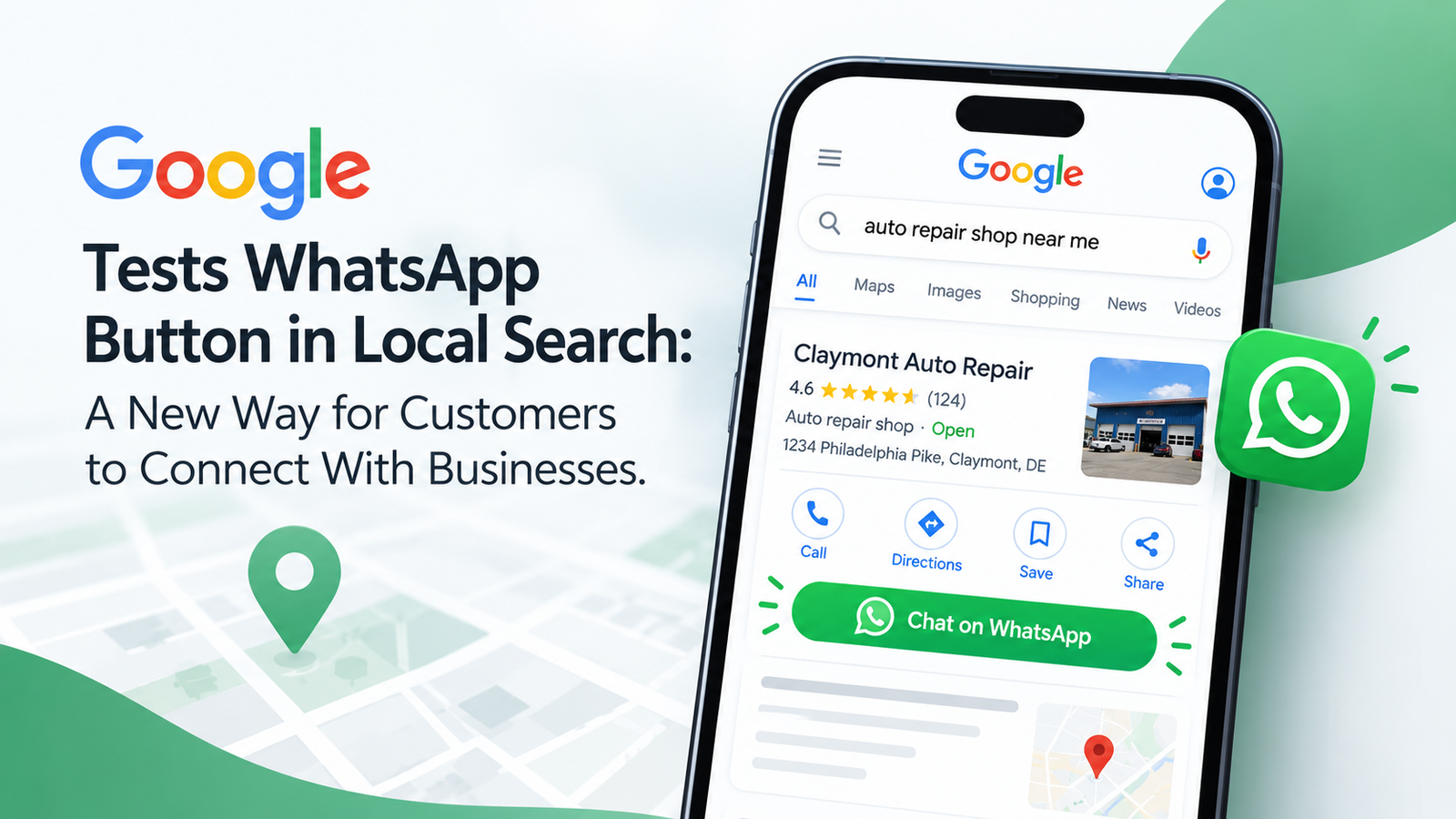
Google tests a WhatsApp chat button in local search, allowing customers to connect directly with businesses through Google search results.

Google Tests WhatsApp Button in Local Search: A New Way for Customers to Connect With Businesses

When someone is in need of a plumber on a rainy Tuesday or wants to schedule a haircut during lunch break, they’re looking for an answer immediately. The old way of doing things was straightforward for years: Go to Google, click the call button, and wait for someone to answer. Otherwise, you had to wait and listen to some elevator music or leave a voicemail and go to a competitor. Google is quietly testing a WhatsApp button right inside local Search and Maps listings, placing a green messaging icon right next to “Call,” “Directions,” and “Website.” For local business owners, this isn’t just another shiny feature. It gives you a direct, instant line to customers at the exact moment they are ready to buy. But having that button won’t do much if your profile stays buried on page three. That’s where solid, practical local SEO services come in to keep your business front and center. How a Simple Messaging Button Changes the Game If you’re young, under 40, a lot of people would prefer to send a text rather than pick up the phone. For people over 40, it would be increasingly preferred to send a text rather than pick up the phone. It’s quiet, simple, and can be done within a busy day. Access to WhatsApp means that there’s no need to go through the process of filling out online forms or waiting to be contacted back on the phone. While you are in a meeting or sitting on the train, you can message a customer. They will be able to ask a simple question such as, “Do you carry a 3” pipe fitting?” or “Can I submit a picture of my front porch for a quick estimate on painting?” If you respond to them within a few minutes, you’re likely to be the first choice that they make before they even consider looking at another business. Optimizing a profile with a professional local SEO services means that the business will appear at the top of the search results of those who are in the vicinity of it and all communication channels will be at their disposal. Why Texting Beats Phone Calls for Busy Teams Ringing phones interrupt your workflow, create noise in your shop, and force your staff to drop whatever they’re doing. Texting through WhatsApp changes the pace completely: Ranking High Comes First Having a WhatsApp button is great, but it’s completely useless if nobody sees your listing. Most local clicks go to the top three businesses featured in Google’s “Local Pack” map unit. There are three main factors that Google considers for ranking those top three: proximity to the searcher, relevance of your listing to the search query, and the credibility of your business online. In real local SEO services, you are making your categories correct, developing accurate local citations, collecting reviews, and keeping your website in good health, all of which will make Google sufficiently trust the business to position your website in that top spot. Getting Your Business Ready for Chat Inquiries Google tests new features across different cities and industries constantly, but you don’t have to wait around to get your operations ready for direct messaging. 1. Set Up a Dedicated WhatsApp Business Account With the free WhatsApp Business application, you have the option of setting up the official business account featuring your business hours, address, website URL, as well as automated greetings in response to queries coming in after you are closed. 2. Connect It to Your Google Business Profile In the Google Business Profile dashboard, you can directly insert the WhatsApp link in the contact information section. Choose the clean click-to-chat link so that users can proceed with messaging in one click. 3. Train Your Team on Response Expectations Speed is everything with messaging. If a lead texts you and waits four hours for a reply, they’ve already hired someone else. During working hours, have a member of staff monitor incoming chats and have an automated “We’ll be right with you” response in place to let prospective clients know that their chat has been received. Common Questions About the WhatsApp Feature Is the WhatsApp button available on every Google local listing? Not all of the time, not everywhere. Google is continually running direct WhatsApp buttons in specific areas and business types. Any verified business, however, can insert a WhatsApp chat link into their contact area on their profile, so that mobile searchers can text you straight from the search results. Will adding a WhatsApp link improve my Google ranking? The connection is indirect. When using a chat link, customers will engage, but it does not play a role in the ranking algorithm by default. But if many people click more, talk, and leave positive reviews because of your timely responses, this will positively affect your local visibility in the future. Is WhatsApp worth it for my specific business? When people always ask you about your availability, service areas, prices, or quotes before hiring you, especially if it’s a no-brainer, then it’s definitely a no-brainer. Ideal for contractors, repair shops, salons, medical clinics, boutiques, and local service pros. Can I just use my personal WhatsApp number? You can, but it isn’t a good idea. A WhatsApp Business account gives you essential tools. It also lets multiple staff members manage the inbox from a computer. Plus, it keeps your personal texts separate from your work life. How 14K Business Solutions Helps You Win Local Search New Google features come out all the time, but staying ahead of the competition takes consistent, hands-on effort. You’re busy managing day-to-day client work. You’re also keeping your crew busy. That probably leaves you little time for analyzing algorithm tweaks or optimizing profile code. That’s where 14 K Business Solutions steps in. We take the stress out of digital marketing. We build simple, effective strategies. These bring real local customers through your doors. Ready to Turn Local Searches Into Real Clients? How people discover and engage with

Read More »
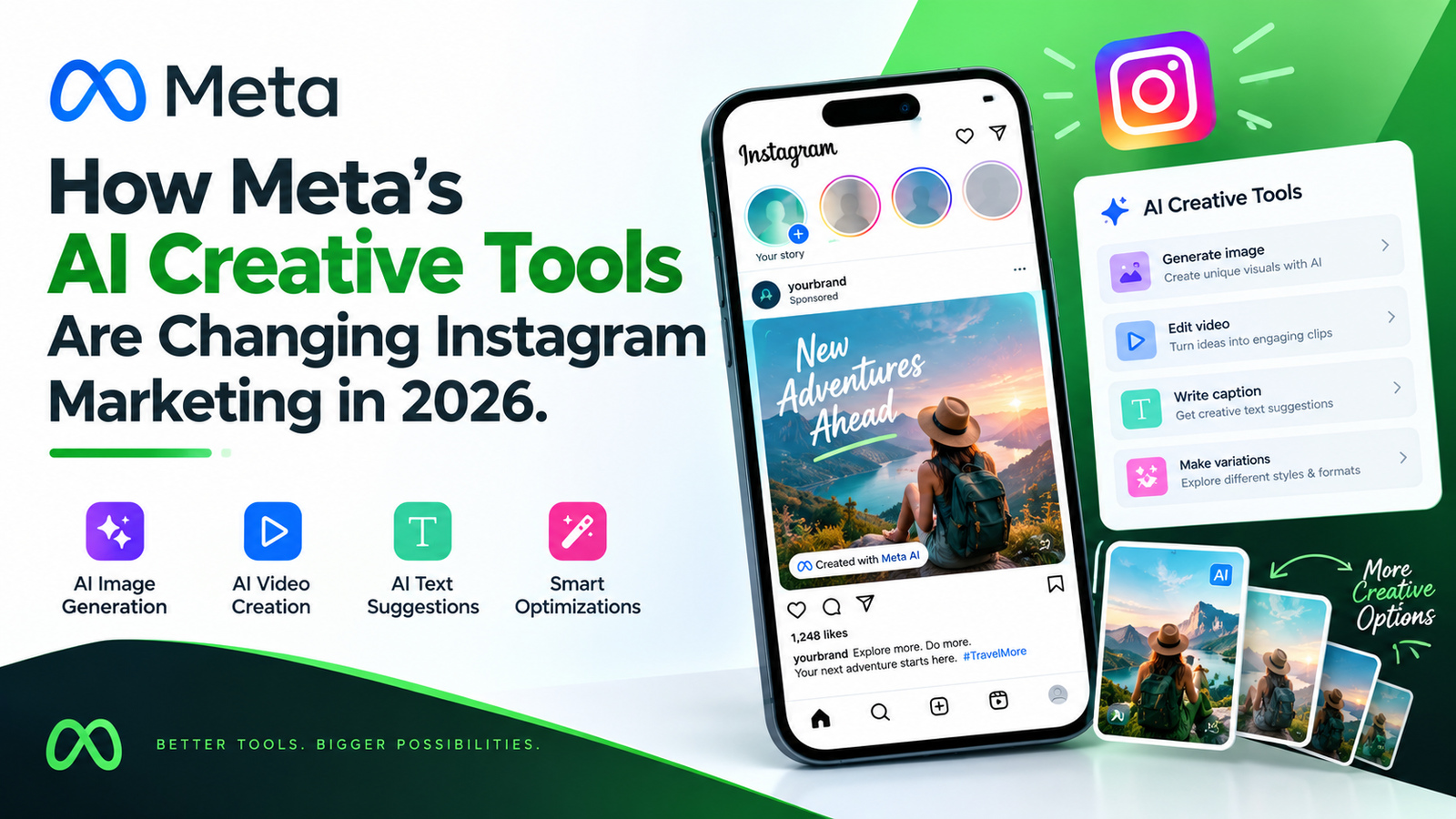
Meta AI creative tools changing Instagram marketing in 2026, featuring AI image generation, video creation, caption suggestions, and ad variations.

How Meta’s AI Creative Tools Are Changing Instagram Marketing in 2026

Digital creators and business owners once did everything by hand. Caption writing, video editing, and post scheduling all fell on their shoulders. AI tools are now making some of that work easier. Meta has introduced AI-powered creative tools across its platforms, including features that support content creation on Instagram. These developments are changing how brands approach social media content. They also create new opportunities for professional Social Media Marketing Services across different industries. How Instagram AI Redefines Social Media Marketing Services in 2026 Comment responses need to be rapid. Visual storytelling must be highly tailored to the audience. Meeting these demands is no small task. Leveraging advanced Social Media Marketing Services gives growing brands a powerful edge. It allows them to combine AI-powered creative tools with human campaign strategy. Instagram’s AI-powered tools are not designed to replace human creativity. Instead, they can make everyday content creation faster. Business owners can then concentrate on what really counts. That includes strategy, brand positioning, and building genuine customer relationships. What Are Instagram’s AI Creative Tools? Meta offers AI-powered creative features across its platforms, including image generation and editing capabilities that can support Instagram content creation. Meta has also introduced and previewed additional creator tools, including AI-assisted features for its Edits app. These tools can help creators experiment with visual content and explore different creative approaches. However, not every AI feature is available directly within Instagram’s professional dashboard, and availability can vary. Balancing AI Automation with Human Strategy An AI tool might generate a visually stunning post. But it still needs the right business context to support quarterly revenue goals, product launches, or local community events. Seasoned strategists view this as the moment when human management becomes crucial. Experienced marketers use performance data to understand what works and what needs to change. They ensure all their images are consistent with the authenticity and value of the brand. They also review captions and creative assets to make sure they follow advertising standards and reflect the brand’s voice. Most importantly, they focus on business results rather than vanity metrics alone. The Real Impact of AI Tools on Brand Growth and Engagement AI creative tools are changing how businesses produce content and experiment with marketing ideas. Activities that previously necessitated a lengthy manual process have become easier and quicker, allowing businesses to now experiment with creative ideas on a broader level. Faster Content Iteration and Creative A/B Testing Marketers needed to individually take multiple shots of the video. They additionally needed to create individual banners and headlines. They could only know what appealed to potential buyers once they had experienced it. AI creative tools can make it easier to develop multiple versions of a promotion, whether that means testing different visuals, headlines, or creative approaches. For paid campaigns, advertisers can use Google Ads or Meta Ads Manager reporting and testing features to compare performance. Depending on the campaign setup, Meta’s advertising systems can also optimize ad delivery. These capabilities should not be confused with an Instagram creative assistant automatically managing every part of a campaign. Predictive Audience Analytics and Creative Personalization The key to getting the message out to the right audience at the right time is delivering the right message at the right time. Instagram Insights and other analytics tools help businesses understand how their audiences interact with content. Marketers can review engagement patterns, audience activity, and the performance of different post formats to guide their decisions. For example, a business might test educational carousels at one time of day and Reels at another, then compare the results to see what works better for its audience. Posting at the right time may help content reach active followers, but it does not guarantee higher feed placement, engagement, or organic reach. Content quality and audience response still matter. Partnering with 14K Business Solutions for Strategic Success Managing AI tools alongside everyday marketing responsibilities can become overwhelming, especially when a business is trying to maintain a consistent online presence. At 14K Business Solutions, we help businesses use these tools without losing sight of their marketing goals. Our team brings together technology and human creativity. We use digital marketing tools and market research to understand what businesses need and how to reach their audiences. Together, we create marketing strategies and campaigns tailored to your market. We support different aspects of your online presence, including content creation, social media management, and targeted paid advertising. Our focus is on connecting your marketing activities with your business objectives and using performance insights to improve campaigns over time. Embrace the Future of Digital Marketing Today The web is evolving at a rapid pace. As AI-powered creative tools become more common, businesses have new ways to experiment with content and improve their workflows. Exploring the tools available through Meta can be a useful part of a broader social media strategy. AI can support your content workflow, but building customer relationships still takes relevant content and genuine interaction. Get in contact with 14 K Business Solutions today. Let’s enhance your online presence!

Read More »
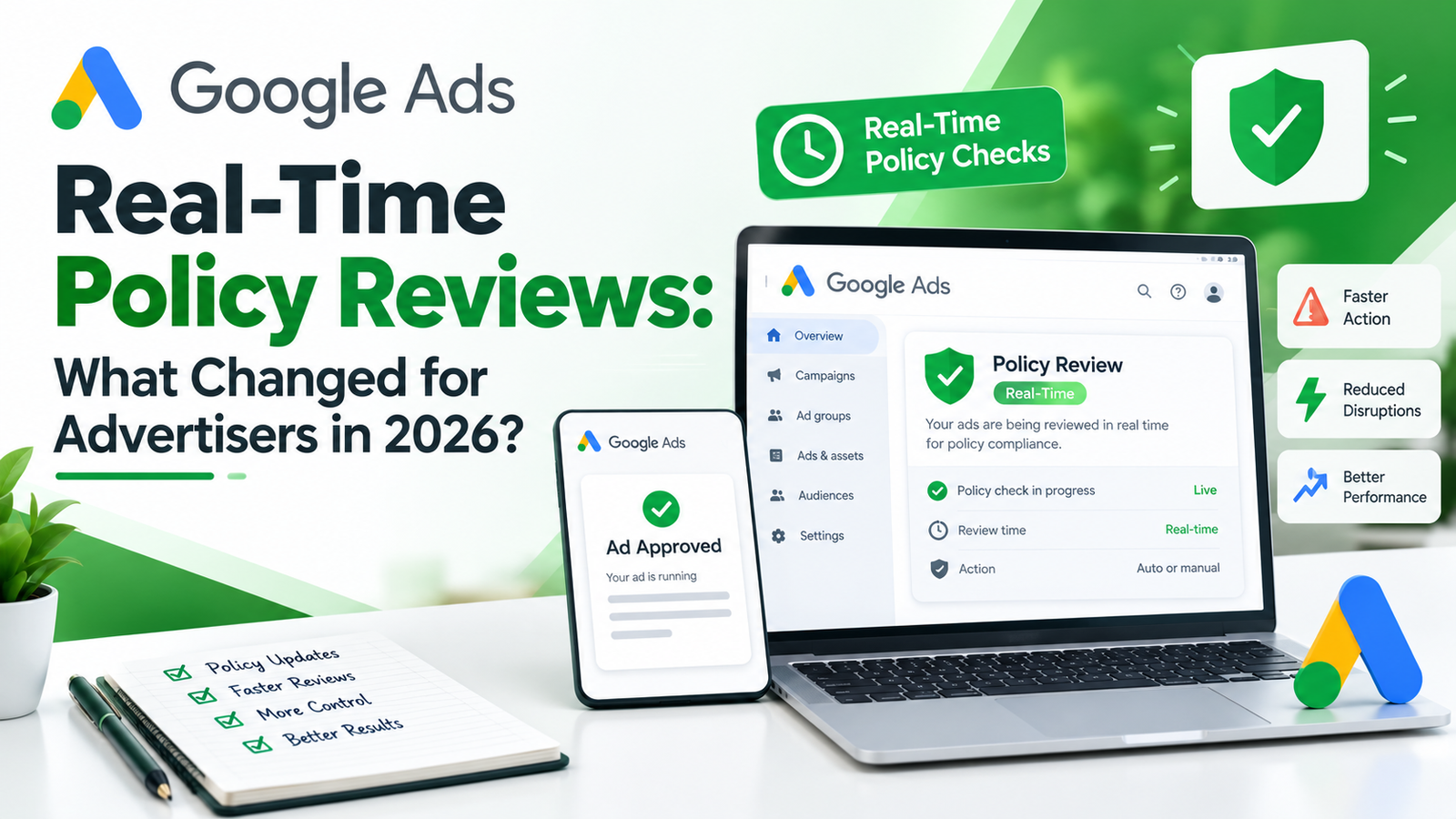
Google Ads real-time policy reviews in 2026 showing an ad approval dashboard, compliance shield, review status, and advertiser checklist.

Google Ads Real-Time Policy Reviews: What Changed for Advertisers in 2026?

If you have ever written a Google ad and then waited a long time to see if it was approved, you know how annoying that can be. In 2026, Google changed this experience with a feature called Real-Time Policy Reviews. Instead of making you submit an ad and wait, Google now checks your work while you type and gives you an answer the moment you save. For small businesses that need to launch fast, this is a turning point. How Ad Reviews Used to Work In the past, you would write your ad, save it, and send it into a review queue. Sometimes approval came within minutes. Other times it took an hour or longer, and you had no clear idea where your ad stood. If something was wrong, you only found out after the wait was over. Then you fixed it, submitted it again, and waited once more. For businesses running time sensitive offers, such as a weekend sale or an emergency repair service, those delays could mean lost customers. What Real-Time Policy Reviews Actually Do Real-Time Policy Reviews move the check into the ad creation process itself. As you type your headlines and descriptions, Google looks at each field and points out simple editorial problems, like typing errors, capitalization, or too many exclamation marks. You can fix these before you ever press save. Once you save, Google gives you a policy decision right away. If nothing is wrong, your ad is approved and can start showing almost immediately. If there is an issue, you are taken to a new policy page that explains the problem and your options. Google says that review times that used to run longer than an hour now typically happen in real time. Where This Feature Works Today It helps to know the limits. Right now, the feature supports text assets in Responsive Search Ads, and it works in both the Google Ads interface and Google Ads Editor. Google has said that coverage should expand to Performance Max and Demand Gen campaigns in the second half of 2026, so it is worth checking your own account to see whether those campaign types have received it yet. Ads that need human judgment, such as ones that require a certification, can still take longer. Does This Affect Local Service Businesses? Many local businesses ask whether this change reaches Google Local Service Ads. The honest answer is that it is not part of this rollout. Real-Time Policy Reviews are built for text ads inside standard Google Ads campaigns. Google Local Service Ads work differently, because they depend on business verification, background checks, and badges like Google Guaranteed before your listing goes live. Those steps still follow their own timeline. Many local businesses run both service listings and search campaigns, so faster approvals on search ads can help you stay visible while your service listing finishes verification. A Tighter Deadline for Appeals Another 2026 change deserves your attention. Starting July 21, 2026, advertisers can no longer appeal a policy decision from inside their account if that decision is more than six months old. Other routes, like contacting support, still exist, but they tend to be slower and less predictable. So if an old disapproval is sitting in your account, do not ignore it. Checking your policy status once a week is a simple habit that keeps you inside that window. Tips for Getting Approved on the First Save Because the system reacts instantly, clean inputs matter more than ever. Write headlines in normal sentence case instead of all capital letters, and skip stacked exclamation marks. Avoid vague or exaggerated claims, and be specific about what you offer. Double check that your landing page link works and does not redirect to a broken page, since problems with the final URL can now be caught while you build the ad. If your industry needs a certification, apply for it before you launch. It also helps to keep your business name, phone number, and service details consistent between your ads and your website, so nothing looks out of place to reviewers. Final Thoughts Real-Time Policy Reviews make Google Ads feel faster and more honest. You find problems while you are still writing, and good ads can go live without a long wait. The expansion to more campaign types later in 2026 should make this even more useful, while the new appeal limit reminds everyone to stay on top of account health. If you run Google Local Service Ads alongside search campaigns, treat each one as its own process and keep both up to date. If you want help setting up, fixing, or growing your Google advertising, 14 K Business Solutions is here to support you every step of the way.

Read More »
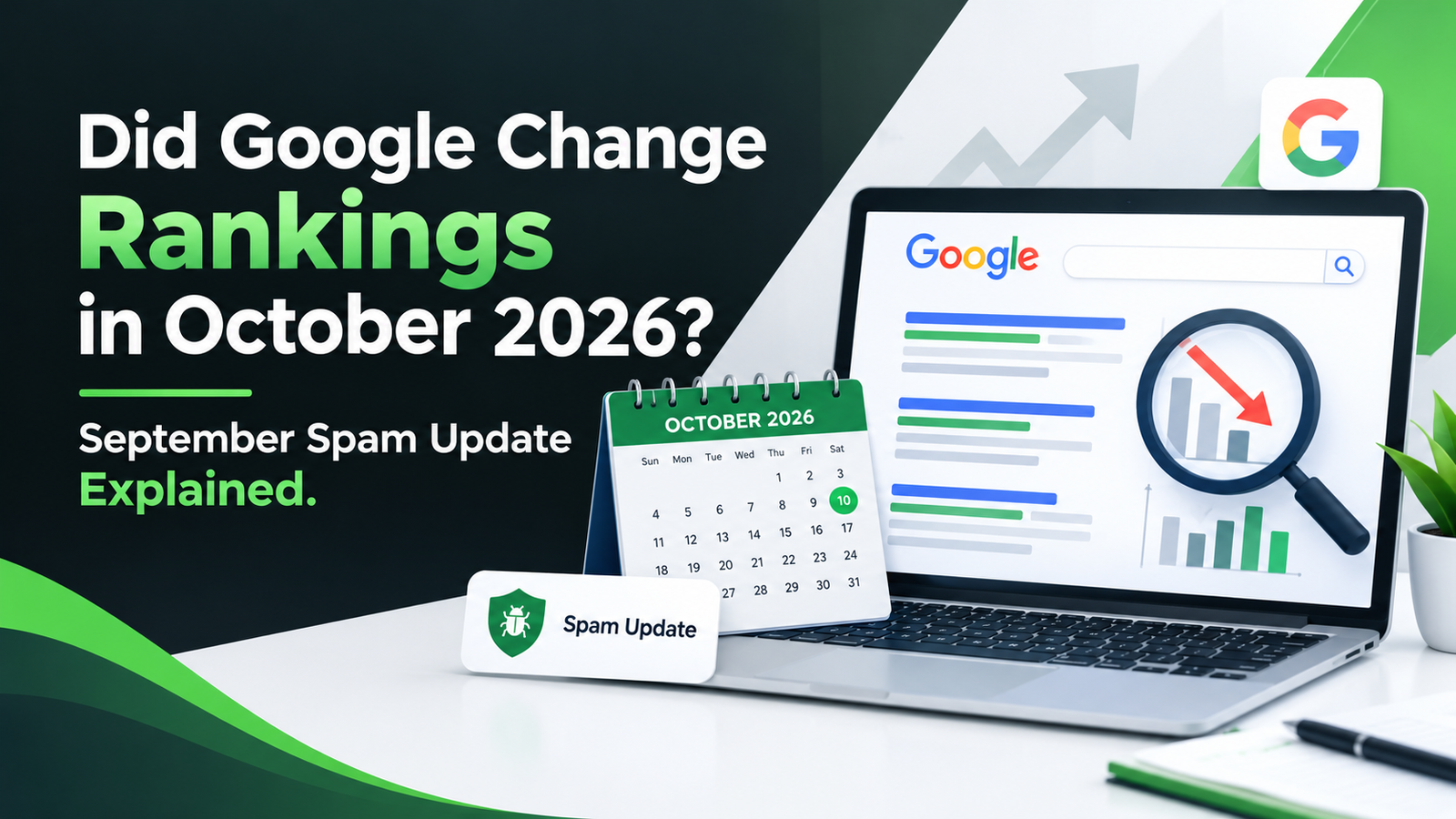
Google rankings in October 2026 with a laptop showing search results, ranking changes, an October calendar, and September spam update.

Did Google Change Rankings in October 2026? September Spam Update Explained

Many website owners are asking if Google changed rankings in October 2026. The short answer is no. Google has not announced a new update for October. What you are seeing is most likely the September 2026 spam update. It started on September 24 and could run for up to two weeks, so it reaches into early October. If your traffic went up or down, do not worry yet. Let us go through it step by step. What Is the September 2026 Spam Update? Google released this update on September 24, 2026. It works worldwide and in every language. Google called it a normal spam update, which means there are no new rules. Google only improved the systems that find spam. Those systems work automatically, and sites do not get a warning message. This is the fourth spam update of the year. The others came in March, June, and August, and they finished in a few days. This one may take up to two weeks, so it could end around October 8. Google has not said which type of spam it is targeting. Did Rankings Change in October? Some rankings may have moved this month, but the cause is the September update still rolling out. Google has not confirmed a separate October change. Rankings can also move for other reasons. A competitor may have added new pages. Your site may have a technical problem. Seasonal demand can change too. Rank tracking tools can also show different numbers, so check more than one source. Do not make big changes until Google says the update is finished. If your traffic is steady, you do not need to do anything. Which Sites Are Affected? Spam updates target sites that break Google’s spam rules. This includes cloaking, which shows Google one page and visitors another. It includes redirects, hidden text, and large numbers of weak pages made only to rank. It also includes sites that host low quality content from other people just to use their ranking power. Using AI to write is not spam by itself. The problem is content made in bulk that does not help readers. Honest businesses are rarely hit, but it can happen by mistake. How Local Businesses Are Affected Most local businesses are fine if they follow the rules. Problems usually come from old habits. A dentist, a plumber, or a salon owner can all be affected if past work was careless. Some businesses bought cheap links years ago. Others have many city pages with the same text. These things can cause trouble. Good Local SEO Services avoid them. They focus on a correct Google Business Profile, the same name, address, and phone number everywhere, real customer reviews, and helpful pages for your area. These basics keep your site safe when Google updates its systems. How to Check Your Own Data Open Google Search Console and go to the Performance report. Compare the weeks before September 24 with the weeks after. Check which pages lost clicks and which pages gained. If only a few pages dropped, the cause is probably those pages. If everything dropped on the same day, look for a technical issue first. A broken sitemap or a slow server can do this. This simple check saves you from guessing. What to Do If Your Rankings Dropped Do not delete pages in a hurry. Wait until the update is complete. Then read Google’s spam policies and see if any of your pages break them. Improve or remove thin pages. Remove unnatural links. Fix confusing redirects. Check Search Console for any manual action message. Write down each change and the date you made it. Recovery can take months, because Google needs time to see that your site now follows the rules. Do not expect fast results. How to Stay Safe Write for real people. Make each page answer a real question. Update old content from time to time. Keep your business details current whenever you move, change hours, or add services. Do not trust anyone who promises first page rankings in a few days. Earn links naturally from local partners and happy customers. Regular site checks are part of reliable Local SEO Services, because small problems get fixed early. Small steps done often work better than one big fix. You can also follow the Google Search Status Dashboard to see every confirmed update. Final Thoughts Google will keep updating its spam systems. The best plan is to keep your website honest and useful. If your rankings moved, wait for the rollout to end, then review your site calmly. If you want expert help, 14 K Business Solutions is here for you. Our team offers simple and reliable Local SEO Services to keep your business visible and steady.

Read More »
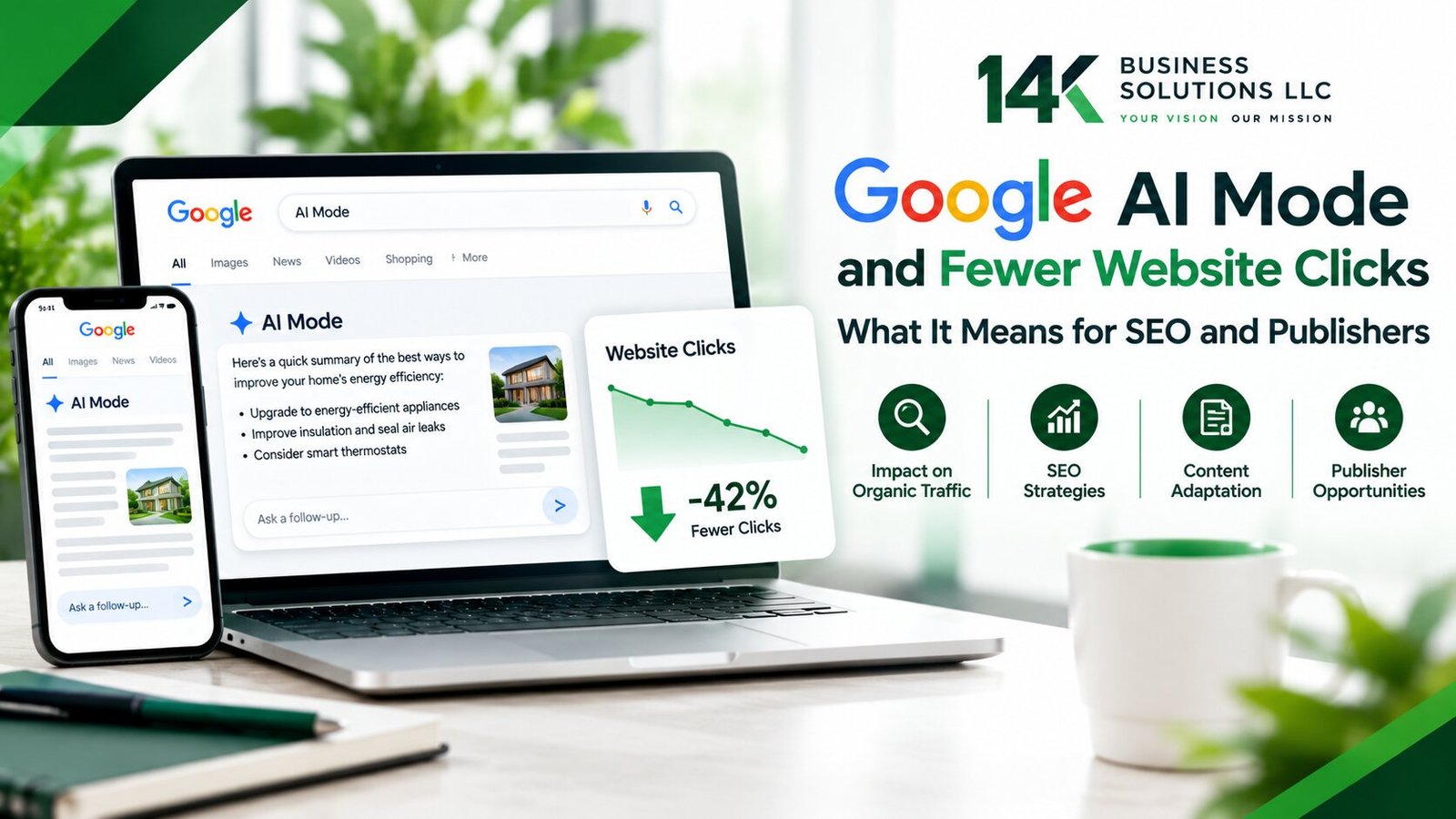
Google AI Mode and Fewer Website Clicks

Google AI Mode Study Finds Fewer Website Clicks: What It Means for SEO and Publishers

A new study just confirmed what many site owners already suspected. Google searches ended without a click 68 percent of the time in the U.S. during early 2026. That is up from roughly 60 percent just two years earlier.  This shift matters for any website owner. It matters even more for businesses relying on local SEO Services to bring in local customers. AI Mode and AI Overviews are changing how people search. The data behind this change is hard to ignore.  Instead of clicking through to a website, more users get their answer directly inside Google. This guide breaks down what the research found. It also covers why this happened and what businesses can do about it. What the Study Actually Found Research from SparkToro tracked search behavior across millions of U.S. queries. The data came from Similarweb clickstream tracking in early 2026. That 68 percent zero-click rate covers several outcomes.  It includes clicks to organic results, paid ads, and Google-owned properties like Maps or YouTube. So, the real share of traffic reaching outside websites sits even lower than that headline number suggests. AI Overviews now appear on a large share of search results. Because of this, organic clicks took a direct hit wherever those overviews showed up. Separate research found a clear pattern here.  When an AI Overview appeared, organic clicks dropped by roughly 38 to 40 percent on those queries. Zero-click searches on those same queries jumped from about 54 percent to 72 percent. AI Mode pushes this trend even further. Semrush data found something striking. Somewhere between 92 and 94 percent of AI Mode sessions end without any click to an outside website.  AI Mode usage keeps climbing every quarter too. So its overall effect on search traffic will likely grow well beyond what this study captured. Curious how these shifts might already affect your local search visibility? A quick audit from our local SEO services team can show you exactly where you stand. Why This Is Happening Right Now Longer, more conversational search queries feed directly into more AI-generated answers. This pattern keeps accelerating. Google leaned heavily into this approach since AI Overviews first rolled out.  AI Mode takes that idea even further. It handles entire research tasks inside one conversational interface. As a result, users often get a complete answer without leaving the search page at all. AI Mode summarizes, compares, and curates information all at once. Because of this, people spend more time reading inside that summary box. They click through to individual websites far less often.  One usability study tracked real user sessions closely. People spent between 52 and 77 seconds inside AI Mode results on average. That is long enough to read, decide, and move on entirely. Across the sessions studied, the typical number of outside clicks per task came out to zero. Not every search type gets swallowed up the same way, though. Transactional searches still tend to produce clicks. So do branded searches and high-intent local queries. Users often need to visit a specific business site to complete an action.  Booking an appointment or checking a menu are good examples. This distinction matters a lot for local SEO strategy going forward. What This Means for Publishers and Local Businesses Traffic that still makes it through to websites tends to carry more value now. This holds true even though overall volume has dropped. Visitors who click through after seeing an AI summary have already decided something.  They want more detail, or they are ready to take action. Therefore, that smaller slice of traffic often converts at a higher rate than before. Local businesses face a different reality than large content publishers. Local SEO services focus on queries tied to specific locations and immediate intent. Finding a nearby plumber or checking store hours are good examples.  These searches hold up better against the zero-click trend than purely informational queries do. People searching for a nearby business still usually need to visit a website. They might call a number or get directions instead. AI summaries rarely replace that need entirely. Visibility inside AI-generated answers has become its own kind of currency though. Businesses that show up as a cited source often see a real bump in clicks.  One study from Seer Interactive found something notable here. Brands appearing as a cited source earned roughly 35 percent more organic clicks. They also earned 91 percent more paid clicks compared to brands with no citation at all. Adjusting Strategy Without Abandoning SEO SEO has not become useless. It has simply shifted in focus. Ranking well still matters a great deal. However, earning a citation inside an AI-generated answer now carries real weight too.  Structured data helps increase visibility here. Clear, specific local information and strong business profiles help as well. Together, these factors improve the odds of getting pulled into AI summaries. Wondering whether your business shows up where it matters now? Reach out to our local SEO services team. We can give you a clear picture of your visibility across both traditional and AI-generated results. How Businesses Should Respond Diversifying traffic sources matters more now than it did a few years ago. Relying entirely on organic clicks leaves a business exposed. This study just documented exactly that kind of risk.  Building a presence across Google Maps helps spread that risk out. Local directories and platforms customers already use help too. Local and transactional searches still send real clicks. Because of this, detailed local listings pay off more than broad keywords. AI Mode tends to answer generic informational queries on its own anyway.  Consequently, businesses investing in local SEO services often see steadier results. This holds true compared to those chasing generic search traffic alone. Tracking the right metrics matters going forward too. Click volume alone no longer tells the full story. Conversion rates deserve real attention now.  Citation appearances and qualified traffic matter just as much. A smaller number of clicks that convert well can outperform a larger number that never did much.

Read More »
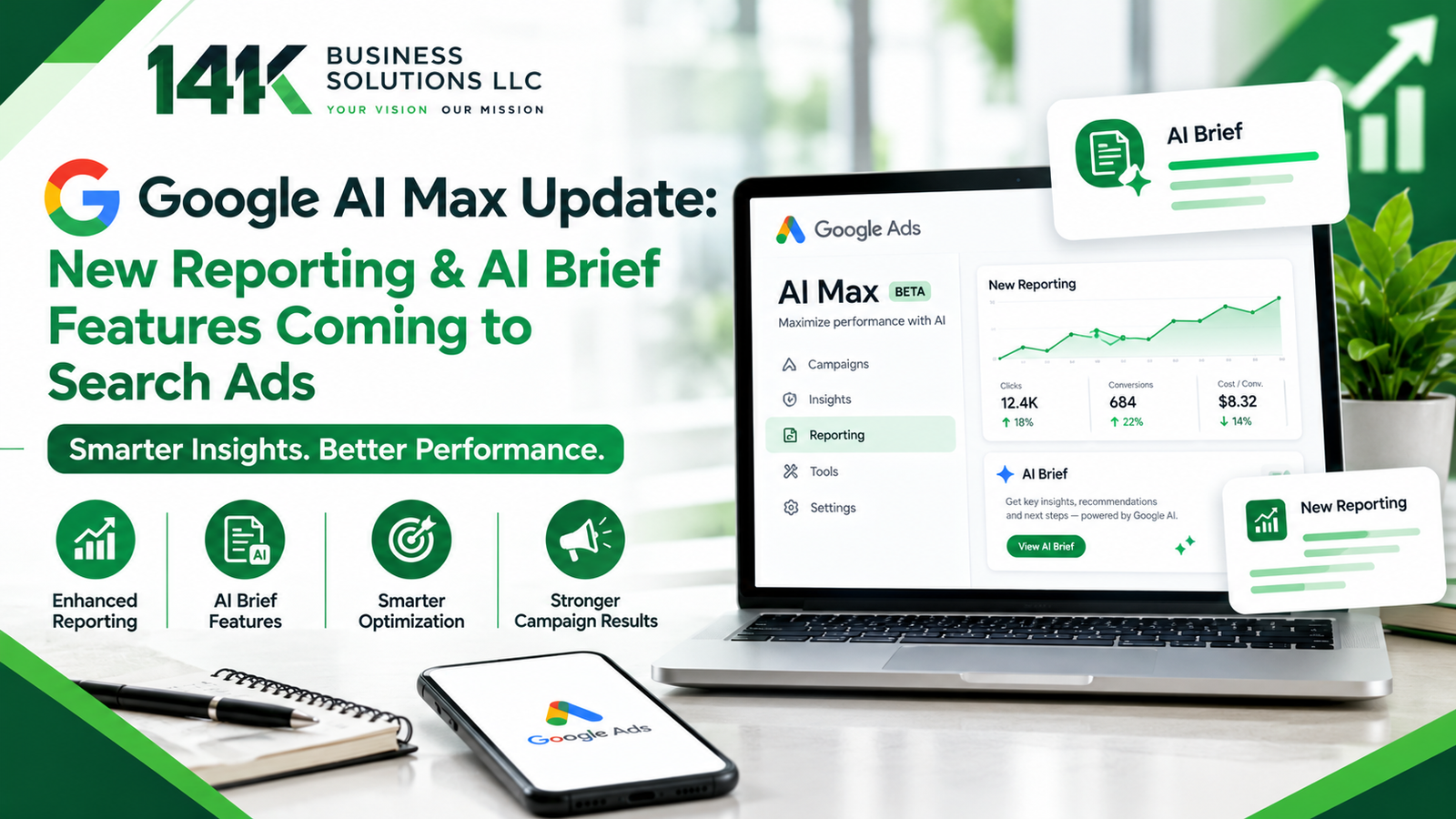
Google AI Max Update New Search Ads Reporting

Google AI Max Update: New Reporting & AI Brief Features Coming to Search Ads

If you run Google ads, you’ve probably wondered at some point what the AI is really doing with your budget. Google seems to have heard that complaint. On September 23, 2026, it announced two updates for AI Max for Search. One is a new reporting feature in Google Ads. The other is a bigger rollout of a tool called AI Brief. Neither one is a huge overhaul, but both are useful if you want to understand your ads better. Let’s go through them. A Quick Look at AI Max AI Max is Google’s way of letting AI stretch your Search campaigns further. You still set up your ads, but the system can find searches you didn’t think of, adjust your ad text, and send people to the page on your site that fits their search best. That can help you reach more relevant searches. The catch is that advertisers haven’t always been able to see why the system made certain choices, and that’s been a common frustration. What the New Report Will Show Google says AI Max users will soon get one report that follows the whole Search ads journey. It will show the search terms that triggered your ad, the creative assets the person saw, and the exact page they landed on. Until now, you had to dig through different reports and connect the dots on your own. Having it all in one place saves time and cuts the guesswork. It’s also meant to help you better understand how AI Max is performing in your campaigns. It helps you take action too. If certain search terms consistently bring in the wrong traffic, you can use those insights to refine your targeting. If one landing page keeps doing well, you know what to build on. Google hasn’t given a launch date yet. It only said more details will come later this year, so keep an eye out. What AI Brief Does AI Brief runs on Gemini, Google’s AI model, and it lets you guide AI Max by writing in your own words. You tell it about your business, your audience, and the message you want your ads to carry. Then the AI uses that to shape your campaign. It’s a bit like giving a new employee a short guide on their first day. The feature is still in closed beta, which means only some advertisers can use it right now. Google is adding seven languages: Dutch, French, German, Italian, Japanese, Portuguese, and Spanish. For businesses that don’t work in English, that’s a real step forward, since they can write instructions in the language they use every day. Why It Matters A lot of advertisers have felt they were being asked to trust automation without much proof. This update helps with that. The report lets you check results for yourself, and AI Brief gives you a say in how your ads come across. That matters most for small businesses, where every dollar counts. Still, the AI can only work with what you give it. Clear instructions and a well-structured website give the system better information to work with. Check your numbers often and change one thing at a time so you can see what actually made the difference. What About Local Advertising? If you’re a local business, you may also use Google Local Service Ads, so here’s how they differ. AI Max sits inside regular Search campaigns, where you choose keywords and usually pay per click. Google Local Service Ads work another way. They show up at the top of local results, and you typically pay for leads instead of clicks. This update doesn’t change how Google Local Service Ads work. But it does show where Google is heading, which is more automation along with more reporting. If you use both, track them separately and see which one brings in better customers for what you spend. Getting Ready You don’t need to wait for the launch to prepare. Make sure your website clearly explains what you sell and that your prices and contact details are correct. Fresh, accurate website content gives AI Max better information to work with when matching searches, customizing ads, and selecting relevant landing pages. Write a short note about your ideal customer and what sets you apart. That will make your AI Brief much stronger when you get access. And once a month, look through your search terms and cut the ones that waste money. Final Thoughts Overall, this is a welcome change. More visibility and more control are what most advertisers have been asking for. Google is still rolling things out, so the details may shift, but staying informed now will make the switch easier later. Just remember that good tools still need a good plan behind them. If you’d like help with Google Ads, AI Max, or local lead generation, 14K Business Solutions is here for you. Our team can look at your account, explain the numbers in plain terms, and help you build a plan that fits your goals.

Read More »

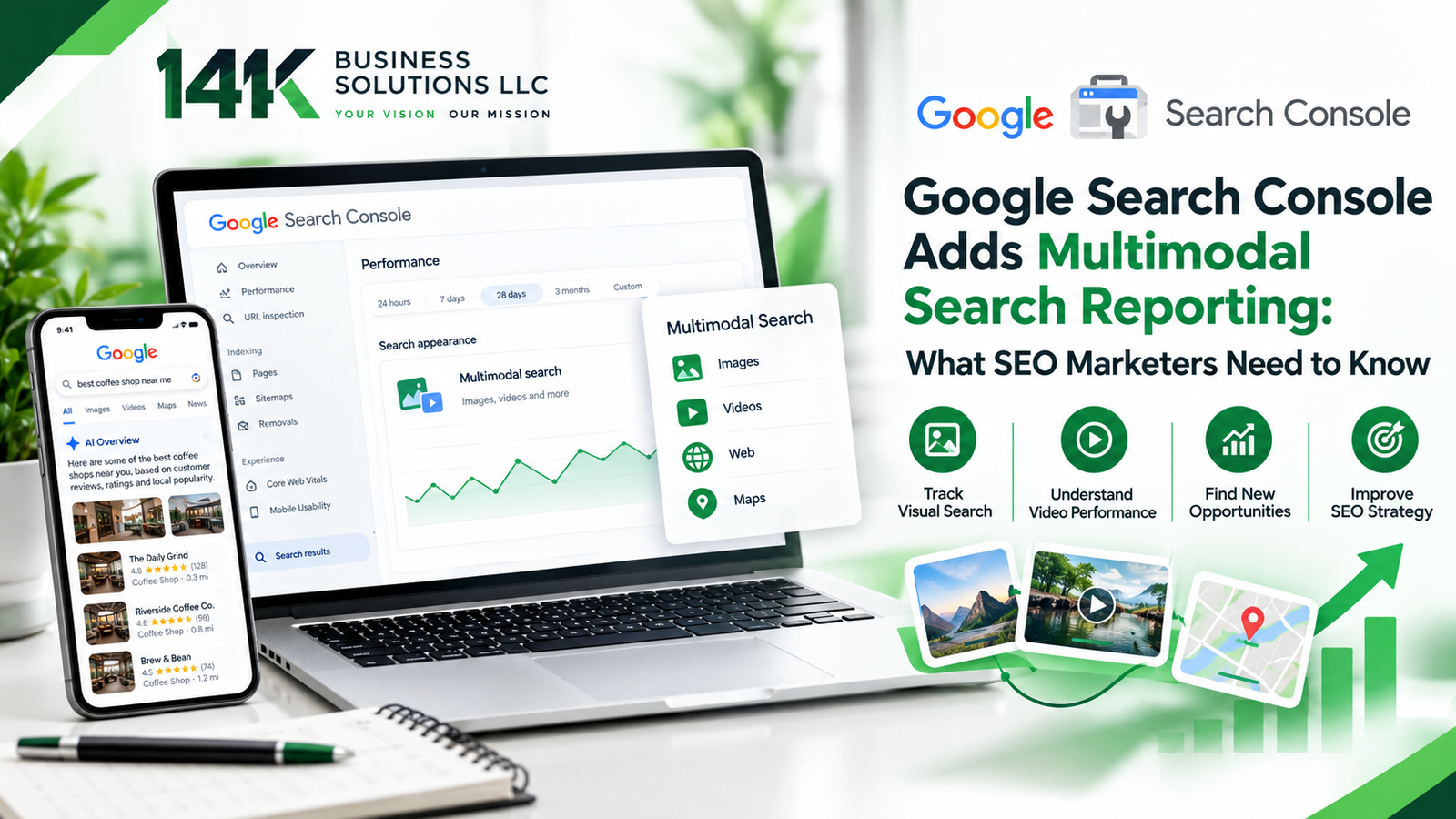
Google Search Console Adds Multimodal Search Reporting

If you’ve ever pointed your phone at a pair of shoes to find out where to buy them, you’ve done a multimodal search. Lots of people do this every day now. The problem is that website owners never had a clear way to see it in their reports. Google just fixed that. Search Console now has a filter for searches that start with an image, and it’s worth a look if you care about your traffic. What Google Announced On September 24, 2026, Google announced new reporting for web multimodal search. Before this update, Search Console showed all web searches in one combined view. Now it separates them into text based searches and multimodal searches.  In this report, multimodal search refers to web searches that use an image as part of the query. The new data includes searches made with Google Lens, Circle to Search on Android, images uploaded to Google Search, and Chrome’s right-click option that lets people search an image. Google says the update is rolling out worldwide, so it may take a few days to appear in your account. Where to Find the Data You do not need any special setup. Sign in to Search Console, open Performance, and go to the Search results report. Click the Search type filter at the top and choose Web: multimodal. You will then see clicks and impressions from image based searches. You can also view the numbers by page, country, device, and date. The same filter is available in the Generative AI features report, giving you another way to understand how your content appears in supported Google AI features. The rollout began globally on September 24, so it may take some time for data to appear, especially if your site receives little multimodal search traffic. Why This Update Matters Image searches can come from people trying to identify, find, buy, or learn more about something they see. Someone who takes a photo of a chair or a broken appliance part usually wants to find it, buy it, or fix it soon. If your page appears for that search, you reach a person with real interest.  The new report helps you see which pages are getting that attention. You might find that one product page or a set of photos brings in more visits than you expected. It also shows that search is becoming more visual, so the images on your website now play a bigger role in how people find you. How Local Businesses Can Use It For shops, restaurants, clinics, and service companies, this can be very useful. Multimodal search can also be relevant to local businesses, especially when people use tools such as Google Lens or Circle to Search to identify products, places, or things they see around them. Businesses that use Local SEO Services can look at this data next to their Google Business Profile, reviews, and location pages to see how customers really find them. For example, a bakery may learn that photos of its wedding cakes bring in more image based visits than its regular menu page. The owner can then add more cake photos, write better descriptions, and make ordering easier. Ways to Get Your Website Ready The best place to start is your images. Use clear, useful photos that accurately show your products, services, team, or location rather than relying entirely on generic stock imagery. Give each image file a simple name that describes it, and write short alt text that explains what is in the picture. Place important images near relevant text that explains what the image shows and gives users useful context. Mobile performance still matters, particularly for searches involving smartphone cameras and Circle to Search. It also helps to keep your business name, address, and phone number the same everywhere online. This is a basic part of good local SEO services, and it makes it easier for nearby customers to find you. Once a month, check the multimodal report and see which pages are getting impressions. Improve those pages first, since they already have some visibility. Limits You Should Know About Multimodal data is a good start, but it won’t answer every question. Google puts Lens, Circle to Search, image uploads, and Chrome image searches into one bucket, so you can’t tell which one sent the visit. You also can’t always see which photo started the search, which makes it hard to know exactly what caught someone’s eye. Google hasn’t added the multimodal split to the Search Console API yet, so any dashboards you’ve built with API data won’t show it for now. Keep it separate from your old Google Images numbers too, since the two measure different things. Use these clicks and impressions as a rough guide for your SEO planning, then check your website analytics to see whether those visitors actually call, buy, or book. Final Thoughts Multimodal search reporting gives SEO marketers a clearer view of a growing part of search. Take a little time to check the new filter, review your images, and make small improvements where you can. If you would like expert help turning this data into more customers, 14K Business Solutions is here to support you with Local SEO Services that fit your business goals.

Read More »
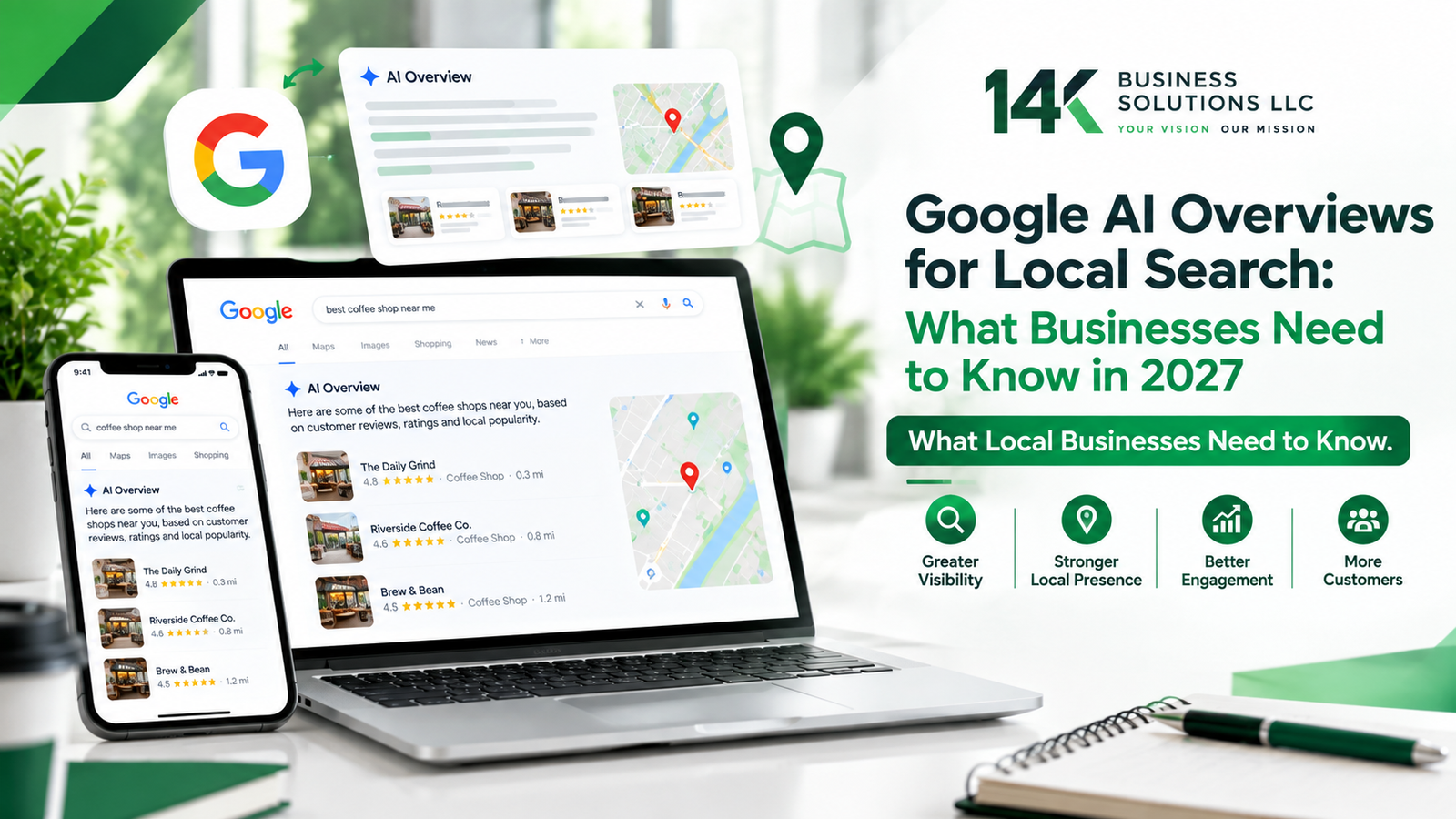
Google AI Overviews for Local Search in 2027

Google AI Overviews for Local Search: What Businesses Need to Know in 2027

Google doesn’t work the way it did a few years ago. Type in a question now and there’s a good chance you’ll get an answer before you even click anything. That answer can appear prominently in the search results, generated by AI and pulling together information from across the web. It’s called an AI Overview, and for local businesses, it’s added a new layer to how people discover businesses online.  If your business isn’t showing up in these AI-powered results, you could be missing another opportunity to get in front of people searching for what you offer. What Google AI Overviews Actually Are Someone searches “bakery near me” or “plumber open now,” and instead of ten separate links. For some searches, Google may show an AI-generated overview alongside its usual search features. It grabs bits of information from different sources across the web and presents it in one AI-generated response. That’s great for the person searching. For business owners, though, it means the competition isn’t just about ranking anymore. It’s all about making your business information clear, accurate, and useful wherever Google may surface it. Why Local Businesses Can’t Ignore This Most local searches come from people who are close to making a decision, maybe picking where to eat tonight or who to call about a leaking pipe. AI Overviews add another layer to that decision process by surfacing information before users reach the traditional results. That’s part of why more owners have started looking into Local SEO Services Philadelphia, making sure their listings, website, and business information are accurate, consistent, and easy for Google to understand. How Google Decides What to Show There isn’t a published formula for getting a local business into an AI Overview, but the basics of local visibility still matter. A complete and accurate Google Business Profile helps people find the right information about your business. Reviews matter for local search too. And if an old address or phone number is still floating around online, it’s worth cleaning up so customers aren’t finding conflicting information. Fixing exactly this kind of thing is usually where a solid Local SEO Services Philadelphia team starts. Reviews Matter More Than They Used To Reviews aren’t just about winning over customers. They also matter for local search visibility. Google says more reviews and positive ratings can help a business’s local ranking, so genuine customer feedback is worth paying attention to. If it’s been a while since you asked a happy customer for a review, that’s worth changing soon. Replying matters too, especially because it shows customers that you value their feedback. Writing a Website That AI Can Actually Use Your website hasn’t lost its importance, it’s just being read differently now. Google’s AI is trying to figure out what you do and who you serve, and it does that by scanning through your pages. Plain, clear writing tends to win out over pages stuffed with keywords trying to game the system. Write for the person who’s actually going to read it, not for some algorithm. That’s the same advice you’d hear from almost any decent Local SEO Services Philadelphia provider, and it holds up better than chasing shortcuts. Keeping Your Business Details Current A lot of owners forget to update the basics, hours, service areas, contact info. Google uses this kind of business information from multiple sources to understand and display your business accurately, and if something’s missing or wrong, it can make it harder for Google and customers to understand your business correctly. Going back every few months to check your listing, update photos, and confirm your hours are still correct can make more of a difference than people expect. Small Mistakes That Add Up Plenty of businesses set things up once and never look back. That used to be fine. Not anymore. Duplicate listings, an old phone number still floating around, mismatched addresses across different sites, these all send confusing signals to Google. Ignoring bad reviews instead of responding calmly is another slip that costs more than it seems. Staying on top of these details, even the small ones, helps keep your local presence steady. Where Local Search Seems to Be Headed AI Overviews aren’t a passing trend. They’re likely to show up even more often and give local businesses good reason to pay attention to how search continues to evolve. Businesses that start adjusting now will be in a much better spot later than those waiting to see what happens. None of this needs a total overhaul either. Small, steady changes, updating your profile, gathering honest reviews, tightening up your website copy, tend to add up faster than most people think. Final Thoughts AI Overviews have reshaped how people find local businesses, and keeping up with that takes a little more attention than it used to. Still, the basics haven’t really changed. Accurate information, honest reviews, and a website that actually helps real people still carry the most weight. If you’d rather have someone handle all this for you, 14K Business Solution is here to help.

Read More »