Your business hours are correct, your phone number works, and your website is up to date. But what happens if Google changes something on your Business Profile without you noticing?
Google uses information from different sources to keep business listings current. Sometimes, changes appear without direct approval from the business owner.
As of October 2026, Google Business Profile also offers features for scheduling posts, managing restaurant menus, and reviewing customer activity through Google Analytics.
For local businesses, staying informed about these developments matters. Here’s what you should know about recent Google Business Profile updates and how to keep your listing accurate, useful, and visible to potential customers.
What’s New With Google Business Profile in October 2026?
Some features are recent additions, while others are existing tools or policies worth reviewing this month.
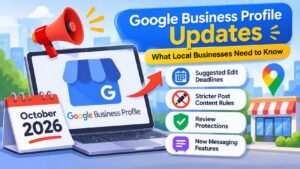
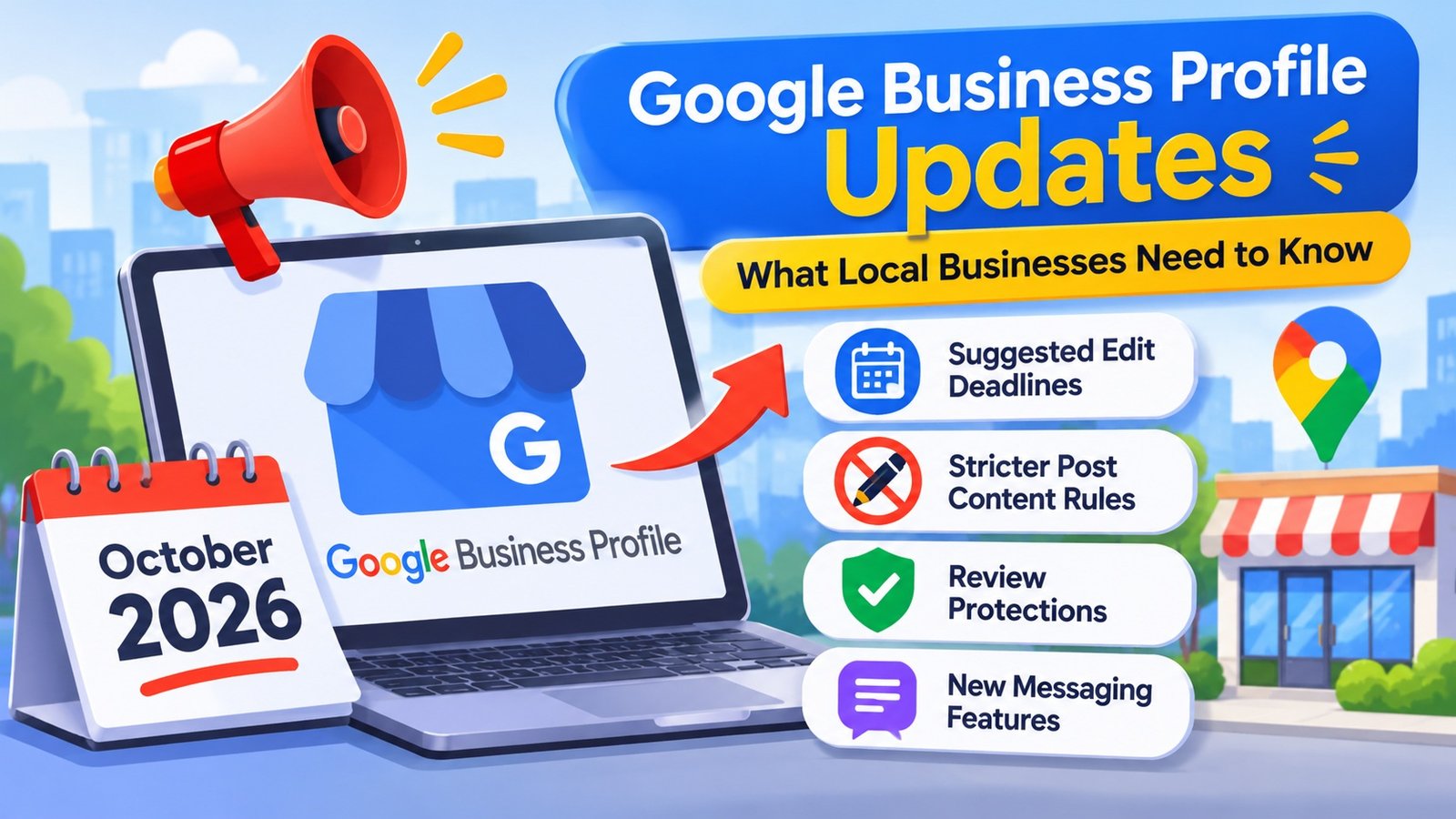
Google Gives Businesses Four Days to Review Certain Suggested Edits
Google allows users to suggest changes to business listings, including operating hours and contact information.
Under Google’s current guidance, business owners have four days to accept or reject certain suggested edits after receiving a notification. If they don’t respond, Google may publish the change when publicly available information supports it.
Some updates may also occur without advance approval.
Imagine a restaurant that closes at 10 p.m. If its listing incorrectly shows 8 p.m., customers might choose another restaurant without realizing the hours are wrong.
Business owners should regularly check their profiles for suggested changes, particularly after updating hours, services, or location details.
Google Business Profile Posts Can Be Scheduled and Repeated
Business owners can schedule Google Business Profile posts instead of publishing every update manually.
Google also supports recurring schedules for eligible post types, including weekly, monthly, and custom intervals.
For example, an auto repair shop could schedule a winter maintenance announcement. A restaurant could prepare promotional posts ahead of an upcoming event.
However, scheduled content still needs attention. An expired promotion or outdated announcement can confuse customers.
Review recurring posts regularly to ensure the information remains relevant.
Google May Reject Posts With Unverified Contact Information
Adding a phone number to a promotional post might seem like a convenient way to encourage customers to call.
However, Google may reject or remove posts containing contact information it cannot verify as belonging to the business.
This includes phone numbers, email addresses, and social media handles.
For posts encouraging customers to call, businesses can use the available “Call now” button connected to their verified business number.
Review promotional content before publishing to avoid unnecessary rejections.
Google Business Profile Can Connect With Google Analytics 4
Google now documents an integration between Google Business Profile and Google Analytics 4 (GA4).
This connection allows eligible businesses to review aggregated Business Profile performance information alongside website and app data.
Depending on the available metrics, businesses can examine website clicks, calls, direction requests, and other customer interactions.
For an HVAC contractor, this information could provide additional insight into how people interact with its listing and website.
However, a website click or direction request doesn’t necessarily represent a confirmed lead or sale.
Businesses can establish the connection through the Product Links section in Google Analytics, provided they have the required permissions.
When multiple profiles are linked, the integration combines their performance data. Businesses needing individual location details should continue using their Business Profile performance reports.
Restaurants Have Additional Dietary Menu Attributes
In October 2026, Google documented additional dietary attributes for restaurant menus managed through the Business Profile API.
The October 9 update introduced support for gluten-free and dairy-free attributes.
These allow supported menu-management integrations to identify dishes with specific dietary characteristics.
For example, a restaurant offering gluten-free meals could use the relevant attribute where supported.
Restaurant owners should verify ingredients and preparation practices before applying dietary labels.
The API update should not be confused with a confirmed rollout of the same controls across every restaurant’s standard Business Profile dashboard.
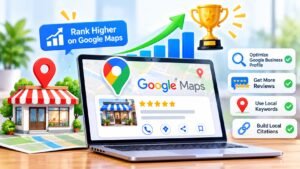
How Google Business Profile Updates Affect Local SEO
A complete Google Business Profile gives customers useful information, but it doesn’t guarantee a top position in local search results.
According to Google, local rankings primarily depend on three factors: relevance, distance, and prominence.
Relevance: Does Your Business Match the Search?
Relevance measures how closely a business matches someone’s search.
For example, someone searching for “brake repair in Philadelphia” wants an automotive business offering that service.
Accurate business categories, descriptions, and service information help Google understand what the company provides.
Adding unrelated services or unnecessary keywords won’t make a listing more relevant.
Distance: How Close Is Your Business?
Google considers the distance between a business and the location associated with a search.
Someone looking for a dentist in South Philadelphia may see different results than someone searching from Northeast Philadelphia.
Business owners can’t control customer locations, but they can maintain accurate addresses and service-area information.
Prominence: How Established Is Your Business?
Prominence reflects how well-known a business is.
Google considers information available across the web, including links, customer reviews, and ratings.
Positive customer feedback and an established online presence can support local visibility.
However, no number of reviews guarantees a particular ranking. Businesses should focus on earning genuine feedback rather than attempting to manipulate ratings.
What Should Local Businesses Update on Their Google Business Profiles?
Understanding Google’s features is useful, but maintaining accurate information deserves just as much attention.
Keep Your Business Information Accurate
Check your business name, address, phone number, website, and operating hours.
If your company operates multiple eligible locations, review each listing separately.
Holiday hours are particularly important. Customers who arrive at a closed business because of incorrect information may be reluctant to return.
Review Your Categories and Services
Your primary category should accurately describe your core business.
An automotive repair shop, for example, shouldn’t select unrelated categories simply to appear for additional searches.
Service descriptions should also explain what the business actually offers.
Instead of saying “We handle all vehicle problems,” describe the specific maintenance and repair services available.
Add Relevant Business Photos
Customers often want to see a business before visiting or contacting it.
Restaurants can share dining-area photos and menu items. Contractors can display completed projects with appropriate permission.
Choose clear, current images that represent your actual business.
Google doesn’t guarantee better rankings simply because a business uploads photos frequently.
Respond to Customer Reviews
Customer reviews provide valuable information to people comparing local businesses.
Respond professionally to positive and negative feedback. Whenever possible, acknowledge the customer’s specific experience rather than repeating generic responses.
Never purchase fake reviews or offer rewards in exchange for positive ratings. These practices violate Google’s policies.
Common Google Business Profile Mistakes to Avoid
One common mistake is adding unnecessary keywords to the business name.
For example, a company officially named “Smith Auto Repair” shouldn’t change its listing to “Smith Auto Repair Best Brake Repair Philadelphia” simply to target additional searches.
Google requires business names to reflect how companies are consistently represented in the real world.
Another mistake is creating multiple listings for the same business to target different neighborhoods.
Google generally permits one profile per eligible business location, subject to specific exceptions.
Outdated promotions, incorrect categories, and inactive phone numbers can also create problems.
Reviewing these details regularly is more useful than making unnecessary changes simply to keep the profile active.
Why Your Website Still Matters for Local SEO
A Google Business Profile provides quick answers, but customers often need more information before making a decision.
Someone searching for a roofing contractor may want to understand repair options. A patient researching a dental practice may want details about available treatments.
Your website gives you room to answer these questions.
A plumbing company’s Business Profile might list drain cleaning as a service. Its website could explain the difference between drain cleaning and sewer line repair.
Professional Local SEO Services can support both your website and Google Business Profile through location-based keyword research, service-page optimization, and consistent business information.
A well-maintained website also gives customers a reliable place to learn about your services before contacting you.
How Often Should You Review Your Google Business Profile?
Google doesn’t require businesses to publish posts daily or follow a particular schedule to improve rankings.
A restaurant with weekly promotions may need more frequent updates than an accounting firm.
For many businesses, checking the profile once a week is a reasonable starting point.
Review suggested edits, customer feedback, operating hours, and outdated announcements.
Important changes, such as a new phone number or temporary closure, should be updated as soon as possible.
Frequently Asked Questions About Google Business Profile Updates
Does Google Business Profile Still Matter for Local SEO in 2026?
Yes. Google Business Profile remains an important way for eligible businesses to share information on Google Search and Maps. Accurate details, relevant categories, and genuine reviews support local visibility.
Can Google Change My Business Profile Without Permission?
Yes. Google may update business information using suggestions and publicly available sources. Certain edits provide a four-day response window, while other changes may occur without advance approval.
Do Regular Google Business Profile Posts Improve Rankings?
Google doesn’t identify posting frequency as a primary local ranking factor. Posts are useful for communicating promotions, events, and updates, but daily publishing doesn’t guarantee better rankings.
How Often Should Businesses Add Photos?
There is no required frequency. Add clear, relevant photos whenever you have useful images that accurately represent your business.
Can Local SEO Services Improve Google Business Profile Performance?
Local SEO Services can address inaccurate business information, website optimization issues, and inconsistent local listings. Results depend on competition, location, relevance, and the business’s existing online presence.
Keep Your Google Business Profile Accurate and Up to Date
Google Business Profile continues to change, but accurate information remains essential for local businesses.
The features and guidance available in October 2026 give owners good reasons to review suggested edits, keep service details current, and monitor customer interactions.
Start with the information customers rely on most. Correct outdated details, respond to reviews, and make sure your website answers questions your Business Profile cannot.
14K Business Solutions offers Local SEO Services to help businesses improve their presence in relevant local searches.