
Your website is the first thing 81% of customers check before they ever call you, visit you, or buy from you.
That single fact changes everything about how small business owners should think about their online presence in 2026. Yet 27% of small businesses still operate without a website. Many of those owners think building one is too technical or too expensive.
The truth is, the web design platform you choose today will either help your business grow or quietly hold it back for years.
This guide breaks down the top website builders for small business owners in plain, honest terms. No technical jargon. Just real comparisons that help you pick the right tool for your situation.
If you want expert help choosing or building the right platform for your business, visit 14kbsol.com to talk with a professional web development company that works with small businesses every day.
Why Small Businesses Need a Real Website in 2026
Before comparing platforms, the reason behind the decision matters. Today, 51% of all U.S. business activity happens online, according to Tailor Brands’ research from 2025. Meanwhile, 98% of consumers use the internet to find local businesses. That number is not 60% or 70%. It is nearly everyone.
Furthermore, 75% of consumers judge a business’s credibility directly through its website design. First impressions online are 94% design-related. So a slow, outdated, or poorly designed website does not just look bad. It actively drives customers away.
The website builder market itself is growing fast. Globally, it reached $2.3 billion in 2025 and is projected to hit $2.6 billion in 2026. More small business owners are investing in affordable web design platforms because the tools keep getting better and more beginner-friendly every year.
The Top Web Design Platforms for Small Business in 2026
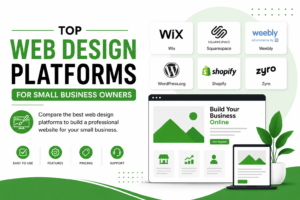
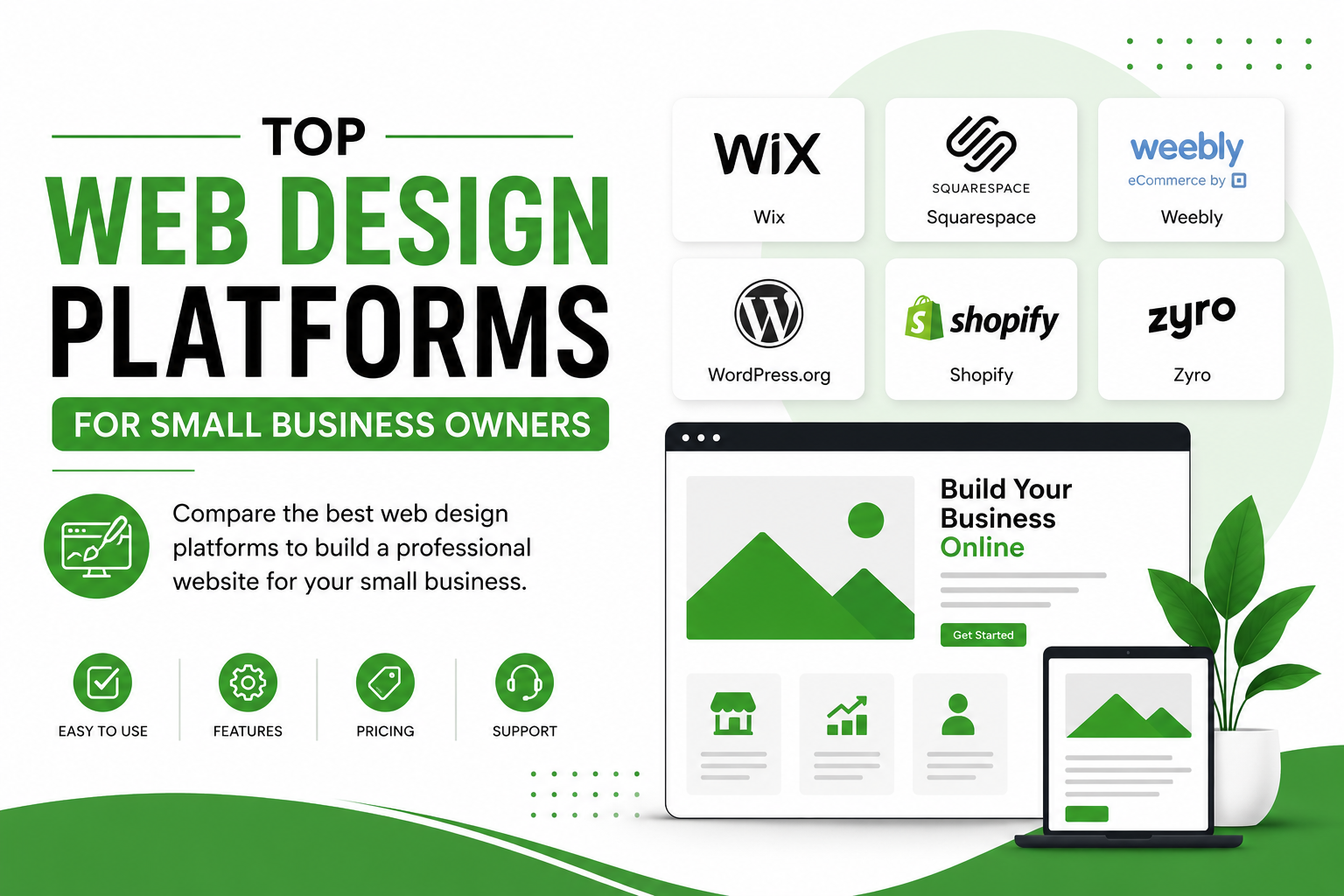
Here are the five platforms small business owners compare most often in 2026.
Wix
- Downloads: 280 million+ user
- Plan: $17–$29/m; Business $39/m; Business Elite higher $159/m.
- Free Trial: available
Wix is the most widely used dedicated website builder in the world. It holds about 45% of the website builder market share for the best web design platforms for small businesses.
Wix offers a true drag-and-drop editor that lets you place any element exactly where you want it. Paid plans start at $17 per month after removing ads.
The Business plan runs $29 per month and includes strong e-commerce tools like abandoned cart recovery and discount codes. Wix also just launched Wix Harmony, an AI-powered builder that creates a full website from a short description. This makes it one of the easiest website builders for beginners in 2026.
One thing to watch out for is that Wix templates are not fully responsive by default. That means you often need to manually adjust how your site looks on mobile phones. Given that 67.56% of all website visits now come from mobile users, this step matters.
Wix works as the best web design platform for small businesses that want flexibility, a lot of template options, and solid e-commerce features without needing a developer.
Squarespace
- Downloads: 5 million + users
- Plan: Basic $16/m; Core $23/m; Plus $39/m; Advanced $99/m
- Free Trial: 14-day free trial
Ideal for a clean, structured layout, Squarespace is known for its design quality. All Squarespace plans include hosting, security, and bring automatic updates. With stellar templates, the layout is fully responsive on phone and tablet.
Nothing in life is perfect. Squarespace brings its fair share of pitfalls. You get only a 14-day free trial and have no free plan. Comparatively, it doesn’t have the business tools that WordPress and Wix have.
Squarespace is one of the best web design platforms for small businesses in creative fields that want a professional-looking site without spending a lot of time on design decisions.
WordPress
- Downloads: 600 million + users
- Plan: free (certain plugins, themes, and tools have charges)
- Free Trial: available
WordPress powers more websites than any platform on earth. Over 30 million active websites run on WordPress, representing more than 43% of all websites globally as of 2026. That market position exists for good reason.
WordPress is a content management system, not a hosted builder like Wix or Squarespace. You install it on your own hosting account, which starts around $3.99 per month from providers like Bluehost, SiteGround, or Kinsta.
You then choose from over 14,000 themes and over 62,000 plugins to build exactly the functionality you need. Popular SEO plugins like Yoast SEO give WordPress a major search ranking advantage over Wix and Squarespace.
The real strength of WordPress is long-term flexibility. You fully own your website, your content, and your data. If you ever need to move platforms, you can export everything. With Wix and Squarespace, your site lives on their servers and cannot easily be moved.
WordPress does have a steeper learning curve. If you set it up correctly, it’s gold! However, it involves some technical jargon, hence many small business owners work with a web development company like 14kbsol.com to build and launch their WordPress site professionally.
Shopify
- Downloads: 6.9 million + users
- Plan: Starter $5/m; Basic $39/m; Grow $105/m; Advanced$399/m; Plus $2300/m
- Free Trial: 3-day free trial, $1 per month for the first three months offer.
Shopify perches itself in the niche of small and online home businesses. If selling products is the main goal of your website, Shopify is worth serious consideration.
It handles inventory, payment processing, shipping calculations, and product management better than any other platform in this comparison.
Plans start at $39 per month. Transaction fees apply unless you use Shopify Payments. The platform is not ideal for service businesses that just need a clean informational website. But for businesses selling physical or digital products, Shopify removes more technical barriers than any other e-commerce option.
Shopify works best for product-based small businesses focused entirely on online selling.
Webflow
- Downloads: 3.5 million users
- Plan: Starter is free; Agency $19-$49
- Free Trial: available
Webflow is a powerful design tool that sits between a website builder and custom development. It gives designers and developers pixel-level control over layouts, animations, and interactions. The learning curve is steep for beginners, but the results look professional and fully custom.
Webflow is not the right choice for most small business owners building their first website. However, it is a strong choice for companies working with a web development company or an in-house designer who wants more control than Wix or Squarespace allows.
Wix vs WordPress vs Squarespace
Here is a direct website builders comparison 2026 of the three most popular platforms for small business websites.
Ease of use goes to Wix and Squarespace. Both handle hosting, security updates, and technical setup automatically. WordPress requires more initial configuration but has a massive community and documentation base to help.
Design flexibility goes to WordPress, followed by Wix. Squarespace looks beautiful, but it limits how much you can move things around. Wix lets you drag anything anywhere. WordPress allows truly unlimited design through themes and custom code.
SEO capability goes to WordPress. Its plugin library, especially Yoast SEO and Rank Math, gives small businesses tools that Wix and Squarespace simply cannot match. For local businesses trying to rank on Google, this gap is significant. Keep in mind that Google drives 91.54% of all global online traffic, so SEO matters a lot.
Cost comparison puts Squarespace at $16 per month, Wix at $17 per month, and WordPress at roughly $5 to $15 per month for hosting plus any premium theme costs. Overall, WordPress tends to be the most affordable long-term option when managed well.
Scalability goes clearly to WordPress. Wix and Squarespace work well for smaller sites, but start showing limits as traffic and complexity grow. WordPress powers major news sites, large e-commerce stores, and websites handling millions of visitors per month.
Can Small Businesses Build Sites Without a Developer?
If you use Wix and Squarespace, you can definitely launch a professional-looking website. With its large libraries for templates and themes, you can build it up without coding.
Both platforms offer guided setup flows, built-in tools, perfect for beginners. You can only get that far by using these platforms.
According to BrightLocal research from 2026, 98% of consumers search online to find local businesses. Now, here comes the tricky part. You need an expert to manage SEO, LCP, INP, and CLS while maintaining the quality.
Working with an affordable web design platform on your own is a smart starting point. Partnering with a web development company to refine and grow that site is often what moves small businesses from just online to actually generating leads and sales.
Visit 14kbsol.com to learn how a professional web development company’s support can help your small business get more from whichever platform you choose.
Which Platform Should You Actually Choose?
Here is a straightforward answer based on what most small businesses actually need.
- Wix: fastest, most flexible DIY setup, best for ecommerce, large template library.
- Squarespace: for businesses that need a visual and design-forward layout.
- WordPress: for strong SEO, complete ownership, and long-term scalability, a long-term investment for most small businesses.
- Shopify: for e-commerce online businesses.
Frequently Asked Questions
Which web design platform is best for small business owners in 2026?
There is no right and wrong. It largely lands on the use, budget, and goals. If you are a new home-based business that operates online and cannot manage SEO, Shopify is for you. Wix is ideal for small businesses with its tools. Squarespace is ideal for design-focused businesses; meanwhile, WordPress helps professionals navigate SEO and design with complete control.
What is the difference between Wix, WordPress, and Squarespace?
Wix is a drag-and-drop builder. WordPress is a content management system that gives you full ownership and unlimited flexibility. Squarespace is another fancy name for Wix, but it focuses heavily on design quality. In terms of hosting, Wix and Squarespace manage hosting; meanwhile, WordPress requires you to handle those elements through a third-party hosting provider.
Can small businesses build professional websites without hiring a developer?
Yes. Wix and Squarespace both make it possible to launch a professional site without any coding knowledge. Many small business owners successfully use these platforms on their own.
Final Thoughts
The platform you pick sets the foundation for your entire online presence. Choosing the wrong one means rebuilding from scratch later, and that rebuild costs more in time and money than getting it right the first time.
Wix, Squarespace, and WordPress each serve different needs well. Think about where your business is headed over the next three to five years. Then pick the platform that grows with you rather than the one that just gets you online today.
If you want a professional opinion on which platform fits your goals, or if you want expert help building and launching your site, the team at 14kbsol.com is ready to help. They work with small businesses to create websites that look great and actually generate results.
Visit 14 K Business Solutions LLC today and take the first step toward a stronger online presence.