Design System

ahmer

Our Blog

inspiring, insightful & accurate

Lorem ipsum dolor sit amet, consectetur adipiscing elit. Ut elit tellus, luctus nec ullamcorper mattis, pulvinar dapibus leo.

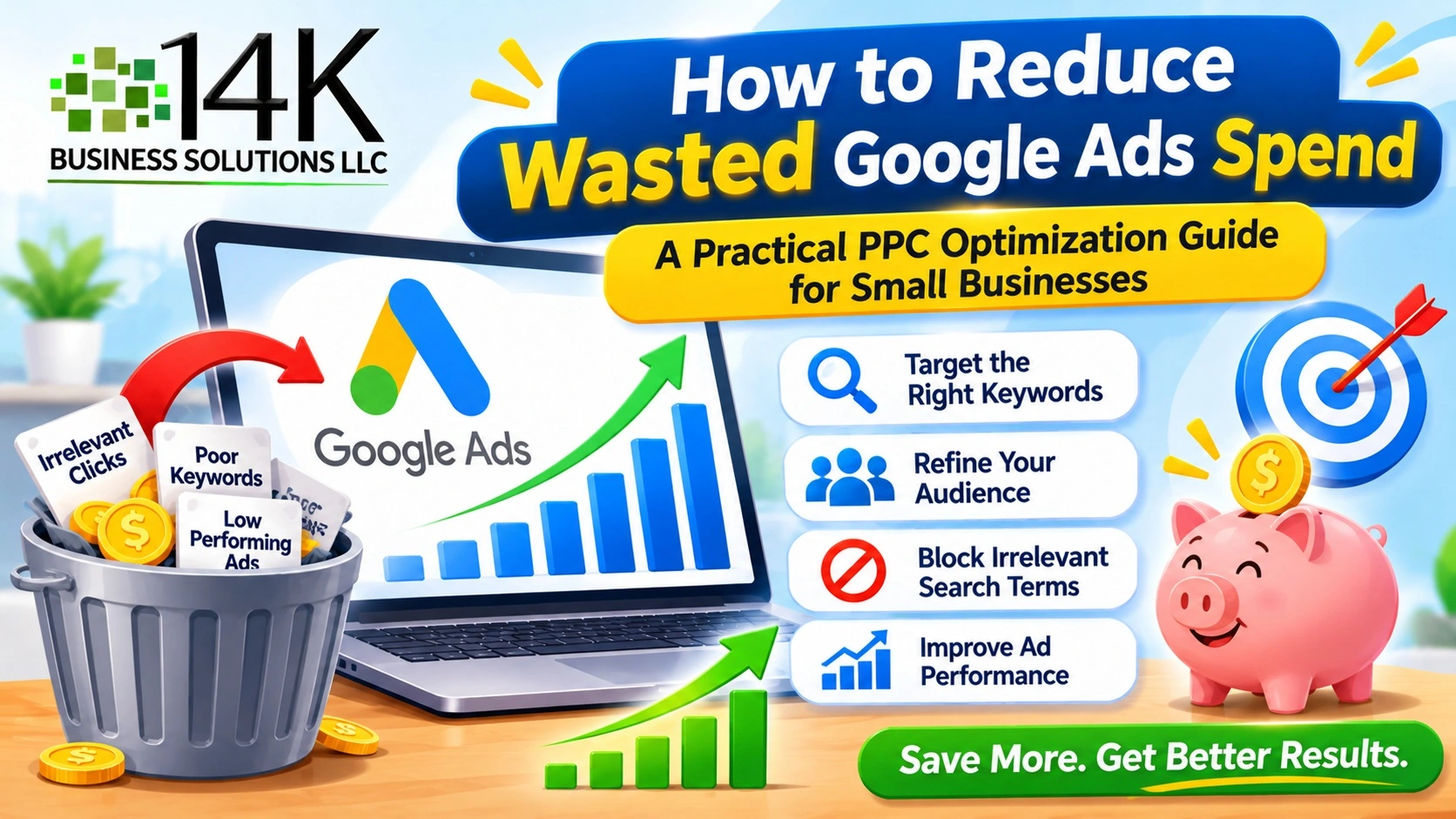
How to Reduce Google Ads Spending PPC Optimization Guide

How to Reduce Google Ads Spending: A Practical PPC Optimization Guide for Small Businesses

A lot of small business owners say the same thing: they put money into Google Ads, get plenty of clicks, and then wonder where the budget went. It’s frustrating. You’re paying for traffic, but not all of it is worth having. If you want to learn how to reduce Google Ads spending, the good news is that you don’t have to shut your ads down. You just need to stop paying for clicks that were never going to turn into customers. Look at What You’re Actually Paying For Start with your search terms report. It shows many of the actual searches that triggered your ads, although Google doesn’t display every search term. You might find searches that have nothing to do with your business, or people looking for something you don’t offer at all. Every one of those clicks costs you money. Then look at your keywords. Some will bring in calls and orders. Others will collect clicks month after month and never produce a single lead. Once you can tell the two groups apart, you know exactly where to cut. Add Negative Keywords Negative keywords help prevent your ads from appearing for searches you don’t want to target. A business that sells paid services might block words like free, jobs, or tutorial, since those searchers rarely become customers. Make it a habit to check your search terms every week or two. Whenever you spot a phrase that doesn’t fit, add it to your negative list. It takes a few minutes, but it can make a real difference. Reviewing negative keywords regularly is one practical way to reduce wasted Google Ads spending without unnecessarily limiting relevant traffic. Be Careful With Match Types Match types decide how closely a search has to match your keyword. Broad match can reach a wider range of relevant searches, including searches that don’t contain your exact keyword. That wider reach can also bring in searches that aren’t a good fit for your business. Phrase match and exact match offer more control over which searches can trigger your ads, although they don’t automatically guarantee better leads. When your budget is small, that trade is often worth making. You can always loosen things up later once you know what works. Improve Your Ads and Landing Pages Google’s Quality Score is a diagnostic measure based on expected click-through rate, ad relevance, and landing page experience. Improving these areas can support better ad performance, but a higher Quality Score doesn’t guarantee a lower cost per click. The idea is simple. Write ads that answer what the person searched for, and send them to a page that carries on the same message. If the page is slow, cluttered, or has nothing to do with the ad, people leave right away. You’ve paid for the click and got nothing back. Check that your page loads quickly, looks fine on a phone, and makes it easy to call, book, or buy. Fix Your Targeting Targeting settings hide more waste than most people expect. If you only serve a few areas, review your location targeting settings. Consider targeting people in or regularly in your service area rather than also reaching people who have shown interest in it. There’s no benefit in paying for clicks from people you can’t help. Timing matters too. If your office is closed at night, review whether those hours generate valuable leads or sales. You may want to adjust your ad schedule based on actual conversion performance rather than business hours alone. Your reports will show which days and times work best. Device settings are worth a look as well. If people on mobile click a lot but rarely contact you, review mobile performance and make adjustments supported by your bidding strategy. Use Budgets and Bids Wisely Splitting a small budget across lots of campaigns usually means none of them get enough to work properly. It’s smarter to put more money behind the campaigns that perform and pause the ones that don’t. Bidding deserves attention too. Automated strategies such as Maximize Conversions use Google’s signals to optimize bids for conversions. Their effectiveness depends on your conversion tracking, campaign settings, and available data. Manual bidding offers more direct control in eligible campaigns, but it isn’t necessarily the best choice for every new account. Whichever you choose, keep an eye on it. Track What Matters It’s hard to cut waste when you can’t tell what’s working. Set up conversion tracking for the things that matter to your business, like phone calls, form submissions, and purchases. With that in place, you can compare the cost of each lead or sale across campaigns. Sometimes a keyword with an expensive click brings in the best customers, so it deserves to stay. Judge your keywords by the leads, sales, or other valuable actions they generate, not only by what each click costs. Final Thoughts Wasted ad spend is rarely caused by one big mistake. It usually builds up from small things that go unnoticed. When you block the wrong searches, tighten your settings, improve your pages, and track real results, you get a clear picture of how to reduce Google Ads spending and still bring in quality leads. If you’d rather have someone else handle the work, 14K Business Solutions is here to help you get more out of every ad dollar.
Read More »
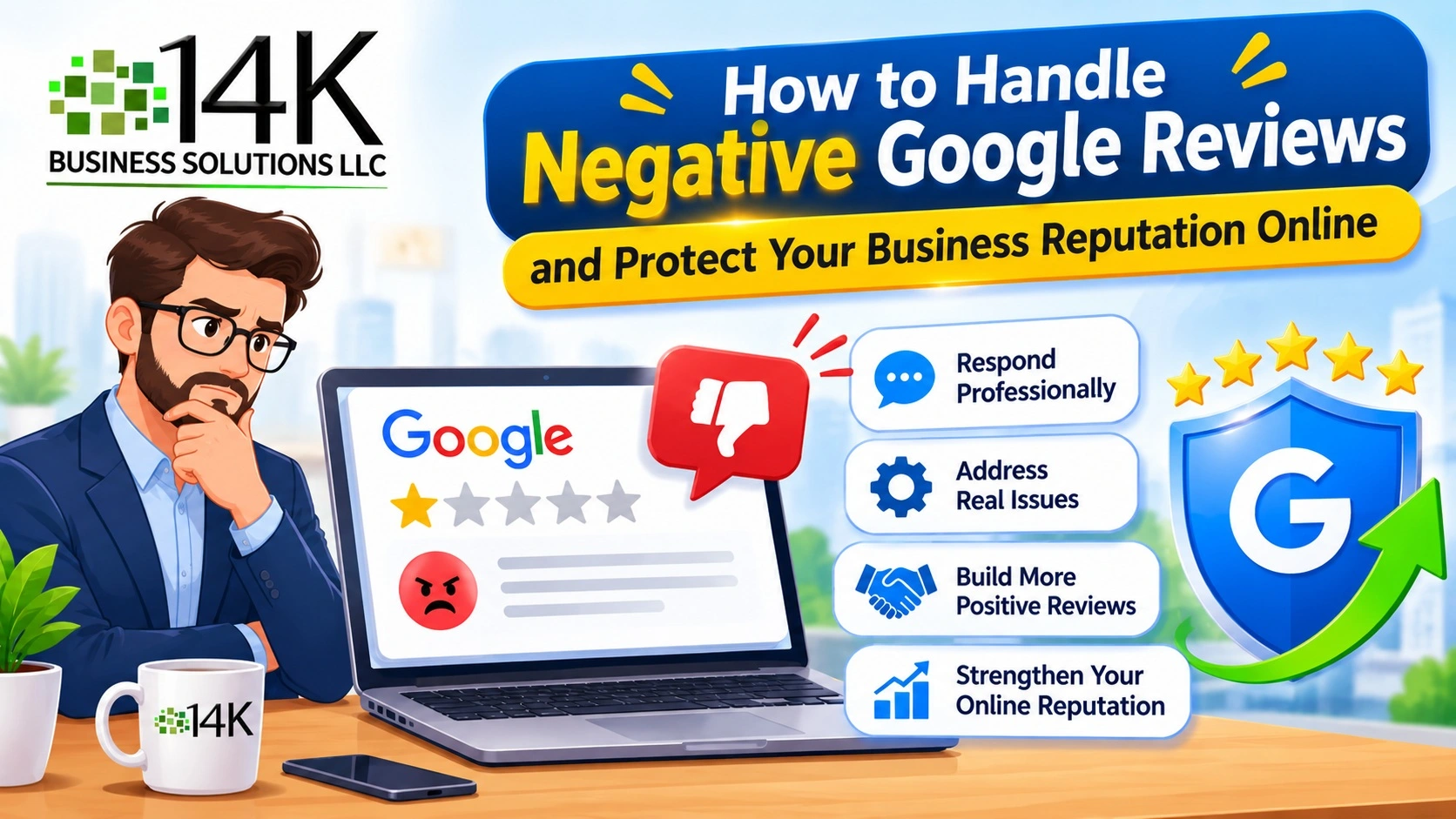
How to Handle Negative Google Reviews and Protect Your Reputation

How to Handle Negative Google Reviews and Protect Your Business Reputation Online

Getting a bad review on Google is never fun. You spend months, sometimes years, building a business, and then one unhappy customer leaves a few angry lines for the whole world to see. Most owners feel upset for the rest of the day. But a single review doesn’t have to cause lasting harm. Once you understand how to handle negative Google reviews, you can respond in a way that makes your business look better. Why These Reviews Matter People check Google before they do almost anything else. They want a plumber, a dentist, or a restaurant, and they usually look at the star rating first. If something looks off, they move on to the next name on the list. Google reviews also play a role in local search visibility. Google says more reviews and positive ratings can help a business’s local ranking, although responding to reviews isn’t a guaranteed ranking boost. Don’t Reply Right Away When you first read a harsh review, your face probably gets warm. You want to explain yourself immediately. Try not to. Replies written in anger usually sound defensive, and they stay online for good. Go for a walk, finish some other work, and come back later. When you read the review again, look for the real complaint underneath the anger. Sometimes the customer has a fair point you missed. Other times, they simply misunderstood something. Either way, you’ll write a better answer with a clear head. Write a Short and Kind Reply Aim to answer within a day or two. Start by thanking the person for sharing their experience, and say you’re sorry they had a bad time. You don’t have to agree with every detail to do that. Then mention the main issue they raised so they know you actually read it, and say what you can do to make it right. If the problem is complicated, give them a phone number or email address so you can sort it out privately. Keep the whole reply brief. You’re writing to the upset customer, but plenty of future customers will read it too. They’ll see how you treat people when things go wrong, and that often matters more to them than the review itself. Things to Avoid Never argue with a reviewer in public, even if they’re wrong. It makes you look bad no matter who is right. Don’t share private details about their order or account. Don’t offer a discount or gift in return for changing the review, because Google’s rules don’t allow it. And don’t ignore the review completely. A complaint with no reply can look like you don’t care. Reporting Fake or Unfair Reviews Some reviews just aren’t real. Some may come from fake accounts, competitors attempting to manipulate ratings, or people describing experiences that never happened. Others include spam, threats, or offensive language. If a review clearly breaks Google’s content policy, you can report it from your Google Business Profile. However, Google won’t remove a review simply because it’s negative or you disagree with the customer’s opinion. Reviews generally need to violate Google’s policies to qualify for removal. Be patient, though. Google can take days or weeks to look at it, and sometimes the review stays up. While you wait, you can respond professionally and invite the reviewer to contact your business directly. Readers will notice that you stayed calm. Learn From the Feedback Not every bad review is the customer’s mistake. If three or four people mention slow service, confusing prices, or poor communication, something probably needs fixing. Share the comments with your team and decide what to change. Customers who see that you listened are often willing to try you again. Knowing how to handle negative Google reviews isn’t only about writing replies. It’s also about fixing the problem behind them. Collect More Good Reviews The easiest way to make one bad review matter less is to have plenty of good ones. After completing a job or sale, invite customers to share their honest experience on Google, regardless of whether their feedback is positive or negative. A short thank-you message with a direct link to your profile makes it simple for them. Ask regularly instead of all at once, so your profile grows in a natural way. As the good reviews pile up, a single bad one barely changes your average. Keep Watching Your Reputation Checking your profile once in a while isn’t enough. Check your Google Business Profile notification settings and enable review alerts where available. Review your feedback regularly so you don’t miss customer concerns. Look at Facebook, Yelp, and other sites where customers talk about you. Spending ten minutes a week on this makes it much easier to protect your business reputation online, because you can step in before a small complaint turns into a bigger one. Final Thoughts Every business gets criticism sooner or later. It’s part of working with the public. What matters is how you react. If you stay calm, reply with respect, learn from what people say, and keep earning good reviews, your reputation will stay strong. It takes patience, but it gets easier with practice. If all of this feels like too much to handle, 14K Business Solutions is here to help. We can handle review management and reputation building so you can focus on running your business.

Read More »
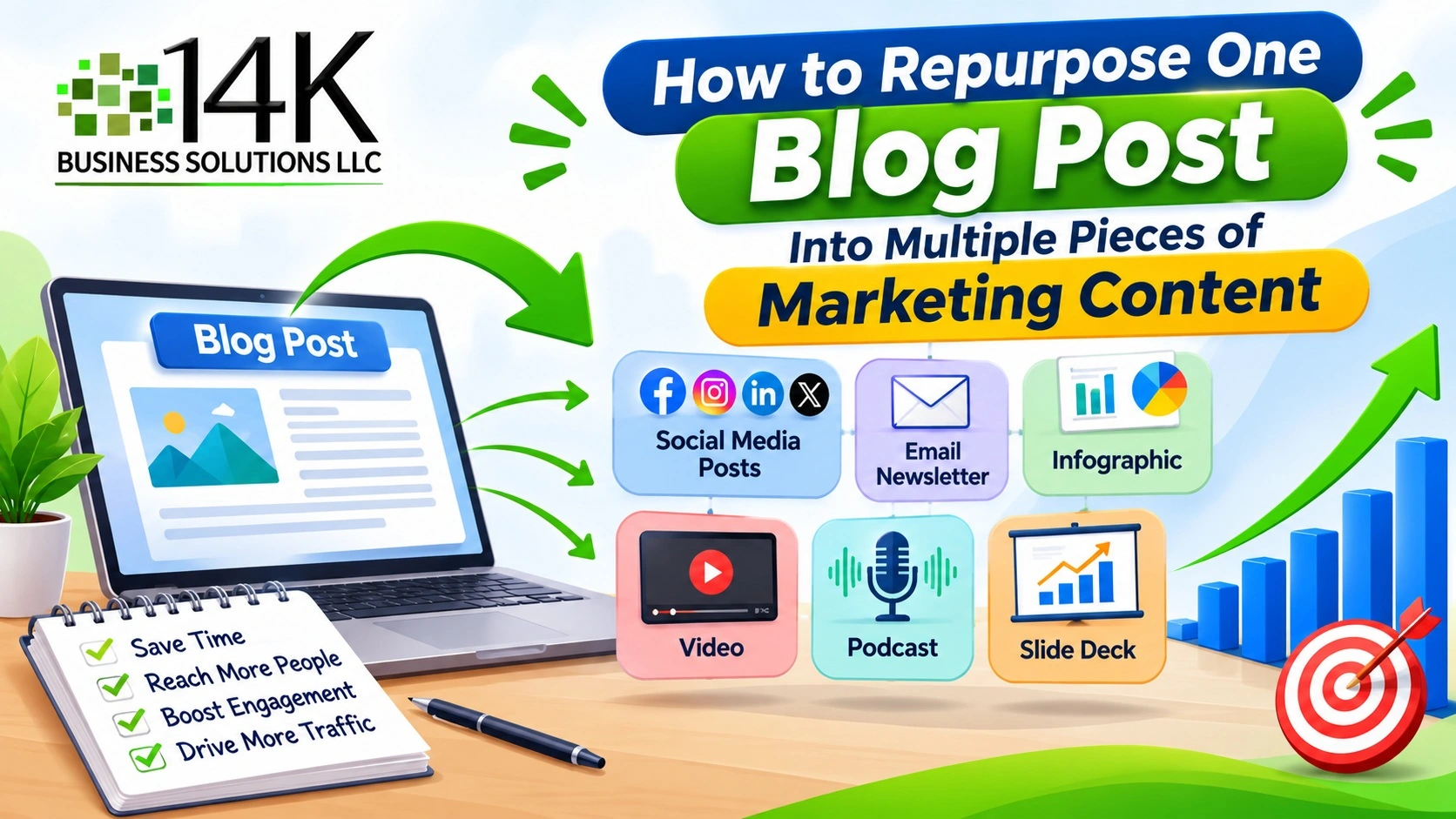
content repurposing strategy

Content Repurposing Strategy for Blog Posts Into Multiple Pieces of Marketing Content

You spent hours on a blog post. You picked the topic, wrote the draft, fixed the mistakes, and hit publish. A week later, it’s sitting on your website with barely any traffic. That happens to a lot of good posts. One post can do much more for your business than you think. With a simple content repurposing strategy, you can turn it into many pieces of marketing content and reach more people without starting from scratch. Why Reusing Your Content Works People like to take in information in different ways. Some read articles. Some scroll social media. Others watch videos or listen to audio while they drive. If you only publish a blog post, you miss everyone who prefers something else. Sharing the same idea in a few formats helps you reach each group. It also saves time, since the hard part of coming up with the idea is already done. Your message stays the same everywhere, which helps people remember your brand. Pick the Right Post to Start With Not every post is worth reusing. Look at your website stats and find articles that get steady visits, shares, or comments. These posts have already shown that people care about the topic. Posts that stay useful for a long time are the best choice. Guides, tips, and beginner advice work well. A post about a news event or a passing trend will get old fast. A good content repurposing strategy always begins with a strong post. Break the Post Into Small Parts Read your post again and treat it like a set of small ideas. Each section, tip, or number can stand alone. If your post has five main points, you already have five topics for new content. Pull useful quotes, facts, and advice into one document. Keep the list somewhere easy to find. Having it ready makes the rest of the work much quicker. Share It on Social Media Social media is the easiest place to begin. Take one tip from your post and write a short caption about it. Post a different tip on another day, then share a fact or a short story. Where the platform allows it, link back to the full article for readers who want more. On Instagram, you can direct people to the link in your bio. Every platform has its own style. LinkedIn works well for professional insights and industry discussions. On Instagram or Facebook, you might turn a key takeaway into a graphic with a short caption. Simple images with a quote or a tip also catch attention while people scroll. Make Videos and Images Many people understand an idea faster when they can see it. If your post explains a process, you can turn the steps into an infographic. Free design tools make this easy, even if you have never designed anything. Short videos are another good choice. You can record yourself talking through the main points in two or three minutes. A phone, good light, and a quiet room are all you need. You can also turn a section of your post into a slideshow with text and soft music. Use Email and Audio Your email list is a great place to share your content again. Instead of sending the whole article, write a short email with the best tip and a link. You can even send one idea a day for a week. Audio is also worth trying. Read the post aloud, or talk about it in a relaxed way and share it as a podcast episode. Some people listen while they walk, drive, or cook. This lets you reach people who may never visit your blog. Create Bigger Resources After you have several posts on the same topic, you can join them into something bigger. A free ebook, a checklist, or a full guide works well. Visitors can download it by sharing their email address, which helps you grow your list. You can also turn a post into a live webinar. Go through the main points, answer questions, and share the recording later. People trust brands more when they can see and hear the person behind them. Keep Everything Fresh Reusing content does not mean copying the same words everywhere. Change the wording so it fits each place. Update old numbers and add new examples. This keeps your content repurposing strategy useful and stops people from feeling like they have seen it before. It also helps to plan a simple schedule. Spread your new pieces over a few weeks instead of posting them all at once. Watch which formats get the most attention, then do more of those. Final Thought One blog post can become social posts, a video, an email series, a podcast, and even a free guide. Start with a strong post, split it into parts, and share it in ways your audience enjoys. A little planning can make your best ideas work much harder for you. If you want help building a content plan that fits your business, 14K Business Solutions is here to support you. Their team can help you get more value from every piece you create.

Read More »
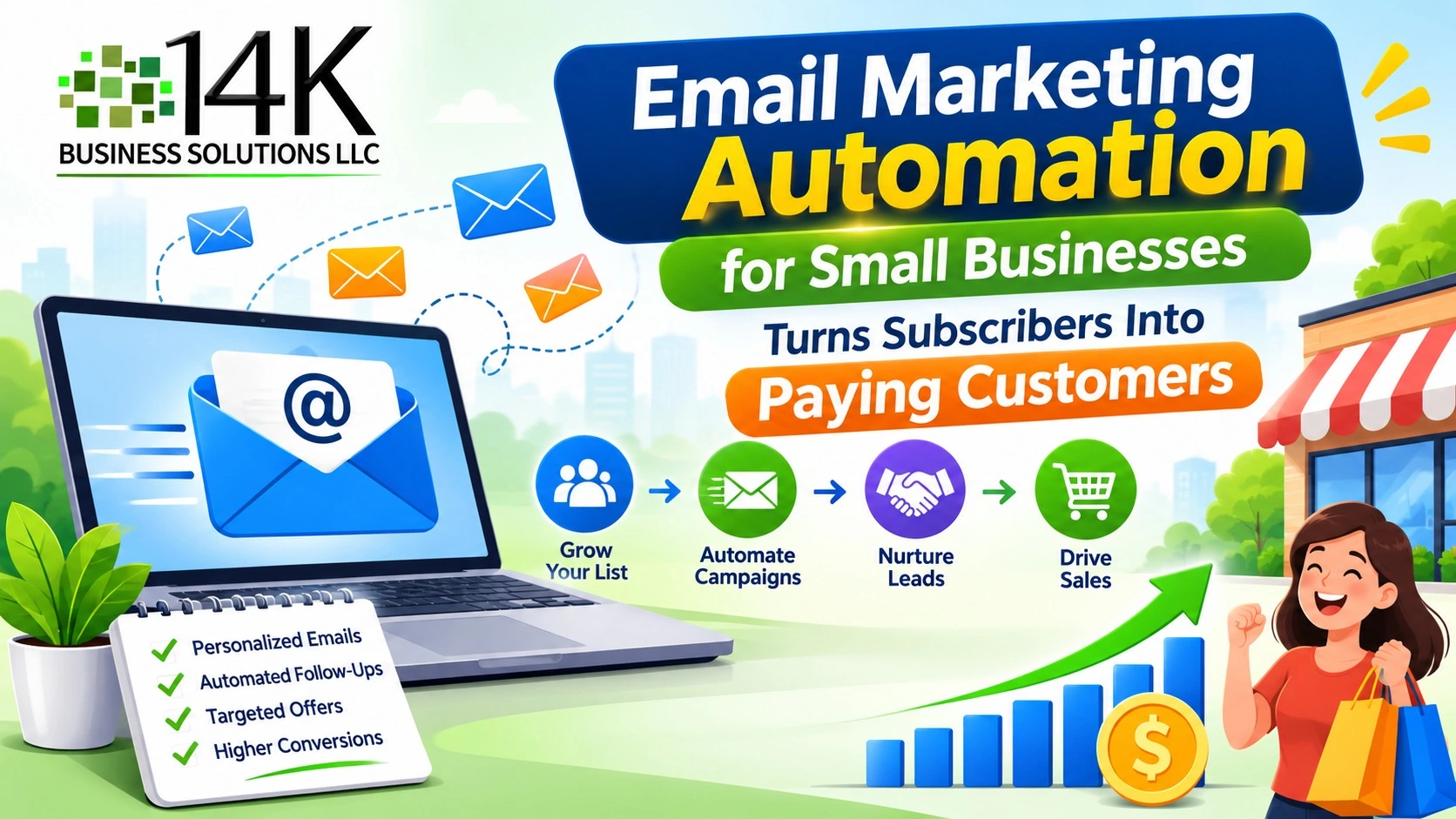
Email Marketing Automation for Small Businesses

How Email Marketing Automation for Small Businesses Turns Subscribers Into Paying Customers

Most small business owners are happy when their email list starts growing. Then reality sets in. People sign up, you send a few emails when you remember, and sales stay slow. It’s not that your subscribers don’t like you. They just need more attention than a busy owner can give by hand. That’s why email marketing automation for small business is worth a look. It handles follow-up emails based on the timing and triggers you set. What Automation Means Email marketing automation is a way to send emails without pressing send every time. You write your messages ahead of time and choose what should trigger each one. For example, a new subscriber gets a welcome email, and a customer who just bought something gets a thank-you note. Once you’ve set up the workflow, the software sends those emails automatically while you focus on running your business. Why Small Teams Need It Small businesses rarely have a marketing department. Usually, it’s one or two people doing everything. Writing individual emails takes hours, and those hours are hard to find. Automation gives some of that time back. It keeps you in touch with your audience. If people only hear from you once in a while, they forget who you are. When your emails show up on a steady schedule, your name becomes familiar. People are more comfortable buying from a business they already know, and that familiarity is built one email at a time. Start With a Welcome Email The first email you send matters a lot. Someone just signed up, so they’re likely paying attention, and welcome emails often get strong engagement. Say thanks, tell them what kind of emails to expect, and share a bit about your business in a few simple sentences. A small discount on a first order can help, but it isn’t required. Many businesses send two or three welcome emails over the first week. That gives new subscribers a chance to get to know you without feeling like you’re rushing them to buy. Send Emails Based on Behavior This is where automation helps. Instead of sending a single email to your entire list, you can target based on the actions each person takes. Say someone clicks on a product they like. You can send them a short follow-up with a bit more detail about it. Or, if a shopper leaves something in their cart, a quick reminder a few hours later can bring them back. These emails can feel more relevant because they connect to something the person has already shown interest in. After a purchase, you can send a thank-you message and ask how everything went. The answers can teach you a lot about your customers. Give Value Before Selling Some subscribers need time. They might be comparing options or learning about what you offer. That’s normal. Automated emails let you stay helpful during that stage by sharing tips, answers to common questions, and short stories from customers you’ve worked with. When you help people before asking for anything, they start to trust you. Later, when they’re ready to buy, you’re the business they already feel good about. This is a big reason email marketing automation for small businesses can turn quiet subscribers into paying customers without any pushy selling. Keep Customers Coming Back The first sale is only the start. Repeat purchases can increase a customer’s value over time. Staying in touch with existing customers may also create opportunities for additional sales. Automated emails can suggest related products, ask for a review, or offer a small thank-you after a few months. Satisfied customers may also recommend your business to friends and family. How to Get Started You don’t need a big budget or technical skills. Most email platforms come with templates and simple editors, so you can build your first emails without a designer. Start with a welcome email. If you sell products online, consider adding an abandoned-cart reminder. Once they’re running well, add more. Send marketing emails to people who have agreed to hear from your business, and make it easy for them to unsubscribe. Follow applicable email marketing laws, including the CAN-SPAM Act, and keep your contact list up to date. Keep your emails short and friendly, and give readers one clear thing to do, like visiting a product page. Write the way you’d talk to a customer in person. Each month, review your clicks, conversions, and unsubscribe rates to see what’s working and what needs improvement. Even small changes can improve results over time. Getting email marketing automation for small business right is mostly about starting simple and staying consistent. Final Thoughts Subscribers don’t turn into customers overnight. They need useful information and good timing, and automation helps you provide both without adding to your workload. Start with a couple of emails, learn from what you see, and build from there. If you’d like help setting this up, 14K Business Solutions is here for you. Our team can help you choose the right tools and create email campaigns that fit your business.

Read More »
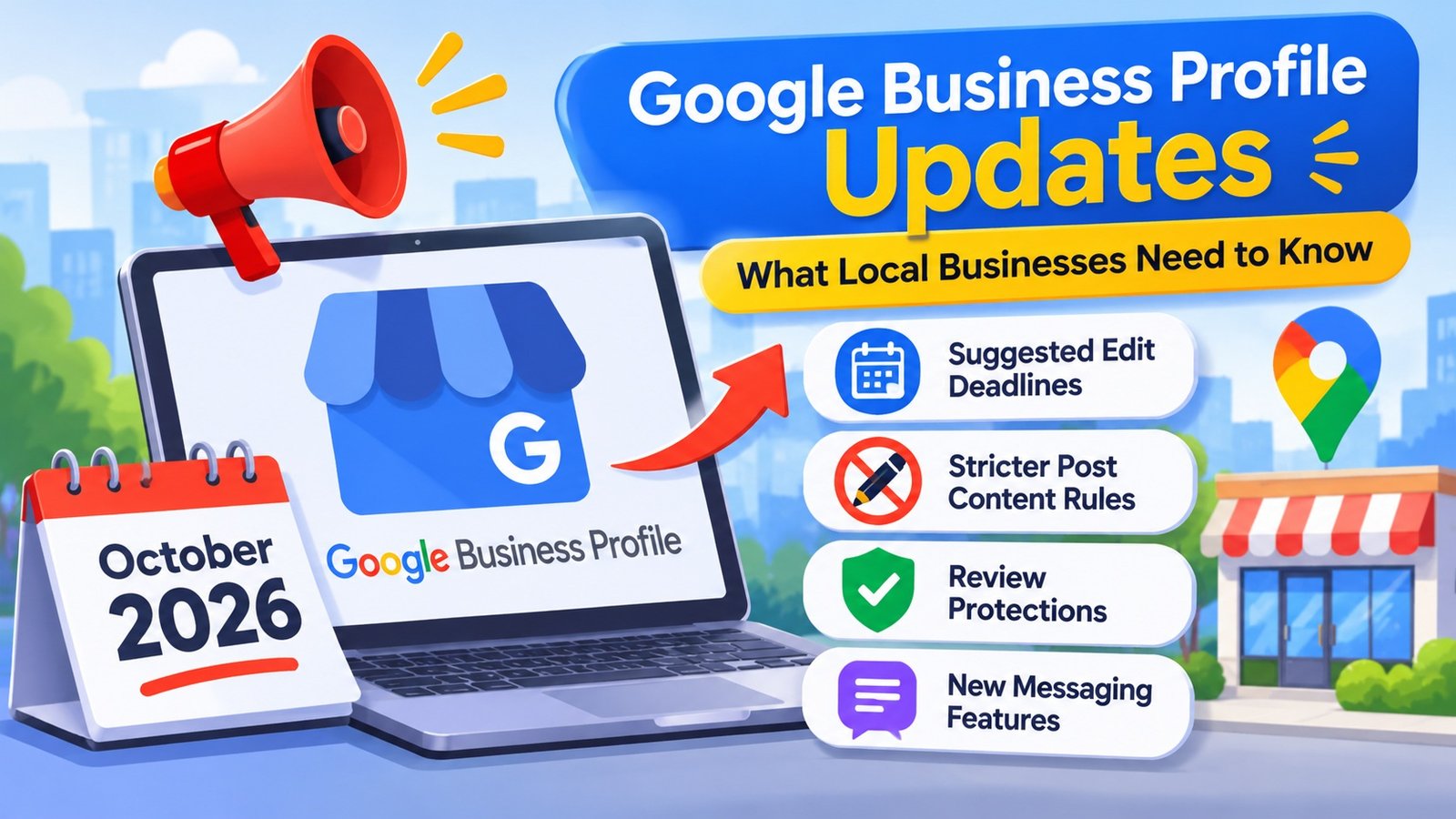
Google Business Profile Updates October 2026 Guide

Google Business Profile Updates: What Local Businesses Need to Know in October 2026

Your business hours are correct, your phone number works, and your website is up to date. But what happens if Google changes something on your Business Profile without you noticing? Google uses information from different sources to keep business listings current. Sometimes, changes appear without direct approval from the business owner. As of October 2026, Google Business Profile also offers features for scheduling posts, managing restaurant menus, and reviewing customer activity through Google Analytics. For local businesses, staying informed about these developments matters. Here’s what you should know about recent Google Business Profile updates and how to keep your listing accurate, useful, and visible to potential customers. What’s New With Google Business Profile in October 2026? Some features are recent additions, while others are existing tools or policies worth reviewing this month. Google Gives Businesses Four Days to Review Certain Suggested Edits Google allows users to suggest changes to business listings, including operating hours and contact information. Under Google’s current guidance, business owners have four days to accept or reject certain suggested edits after receiving a notification. If they don’t respond, Google may publish the change when publicly available information supports it. Some updates may also occur without advance approval. Imagine a restaurant that closes at 10 p.m. If its listing incorrectly shows 8 p.m., customers might choose another restaurant without realizing the hours are wrong. Business owners should regularly check their profiles for suggested changes, particularly after updating hours, services, or location details. Google Business Profile Posts Can Be Scheduled and Repeated Business owners can schedule Google Business Profile posts instead of publishing every update manually. Google also supports recurring schedules for eligible post types, including weekly, monthly, and custom intervals. For example, an auto repair shop could schedule a winter maintenance announcement. A restaurant could prepare promotional posts ahead of an upcoming event. However, scheduled content still needs attention. An expired promotion or outdated announcement can confuse customers. Review recurring posts regularly to ensure the information remains relevant. Google May Reject Posts With Unverified Contact Information Adding a phone number to a promotional post might seem like a convenient way to encourage customers to call. However, Google may reject or remove posts containing contact information it cannot verify as belonging to the business. This includes phone numbers, email addresses, and social media handles. For posts encouraging customers to call, businesses can use the available “Call now” button connected to their verified business number. Review promotional content before publishing to avoid unnecessary rejections. Google Business Profile Can Connect With Google Analytics 4 Google now documents an integration between Google Business Profile and Google Analytics 4 (GA4). This connection allows eligible businesses to review aggregated Business Profile performance information alongside website and app data. Depending on the available metrics, businesses can examine website clicks, calls, direction requests, and other customer interactions. For an HVAC contractor, this information could provide additional insight into how people interact with its listing and website. However, a website click or direction request doesn’t necessarily represent a confirmed lead or sale. Businesses can establish the connection through the Product Links section in Google Analytics, provided they have the required permissions. When multiple profiles are linked, the integration combines their performance data. Businesses needing individual location details should continue using their Business Profile performance reports. Restaurants Have Additional Dietary Menu Attributes In October 2026, Google documented additional dietary attributes for restaurant menus managed through the Business Profile API. The October 9 update introduced support for gluten-free and dairy-free attributes. These allow supported menu-management integrations to identify dishes with specific dietary characteristics. For example, a restaurant offering gluten-free meals could use the relevant attribute where supported. Restaurant owners should verify ingredients and preparation practices before applying dietary labels. The API update should not be confused with a confirmed rollout of the same controls across every restaurant’s standard Business Profile dashboard. How Google Business Profile Updates Affect Local SEO A complete Google Business Profile gives customers useful information, but it doesn’t guarantee a top position in local search results. According to Google, local rankings primarily depend on three factors: relevance, distance, and prominence. Relevance: Does Your Business Match the Search? Relevance measures how closely a business matches someone’s search. For example, someone searching for “brake repair in Philadelphia” wants an automotive business offering that service. Accurate business categories, descriptions, and service information help Google understand what the company provides. Adding unrelated services or unnecessary keywords won’t make a listing more relevant. Distance: How Close Is Your Business? Google considers the distance between a business and the location associated with a search. Someone looking for a dentist in South Philadelphia may see different results than someone searching from Northeast Philadelphia. Business owners can’t control customer locations, but they can maintain accurate addresses and service-area information. Prominence: How Established Is Your Business? Prominence reflects how well-known a business is. Google considers information available across the web, including links, customer reviews, and ratings. Positive customer feedback and an established online presence can support local visibility. However, no number of reviews guarantees a particular ranking. Businesses should focus on earning genuine feedback rather than attempting to manipulate ratings. What Should Local Businesses Update on Their Google Business Profiles? Understanding Google’s features is useful, but maintaining accurate information deserves just as much attention. Keep Your Business Information Accurate Check your business name, address, phone number, website, and operating hours. If your company operates multiple eligible locations, review each listing separately. Holiday hours are particularly important. Customers who arrive at a closed business because of incorrect information may be reluctant to return. Review Your Categories and Services Your primary category should accurately describe your core business. An automotive repair shop, for example, shouldn’t select unrelated categories simply to appear for additional searches. Service descriptions should also explain what the business actually offers. Instead of saying “We handle all vehicle problems,” describe the specific maintenance and repair services available. Add Relevant Business Photos Customers often want to see a business before visiting or contacting it.

Read More »
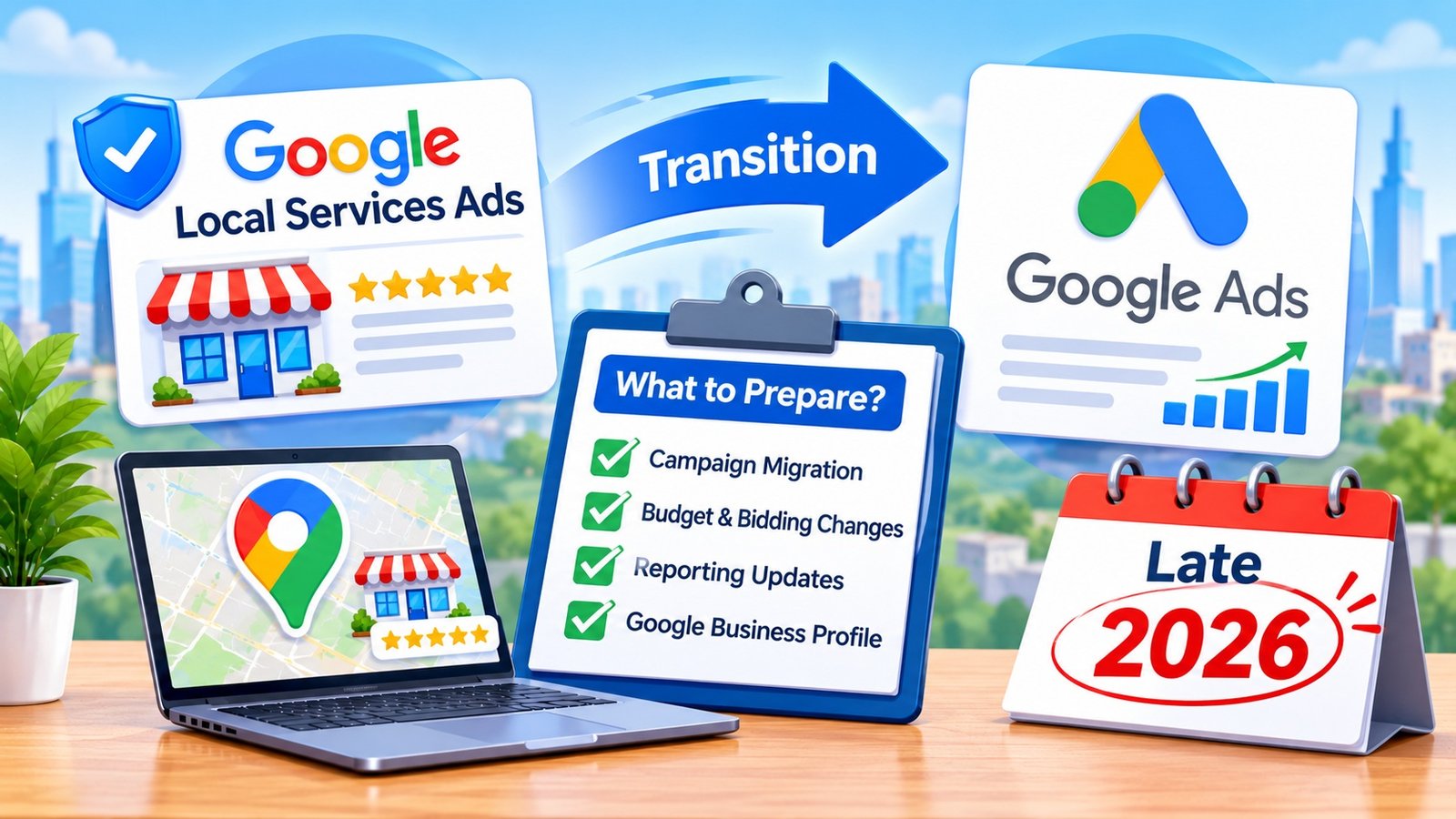
Google LSA to Ads Transition Guide

Google Local Services Ads Transition: What Service Businesses Should Prepare for in Late 2026

If your business relies on Google Local Services Ads to bring in calls and customer inquiries, an important change is underway. Google is moving Local Services Ads campaign management into the main Google Ads platform. For plumbers, electricians, HVAC contractors, and other service providers, this means a different way to manage advertising budgets, customer leads, and campaign performance. Google isn’t discontinuing Local Services Ads. It’s changing where businesses manage them. Businesses will still pay for valid leads rather than clicks, and their ads will continue appearing on Google Search and Maps. However, some important settings and reporting features are changing. Here’s what service businesses need to know about the transition and how to prepare before their accounts move. What’s Changing With Google Local Services Ads in Late 2026? Google is transitioning existing Local Services Ads campaigns into a specialized version of Performance Max with pay-per-lead goals. Unlike standard Performance Max campaigns, which can advertise across several Google platforms, these campaigns will continue appearing only on Google Search and Google Maps. Businesses won’t need to rebuild their existing campaigns simply because of the transition. Google plans to transfer campaign settings automatically, including service categories, targeted locations, advertising schedules, and budgets. The biggest difference is where businesses manage their advertising. Instead of using a separate Local Services Ads dashboard, advertisers will manage campaigns, review leads, and adjust settings through Google Ads. This brings local advertising management into one platform while maintaining the existing lead-based advertising model. When Will Your Local Services Ads Account Move? Google began the transition in August 2026 with selected U.S. home and storefront service businesses. The initial phase included industries such as plumbing, HVAC, electrical services, appliance repair, roofing, pest control, house cleaning, lawn care, and moving. The rollout expands during late 2026 to additional advertisers, including service-area businesses without physical storefronts and accounts with specialized bidding or booking configurations. Google expects non-U.S. accounts and remaining business categories to transition during 2027. Not every business will move at the same time. Google says account administrators will receive an email approximately 14 days before their scheduled migration. A reminder follows seven days later, and businesses receive another notification after the process is completed. What should you do now? Check which email address has administrator access to your account. Make sure someone responsible for your advertising regularly monitors that inbox. What Will Stay the Same After the Transition? Although the management platform is changing, several familiar features of Google Local Service Ads will remain. You’ll Still Pay for Leads, Not Clicks Local Services Ads use a pay-per-lead model. Businesses pay for leads Google considers valid, including qualifying calls, messages, and eligible booking requests, rather than paying for every ad click. That model continues after migration. However, paying for a lead doesn’t mean the customer will book an appointment or purchase a service. Businesses still need an effective process for answering inquiries and following up with potential customers. Your Ads Will Continue Appearing on Search and Maps The transition doesn’t turn Local Services Ads into traditional Performance Max campaigns. Your ads will continue appearing in their existing local placements on Google Search and Google Maps. Businesses also won’t need to start managing keyword lists. Targeting will continue to rely on service categories, service areas, and relevant campaign settings. Existing Verification Status Will Transfer Businesses that have already completed Google’s verification process will retain their verification status during migration. Eligible advertisers with the Google Verified badge will also have that status transferred automatically. Google says routine insurance and license reverification won’t be required solely because of migration. However, additional verification may still be requested when necessary. Four Important Changes Service Businesses Should Prepare For If you track lead costs or work within a fixed advertising budget, pay particular attention to the changes below. 1. Your Historical Performance Reports Won’t Transfer This is one of the most important details to understand. Google says previous Local Services Ads performance reports won’t move into the new Google Ads interface. That includes historical campaign metrics used to evaluate advertising costs and results. Google says existing lead history will transfer to the new interface, while historical campaign performance reports won’t.  Before migration, save your historical performance data. If the report download option isn’t available yet, take screenshots of the metrics you need for future comparisons. For example, an HVAC company may want to keep its monthly advertising spend, total leads, and cost-per-lead figures to compare performance before and after the transition.  2. Weekly Budgets Will Become Daily Budgets Local Services Ads advertisers accustomed to setting weekly budgets will see a different budgeting system. Google will convert the existing average weekly budget into a daily average by dividing it by seven. For example, a business spending $700 per week would receive an average daily budget of $100. Google calculates the monthly spending limit using the daily average multiplied by 30.4. Actual daily spending can vary depending on demand. After migration, review your budget settings to make sure they still reflect what your business can afford. 3. Some Bidding Options Are Being Removed Google is also changing how bidding works. Manual bidding options, including manually setting a maximum cost per lead, are being discontinued during the transition. Separate target cost-per-acquisition settings for different service categories within one campaign are also being replaced by campaign-level bidding configurations. This matters for businesses advertising several services. For example, a contractor offering both plumbing and HVAC services may have different acquisition costs and priorities for each category. Businesses that need separate bidding strategies may need separate campaigns for those services. 4. Lead Management Will Move Into Google Ads After migration, businesses will manage customer inquiries through the Leads page in Google Ads. The new interface will support reviewing lead details, responding to eligible message inquiries, providing lead feedback, and downloading lead information for use in customer management systems. Business owners should familiarize themselves with this workflow before relying on it for daily operations. A missed call or unanswered message can still represent

Read More »
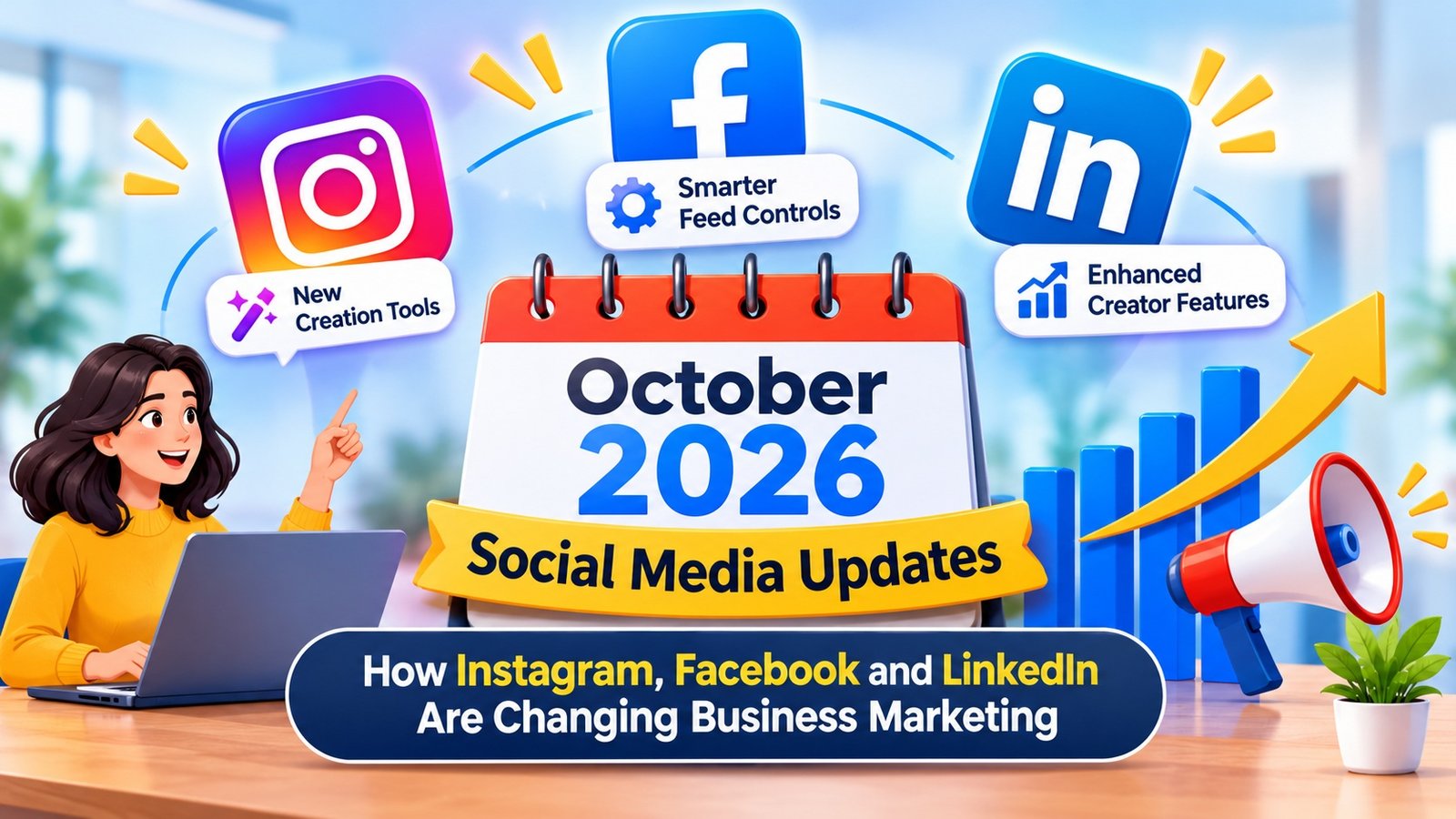
social media updates

October 2026 Social Media Updates: How Instagram, Facebook, and LinkedIn Are Changing Business Marketing

Social media platforms keep changing, but not every update deserves a complete change in your marketing strategy. In October 2026, Instagram introduced new content creation options, Facebook gave users more control over what appears in their feeds, and LinkedIn continued expanding resources for business advertising. For businesses that depend on social media to reach customers, these changes raise some practical questions. Should you adjust your content? Are Reels still worth producing? And how should you measure whether your posts are bringing in potential customers? Here’s a closer look at the latest updates and what they mean for businesses planning their social media marketing. What’s New on Instagram in October 2026? Instagram’s October developments focus heavily on video, content organization, and creative tools. Some features are available now, while others remain in testing. Instagram Is Testing Longer Videos and New Creator Series Instagram is experimenting with a long-form video feature that supports horizontal videos lasting up to 90 minutes. The feature, called Features, is being tested with selected creators in the United States and Brazil. It would allow creators to publish longer videos and connect shorter Reels to the full recording. For businesses, this could eventually create more opportunities to share detailed demonstrations, interviews, educational discussions, and behind-the-scenes content. An HVAC company, for example, could turn a longer equipment demonstration into several short clips covering common maintenance questions. However, this isn’t a feature available to every business account. Companies should continue using their existing video tools rather than planning campaigns around an unfinished rollout. Instagram is also testing new ways to organize creator content into series, giving viewers a clearer path between related videos. Instagram Edits Now Supports Carousel Creation On October 7, Meta announced that its Edits app could create carousel posts, expanding the app beyond video editing. Users can combine photos, videos, text, and design elements within a carousel project. For businesses that regularly publish educational posts, product collections, or before-and-after content, this offers another way to prepare Instagram content. A home remodeling company could create a carousel showing different stages of a renovation. A restaurant might use one to introduce several menu items. The feature initially became available on iOS, with Android support planned later. The important point isn’t which editing app a business uses. It’s whether the finished post communicates something useful to its audience. Instagram Is Testing a Reels-First Experience Instagram has also been testing an interface that opens directly to Reels rather than the traditional feed. This is a test, not a confirmed change for every Instagram user. Still, it shows how much attention Instagram continues giving short-form video. Businesses should consider whether their existing content works well as video. A service provider might explain a common customer problem in 30 seconds, while a retailer could demonstrate how a product works. That doesn’t mean every post needs to become a Reel. Photos and carousels remain useful, particularly when customers need information they can read or revisit. Facebook’s October 2026 Update Gives Users More Control One of Facebook’s most significant October announcements concerns how people influence the content recommended to them. Facebook Introduces “Your Algorithm” On October 13, 2026, Meta announced a feature called Your Algorithm. It allows users to tell Facebook which topics they want to see more or less frequently in Feed and Reels. Instead of relying entirely on previous likes, comments, and viewing activity, Facebook is introducing ways for users to describe their interests directly. People can access these controls through the three-dot menu on posts as the feature becomes available. For businesses, this doesn’t create a new shortcut to higher rankings. Facebook hasn’t said that adding specific keywords will automatically make business posts appear more often. It does, however, reinforce the importance of creating content around subjects that genuinely interest the people you’re trying to reach. A local auto repair shop could publish straightforward advice about brake problems, seasonal maintenance, and warning lights rather than filling its page with repetitive promotions. Customers interested in those topics have a clearer reason to engage with the content. What About Facebook Groups? Facebook also introduced Forum, a separate app designed around Facebook Groups, in late September. Although it wasn’t an October launch, it remains relevant to businesses reviewing their community marketing strategies this month. Local groups often bring together residents discussing neighborhood services, recommendations, and community events. For a small business, participating in relevant conversations may be more useful than repeatedly posting advertisements. A roofing contractor, for instance, might answer general questions about storm damage in a neighborhood group, provided the group’s rules allow business participation. The goal should be to contribute useful information, not turn every conversation into a sales pitch. What’s Changing on LinkedIn for Business Marketing? LinkedIn’s October developments are more focused on helping marketers use existing tools effectively than introducing an entirely new organic content format. That distinction matters for businesses looking for accurate information about platform updates. LinkedIn Expands Its Training for Promoting Business Posts In October 2026, LinkedIn Marketing Academy introduced new educational resources about boosting organic posts. These resources explain how businesses can take a post that’s already performing well and promote it to reach a wider audience. Boosting isn’t a brand-new LinkedIn feature. The October update concerns the training available to advertisers. For B2B companies, the practical lesson is to evaluate organic content before investing advertising dollars. Imagine a consulting firm publishes a post explaining common financial planning mistakes. If the post generates relevant conversations and inquiries, it may be worth testing as a promoted post. A post that receives attention from people outside the company’s target audience may be less valuable, even if it earns plenty of likes. LinkedIn Continues Emphasizing Advertising Measurement LinkedIn also added training on using its Conversions API for retargeting audiences. This helps advertisers understand how tracked customer actions can inform future advertising. The technology itself isn’t new in October. What changed was the availability of additional educational resources. For businesses investing in LinkedIn advertising, the broader takeaway is to look

Read More »
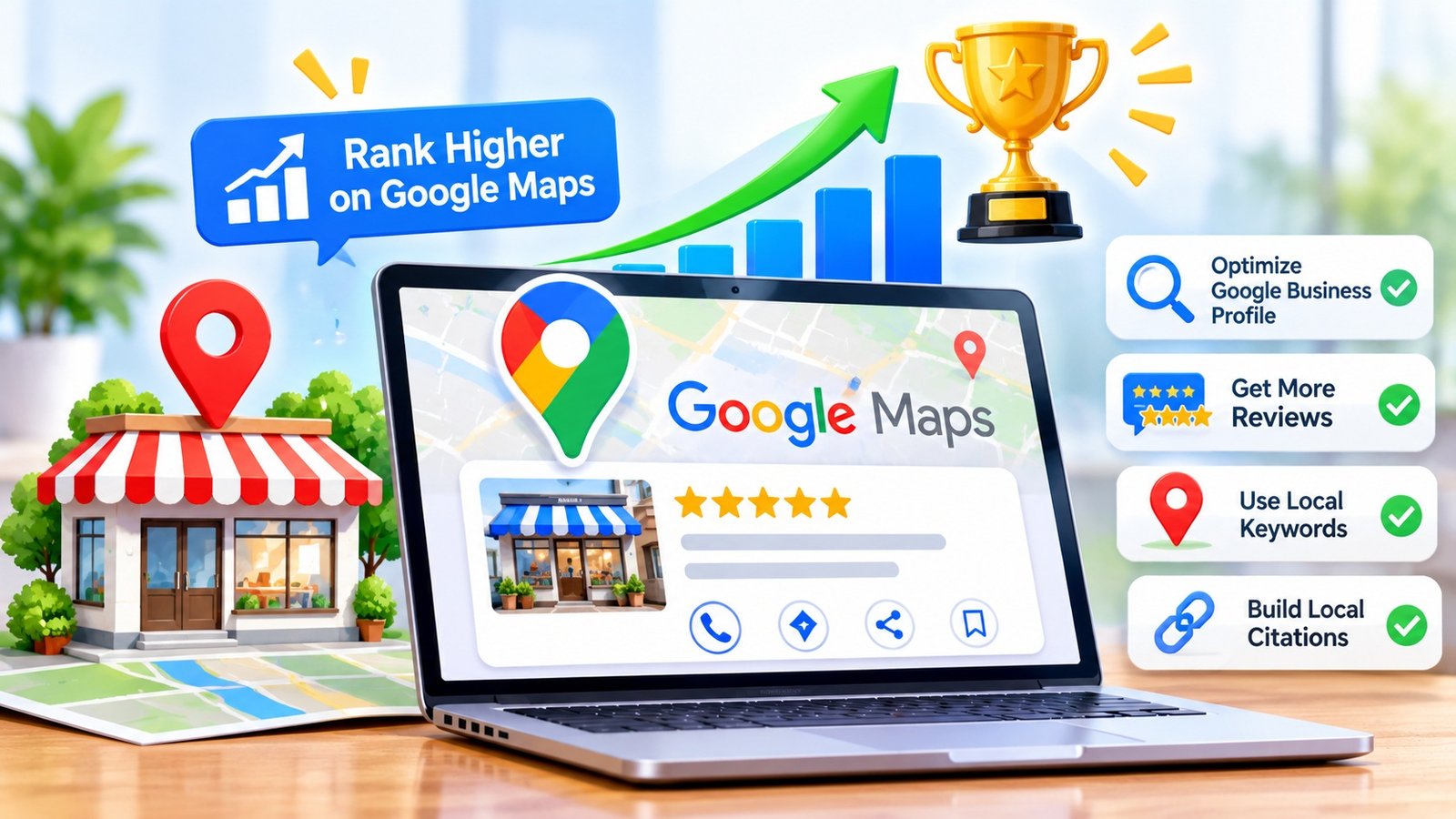
How to Rank Higher on Google Maps Local SEO Guide

How to Rank Higher on Google Maps: A Complete Local SEO Guide

When people use Google Maps to find local services, they’re often looking for a business they can contact, visit, or book with. For small and medium-sized businesses, appearing prominently in local search results can make a real difference in attracting potential customers. Ranking higher on Google Maps requires more than basic website optimization. You need accurate business information, a relevant Google Business Profile, and a strong online presence that helps customers find and trust your business. Here’s what you can do to improve your visibility in Google Maps and local search results. How Google Determines Local Map Rankings Google identifies three main factors that influence local search rankings: relevance, distance, and prominence. Relevance measures how closely your business matches what someone is searching for. Distance considers how far your business is from the location used in the search. Prominence reflects how well-known your business is. Google considers information from across the web, including links, reviews, and ratings. You can’t control where someone searches from, but you can improve how accurately your business is represented online and make it easier for Google to understand your services. Optimize Your Google Business Profile Completely Your Google Business Profile is an important part of your local search visibility. Missing or incorrect information can make it harder for customers to find the details they need. Start by reviewing your business name. It should match the name you consistently use in the real world, such as on your signage and official business materials. Avoid adding extra keywords or city names solely to influence rankings, as this can violate Google’s guidelines. Choose a primary category that best describes your main business. Add relevant secondary categories if they accurately represent other services you provide. Make sure your address, phone number, website, and business hours are correct. If you visit customers at their locations rather than serving them at a storefront, configure your service area appropriately and hide your address when required by Google’s guidelines. Keep your regular and holiday hours updated, and complete relevant profile fields, including your services and business description. A complete, accurate profile helps customers understand what your business offers. However, filling out every available field doesn’t automatically guarantee higher rankings. Build Local Prominence With Genuine Customer Reviews Customer reviews help people decide which businesses to contact. Google also considers review count and positive ratings when evaluating local prominence. One practical approach is to ask customers for feedback after completing a service or purchase. Make the process simple by sharing your Google review link through a follow-up email, text message, or receipt. Let customers describe their experiences in their own words. Avoid telling them which keywords, services, or locations to mention, and don’t request reviews only from customers you expect to leave positive feedback. Respond professionally to reviews, including negative ones. A thoughtful response can show potential customers how your business handles feedback. Never buy reviews, offer incentives in exchange for reviews, or attempt to manipulate ratings. These practices violate Google’s policies and can put your Business Profile at risk. Maintain NAP Consistency Across Local Citations NAP stands for Name, Address, and Phone Number. Keeping these details accurate across your online listings helps customers find and contact your business. Start by checking major platforms such as Yelp, Apple Maps, Bing Places, and relevant business directories. For example, if your business moved to a new address but an older listing still displays the previous location, customers could end up visiting the wrong place. Minor formatting differences, such as “Suite 100” versus “Ste. 100,” generally aren’t the same as having an incorrect address. Focus on correcting outdated phone numbers, addresses, business names, and duplicate listings. You can also review industry-specific directories and your local chamber of commerce website to make sure your business information is current. The goal isn’t to make every listing look identical character for character. It’s to keep the information accurate and consistent enough that customers can recognize and contact the same business. Strengthen Your Website’s Local Search Signals Your website and Google Business Profile should provide consistent information about your business, services, and location. Professional Local SEO Services can help businesses improve their website structure, optimize service pages, and address issues that affect local search visibility. Start with your contact page. Include your business name, address if applicable, phone number, and operating hours. You can also embed a Google Map to help customers locate your business, although embedding a map alone doesn’t guarantee better rankings. Consider adding LocalBusiness structured data to your website. This markup helps search engines understand information such as your business name, address, opening hours, and other relevant details. If you serve multiple towns, create dedicated location pages where they provide genuinely useful information. Each page should explain the services available in that area rather than repeating the same content with a different city name. Optimize your title tags, meta descriptions, and headings using relevant service and location terms naturally. For example, an HVAC contractor serving Wilmington might use a page title such as “Heating and AC Repair in Wilmington, DE.” Your website should also be easy to navigate, mobile-friendly, and helpful to people looking for your services. Build Hyper-Local Backlinks Links from relevant local websites can help strengthen your business’s online presence. A mention from a local newspaper, community organization, or neighborhood business association may introduce your business to people in the area while providing a relevant link to your website. There are several ways to earn these links naturally. You can participate in local community events, join business associations, or collaborate with non-competing businesses on useful projects. If your company supports a community initiative, a local publication may be interested in covering the story. Focus on genuine relationships and relevant opportunities rather than paying for links solely to manipulate search rankings. Local links can support your broader SEO efforts, but no individual backlink guarantees a higher position on Google Maps. Track Your Local Map Performance Google Maps rankings can vary depending on where someone searches from. A

Read More »
Google Local Services Ads Cost Pricing & Budget Guide

Google Local Services Ads Cost: Pricing, Budget & Optimization Guide

When you run a local service business, getting calls from potential customers is key to keeping your schedule full. Traditional pay-per-click advertising can attract people searching for your services, but not every click turns into a customer inquiry. You might pay for a click from someone who doesn’t need your services or isn’t ready to book. If you’re looking to reach people actively searching for local service providers, Google Local Service Ads are worth considering. Unlike standard search ads, which generally charge for clicks, Local Services Ads use a pay-per-lead model. Businesses pay for qualifying customer inquiries, including phone calls, messages, and eligible booking requests. But how much do these leads cost? And how can you manage your budget without paying more than necessary? Understanding how pricing works, which factors affect lead costs, and how to manage your campaigns can help you make better advertising decisions. How Google Local Services Ads Pricing Works Google Local Services Ads use a different billing model from traditional search campaigns. Instead of paying for every ad click, businesses pay for qualifying leads. There isn’t one fixed price per lead. Costs vary by industry, location, competition, bidding settings, and the type of customer inquiry. For example, lead costs for plumbing or HVAC services may differ from those for house cleaning or lawn care. However, no industry is guaranteed to have consistently higher or lower prices. Geographic competition also affects pricing. Businesses advertising in highly competitive areas may face different lead costs from those serving smaller markets. Seasonal demand can influence costs as well. An HVAC contractor may experience increased demand during extreme summer temperatures, while other service categories may see fluctuations at different times of the year. Google uses automated systems to evaluate lead quality. Some invalid or low-quality leads may not be charged initially, while others may receive credits after further review. However, not every unwanted inquiry qualifies for a credit. Google no longer supports credits solely because a lead concerns a job type or geographic area the business doesn’t serve. Credit eligibility also varies by business category and region. Disputing Invalid Leads Effectively Monitoring lead quality is an important part of managing your advertising expenses. Review incoming inquiries regularly and check whether they match the services your business provides. Google uses automated lead-quality assessments and may issue credits for eligible low-quality leads. Advertisers can also submit feedback about leads to help Google understand which inquiries are relevant. If you’re receiving too many unsuitable leads, review your service categories, job types, and targeting settings. Keep in mind that submitting feedback doesn’t guarantee a refund or credit for every lead. Setting Your Monthly Budget and Managing Leads Your advertising budget should reflect how many customer inquiries your business can realistically handle and how much you’re prepared to spend acquiring them. Google began transitioning Local Services Ads campaign management into Google Ads in August 2026. During this rollout, existing campaigns are moving to specialized Performance Max campaigns that retain pay-per-lead billing. For migrated accounts, Google converts the previous average weekly budget into a daily average by dividing it by seven. The monthly spending limit is calculated using that daily average multiplied by 30.4, although actual spending may vary from day to day. Businesses that haven’t migrated should continue using the budget controls available in their current accounts. Review your campaign settings regularly, especially when your technicians are fully booked or your team can’t accommodate additional appointments. Depending on your account’s available controls, you can adjust budgets, schedules, or campaign status. Responding promptly to leads also matters. A homeowner contacting a plumber may be dealing with an active leak and might contact another company if the first business doesn’t respond. Keep your phone lines monitored during advertised business hours, return missed calls promptly, and respond to eligible message inquiries as soon as practical. Google considers advertiser responsiveness among the factors that can influence Local Services Ads rankings. Earning the Google Verified Badge Google Local Services Ads now use the Google Verified badge for eligible advertisers, replacing the previous Google Guaranteed and Google Screened branding. The badge indicates that a business has completed Google’s applicable screening and verification requirements. It doesn’t guarantee the quality of every service or promise reimbursement if something goes wrong. Verification requirements vary by business category and location. Depending on the business, Google may require license verification, insurance checks, background checks, or other screening procedures. Not every advertiser must complete the same checks, and requirements can differ for business owners and service professionals. Existing eligible advertisers who have already completed verification can receive the Google Verified badge automatically. New advertisers must complete the applicable requirements before receiving it. Key Optimization Strategies to Lower Your Cost Per Lead Managing your cost per lead starts with attracting inquiries that match the services your business actually provides. Review your job types and service areas to make sure they accurately reflect your operations. If you’re receiving inquiries for services you don’t offer, update the relevant settings. Similarly, if certain locations are outside your practical service area, review your geographic targeting. However, narrowing your service area too much can reduce the number of potential leads. Google recommends selecting relevant job types and setting service areas broadly enough to reach customers you can serve. Customer reviews also matter. Google considers ratings and review volume when ranking Local Services Ads. Encourage customers to leave genuine feedback and make it easy for them to access your review link. Avoid purchasing reviews or offering incentives in exchange for positive ratings. Keep your business profile accurate and include high-quality photos where available. Images of your team, equipment, or completed work can give potential customers a better understanding of your services. Google also identifies profile quality, responsiveness, and verification status among the factors that can influence ad rankings. These improvements may support stronger campaign performance, but they don’t guarantee a particular ranking or lower cost per lead. Maintaining Profile Freshness Keep your Local Services Ads profile and connected Google Business Profile information accurate. Update

Read More »
How Social Media Marketing Services Helps Your Business Grow

How Social Media Marketing Helps Your Business Grow: A Complete Guide

Having a good product or service doesn’t automatically mean customers will discover your business. People often check social media before deciding where to shop, which company to contact, or which service provider to consider. Traditional advertising and word of mouth still matter, but social media gives businesses another way to reach potential customers and stay connected with existing ones. Investing in professional Social Media Marketing Services can help your company develop a clear content strategy, maintain a consistent presence, and reach people who may be interested in what you offer. Some business owners treat social media as an afterthought. They post occasionally, see little engagement, and assume it doesn’t work for their industry. But posting without understanding your audience or measuring results makes it difficult to know what’s actually working. Platforms such as Instagram, LinkedIn, and Facebook use different systems to determine which content people see. Factors such as relevance, audience interests, and engagement can influence content distribution. A useful social media strategy starts with understanding your customers, choosing suitable platforms, and creating content that gives people a reason to pay attention. Here’s how social media marketing can support business growth and where professional management can make a difference. Building Brand Awareness Where Your Customers Spend Their Time People regularly use social media to discover businesses, explore products, and learn about services. Maintaining a recognizable presence on platforms your customers use can make your business more familiar over time. Brand awareness isn’t simply about follower counts. It also matters whether people recognize your business and remember it when they need your products or services. Choosing the right platforms is just as important as posting content. A B2B consultancy might prioritize LinkedIn to connect with decision-makers, while a retail brand could use Instagram to showcase products through photos and videos. However, the best platform depends on where your specific audience is active. A professional agency can research your target audience, review your competitors, and identify which platforms deserve the most attention. This allows your business to focus its resources on channels that are relevant to its customers rather than trying to maintain an active presence everywhere. Engaging Your Audience Through Storytelling People often want to understand who they’re buying from before making a decision. Social media gives businesses an opportunity to show how they work, answer questions, and share information that doesn’t fit into a traditional advertisement. Why Authentic Storytelling Wins Behind-the-scenes videos can show your team working on actual projects. Short educational posts can answer questions customers frequently ask. Customer stories, shared with permission, can demonstrate how your products or services are used. For example, an HVAC company might share a short video explaining why an air conditioner isn’t cooling properly. A restaurant could show how a popular dish is prepared. This type of content gives people something useful or interesting to engage with. Responding to comments and messages also matters. When customers ask questions, timely and helpful replies show that someone is paying attention. Over time, these interactions can build familiarity and trust, making potential customers more comfortable contacting your business. Driving Qualified Traffic and Inbound Leads Brand awareness and engagement are valuable, but businesses also need to understand whether social media contributes to customer inquiries and sales. Organic content can introduce people to your business and keep existing followers informed. Paid social media advertising can extend your reach to selected audiences based on the targeting options available on each platform. Used together, these approaches can support lead generation, although results depend on your audience, offer, budget, and campaign setup. Turning Attention Into Sales Start by making the next step clear when a post calls for action. A service business might direct people to a booking page, while a retailer could link to a specific product. Some platforms also offer lead forms that allow interested customers to submit their information without leaving the app. Make sure the destination matches what the post promises. If someone clicks an advertisement for a particular service, they should reach a page that explains that service and how to request it. Professional Social Media Marketing Services can help businesses plan campaigns, create relevant content, and monitor which posts or advertisements generate inquiries. However, posting more frequently doesn’t automatically mean you’ll get more leads. Content quality, relevance, and a clear next step matter more than publishing simply to fill a calendar. Saving Time and Maintaining Consistency Time is a major challenge for many small business owners. Between managing employees, serving customers, and handling daily operations, social media often falls to the bottom of the priority list. Creating content takes work. Someone needs to research ideas, write captions, prepare graphics, edit videos, schedule posts, and respond to audience interactions. Without a plan, it’s easy to publish several posts one week and nothing the next. Inconsistent posting doesn’t automatically cause social media platforms to stop showing your content. However, long gaps can make it harder to maintain regular communication with your audience. Working with a social media marketing agency can reduce the amount of time business owners spend managing these tasks. A content calendar also makes it easier to plan around seasonal promotions, business updates, customer questions, and upcoming events. The goal is to maintain a manageable posting schedule with content that remains relevant to your audience. Measuring ROI and Refining Your Strategy Social media performance shouldn’t be judged by likes and follower counts alone. Businesses need to understand what happens after someone sees or interacts with their content. Analytics tools can provide information about reach, engagement, website visits, and other audience actions. When tracking is configured correctly, businesses can also measure leads and conversions associated with their social media campaigns. For paid advertising, metrics such as cost per lead and conversion rate can help evaluate campaign performance. However, not every sale can be attributed directly to a social media post. A customer might discover your business on Instagram, visit your website later, and contact you through another channel. This is why reporting should consider both

Read More »